

The User Spotlight tile within the Punditas AI Dashboard serves as a dedicated platform to highlight the profiles of professionals engaged in the fields of CAD, PLM, IoT, AR, and other related technologies. With a focus on fostering connections and knowledge-sharing, this feature offers users the opportunity to engage with peers from around the globe, gaining insights into their experiences, areas of expertise, and current roles.
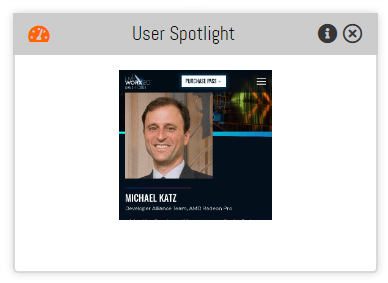
Furthermore, users have the option to showcase their own profiles on this tile, enhancing visibility within the professional community. Governed by the selected “Product” from the Current Environment tile, the information displayed on the User Spotlight tile is meticulously tailored to align with users’ specific interests, ensuring relevance and engagement. Through this interactive feature, users can expand their networks, exchange insights, and collaborate on projects, driving innovation and growth within their respective fields.
What is Punditas AI Advisor?
Punditas AI Advisor provides real-time guidance as you work in the Creo environment. Information on “how to use” a feature in Creo or best practices for working with Creo are presented within context, removing the need to guess or search for such information. Punditas AI driven content helps you leverage Creo to create your designs faster and with confidence.
For more information about Punditas AI Advisor, visit our website at Punditas AI or contact us at contact@punditas.com
 Punditas
Leave a comment