

Using various CAD software like Creo Parametric, Windchill, and SolidWorks can be a real challenge. Searching for solutions often leads to wasted time and frustration. How can you streamline your workflow and enhance your experience across these platforms? Enter the Punditas AI Tips & Tricks module—a central hub for relevant tutorials, help articles, and updates. This module is designed to tackle these challenges head-on.

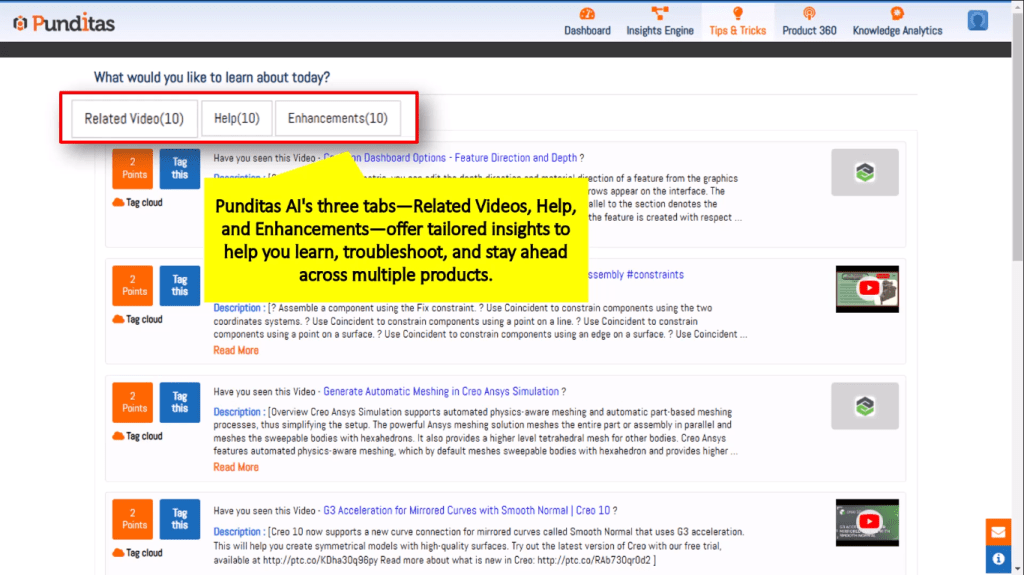
The Punditas AI Tips & Tricks module features three key tabs: Related Videos, Help, and Enhancements. Each tab is tailored to improve your understanding and usage of CAD tools. Let’s explore these components in detail to unlock your full potential.
Related Videos Tab: Accessing Instant CAD Expertise
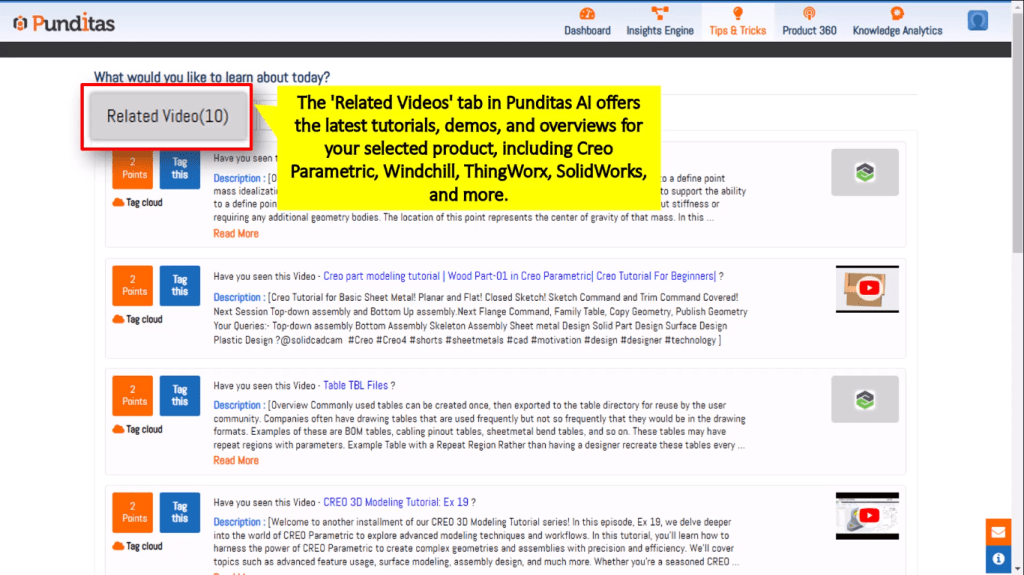
Curated Video Content
The Related Videos tab provides AI-curated content that saves you time. Instead of scrolling through endless search results, the module brings you the most relevant videos for your selected software. Studies show that users who engage with video tutorials are more likely to understand complex features quickly.
Product-Specific Tutorials
You can find tutorials tailored for specific products like Creo Parametric, Windchill, and SolidWorks. Whether you need beginner’s guides or advanced techniques, this tab has you covered. For instance, discover how to create advanced assemblies in SolidWorks or manage data in Windchill.
Staying Up-to-Date
The module is frequently updated with new tutorials and demos. Staying informed about the latest best practices can significantly boost your productivity and efficiency.
Help Tab: Troubleshooting Made Easy

Comprehensive Help Articles
This tab offers a wide range of help articles that cover various issues. From resolving software errors to optimizing workflows, you’ll find the answers you need fast.
FAQ Resources
Frequently Asked Questions are available for quick answers to common problems. These resources help you tackle issues without wasting precious time searching for solutions.
Detailed Documentation
When you need an in-depth understanding, the detailed documentation is invaluable. It provides the guidance you need for complex troubleshooting and advanced features.
Enhancements Tab: Staying Ahead of the Curve

New Feature Spotlights
The Enhancements tab updates you on the latest features and improvements across various software. Knowing about these updates allows you to use the tools more effectively.
Product Improvement Notifications
Stay informed about product improvements and performance enhancements. This proactive approach ensures that you’re always getting the most out of your software.
Maximizing Software Potential
Staying updated on enhancements leads to increased productivity. When you know what’s new, you can adapt quickly and improve your workflow.
Punditas AI’s Integrated Approach: A Unified Resource for Multiple CAD Platforms

Seamless Integration
Access the Tips & Tricks module directly within popular CAD software like PTC Creo Parametric. This makes finding the right resources fast and straightforward.
Cross-Platform Support
The module supports multiple CAD platforms, including Windchill, ThingWorx, and SolidWorks. This versatility means that you can find what you need no matter what software you’re using.
Time-Saving Benefits
With everything in one place, you save time every time you use the module. Imagine having all tutorials, help articles, and updates at your fingertips.
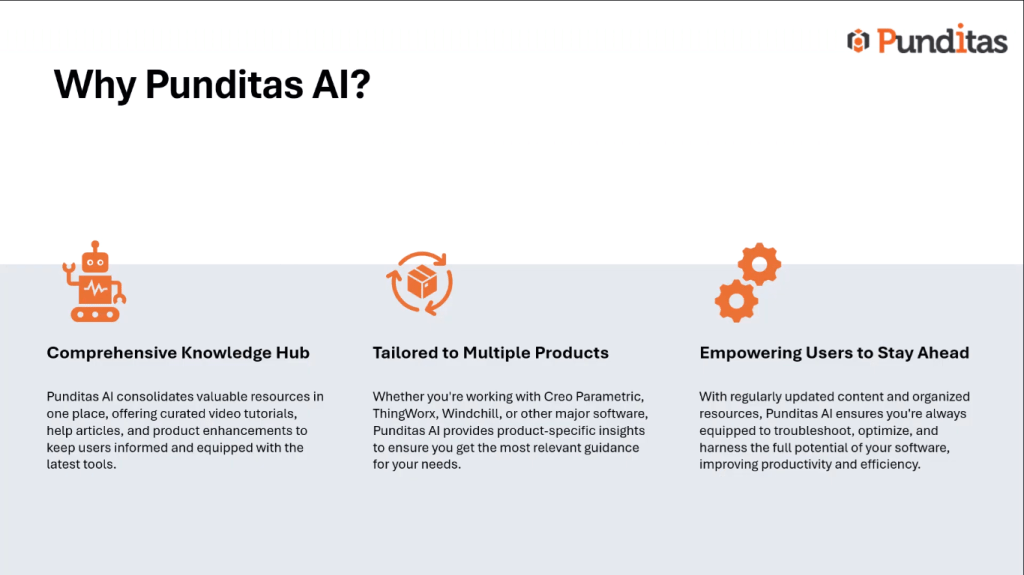
Conclusion: Unlock Your CAD Potential with Punditas AI
The Punditas AI Tips & Tricks module offers significant benefits for users of CAD software. From instant access to tailored tutorials to comprehensive help and timely updates, it enhances productivity effortlessly. Connect with Punditas AI on LinkedIn, Facebook, or Twitter, or email contact@punditas.com to dive into the module today and unlock your full potential in design and engineering.
What is Punditas AI Advisor?
Punditas AI Advisor provides real-time guidance as you work in the Creo environment. Information on “how to use” a feature in Creo or best practices for working with Creo are presented within context, removing the need to guess or search for such information. Punditas AI driven content helps you leverage Creo to create your designs faster and with confidence.
For more information about Punditas AI Advisor, visit our website at Punditas AI or contact us at contact@punditas.com
 Punditas
Leave a comment