

In today’s fast-paced tech world, staying updated isn’t just a preference; it’s essential for success. Companies that lag behind in industry knowledge risk diminished productivity and competitiveness. Effectively managing the flood of information within an enterprise can be a daunting task. Punditas AI’s Knowledge Analytics Module addresses this challenge, streamlining learning and enhancing collaboration.
This article outlines the key features and advantages of Punditas AI’s Knowledge Analytics Module. It shows how this tool helps organizations personalize learning, optimize knowledge usage, and spark innovation.
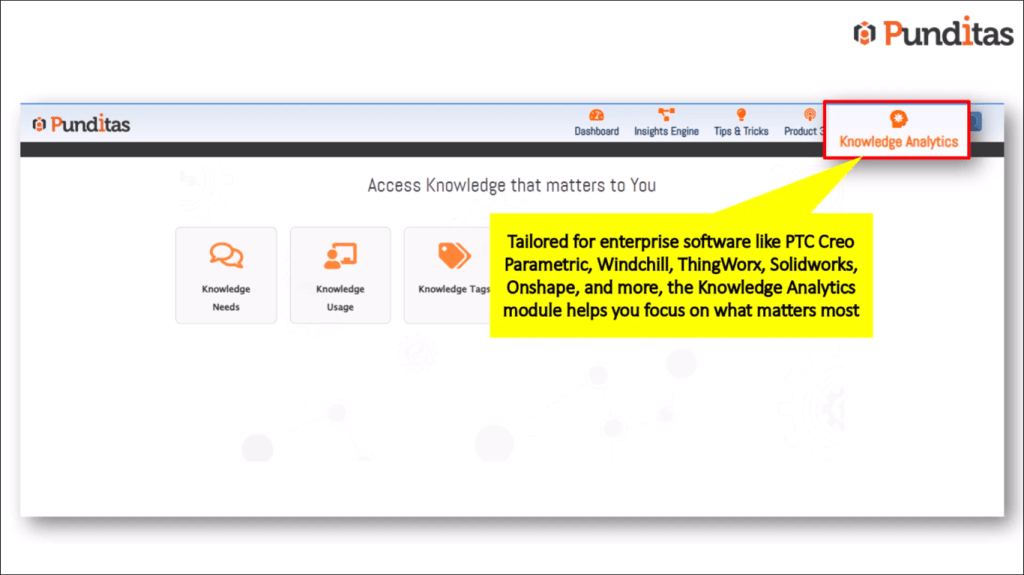
Personalize Your Learning Journey: Knowledge Needs & Usage
Identify & Prioritize Essential Knowledge
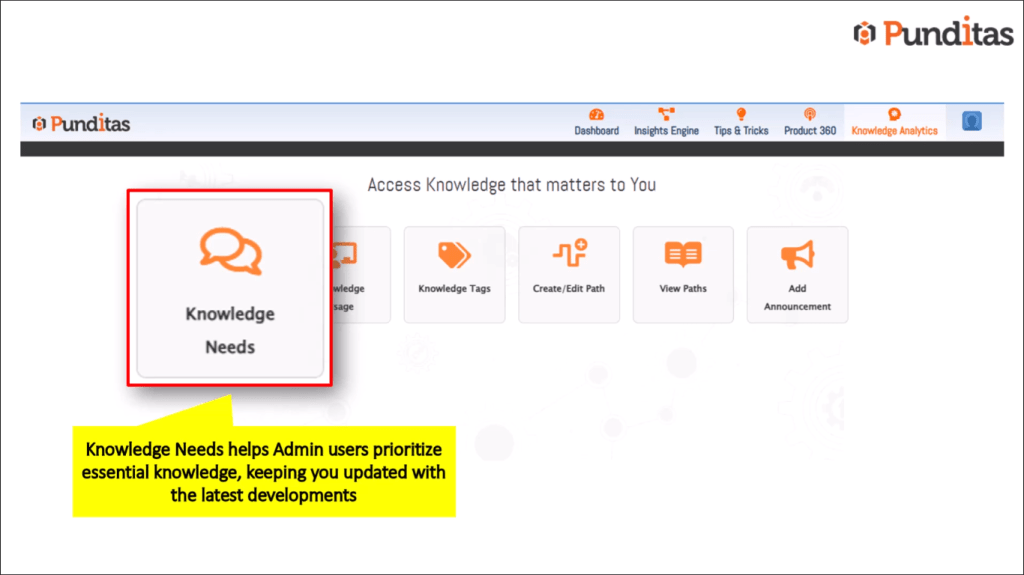
The “Knowledge Needs” feature lets admin users pinpoint and prioritize knowledge crucial to their roles. By filtering relevant information, organizations can keep their teams updated without drowning in unrelated content. Research shows that employees waste up to 30% of their time on irrelevant training materials. This tool helps cut that waste.
Track Knowledge Usage & Identify Improvement Areas
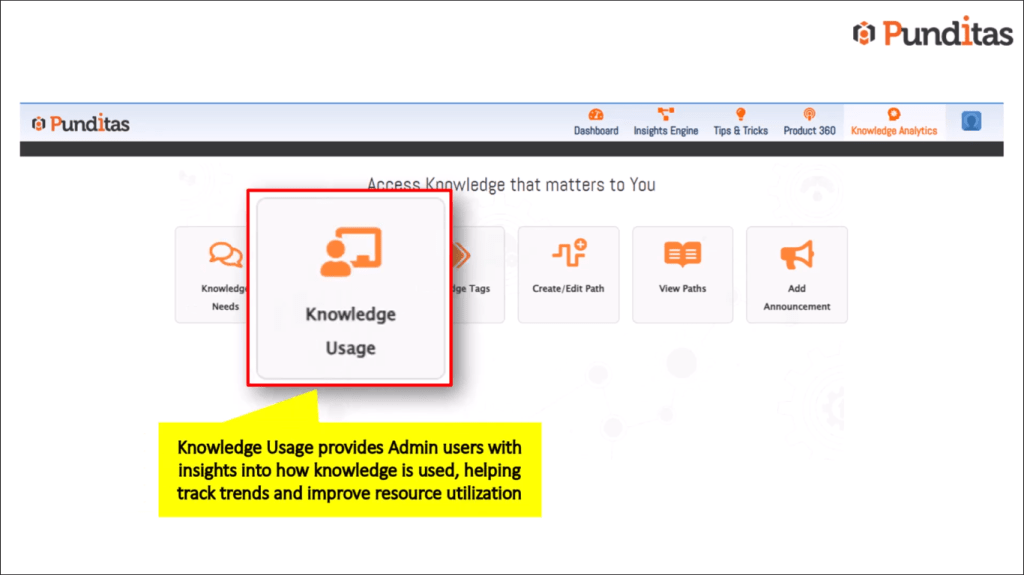
The “Knowledge Usage” feature provides admins valuable insights into how knowledge is utilized across the organization. It tracks trends and highlights areas that need improvement. For instance, a company might discover a gap in training for a specific software tool, prompting focused training sessions that address this need.
Actionable Tip
For admins, create a checklist to maximize the usage of the Knowledge Needs and Knowledge Usage features:
- Regularly review and update knowledge priorities.
- Analyze usage trends monthly.
- Communicate findings with team members.
Organize and Access Information with Ease: Knowledge Tags & Learning Paths
Streamline Content Organization with Tags
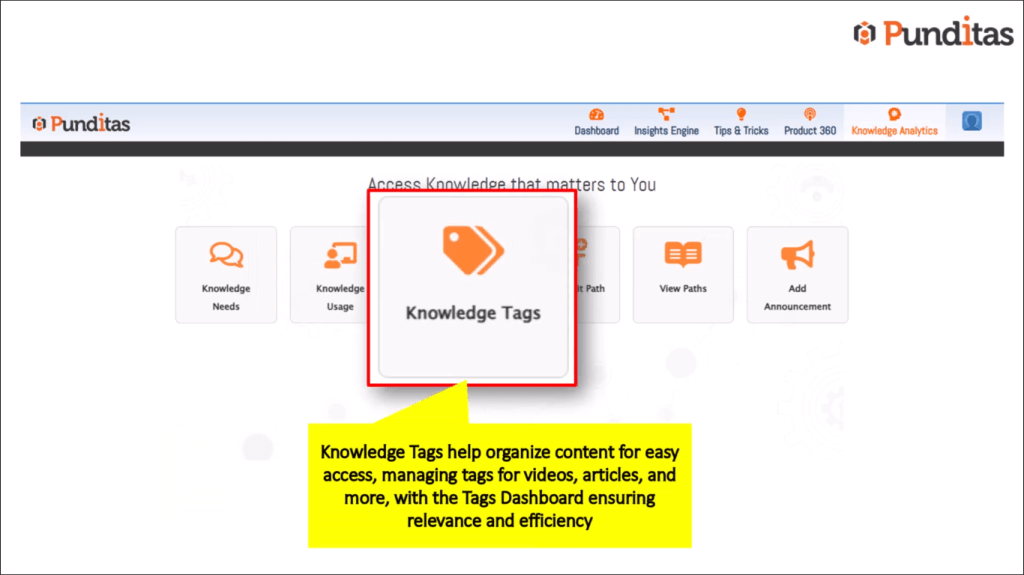
Knowledge tags help organize content for easy access. Users can tag videos, help articles, and other resources to keep everything sorted. For best practices, use clear and consistent naming conventions for tags to enhance searchability.
Create & Manage Customized Learning Paths
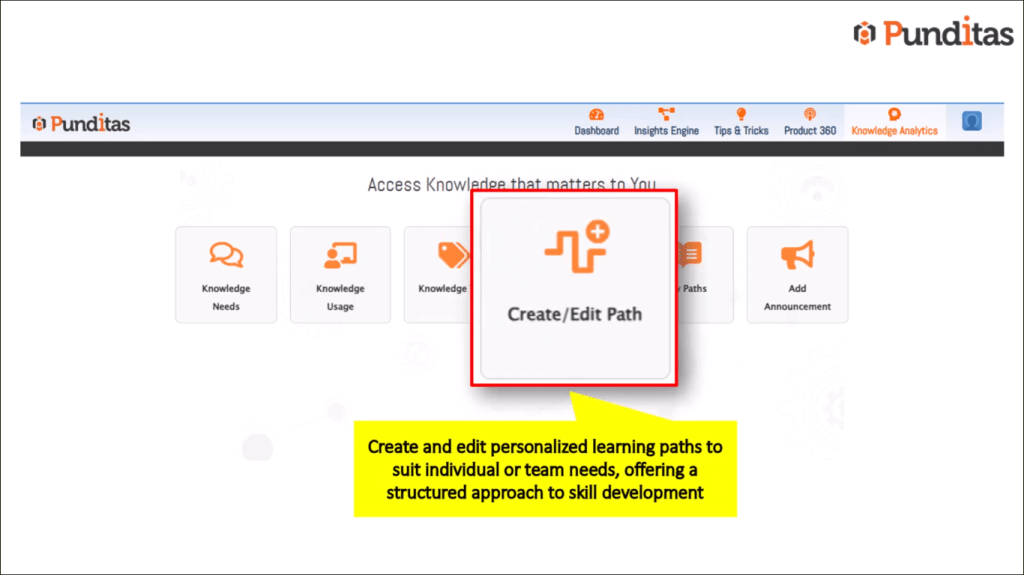
With the “Create or Edit Path” feature, organizations can develop tailored learning paths. This can cater to specific roles, such as a CAD designer needing advanced training in PTC Creo. Customized paths offer structured skill development, guiding teams through essential learning steps.
Access & Share Pre-built Learning Paths
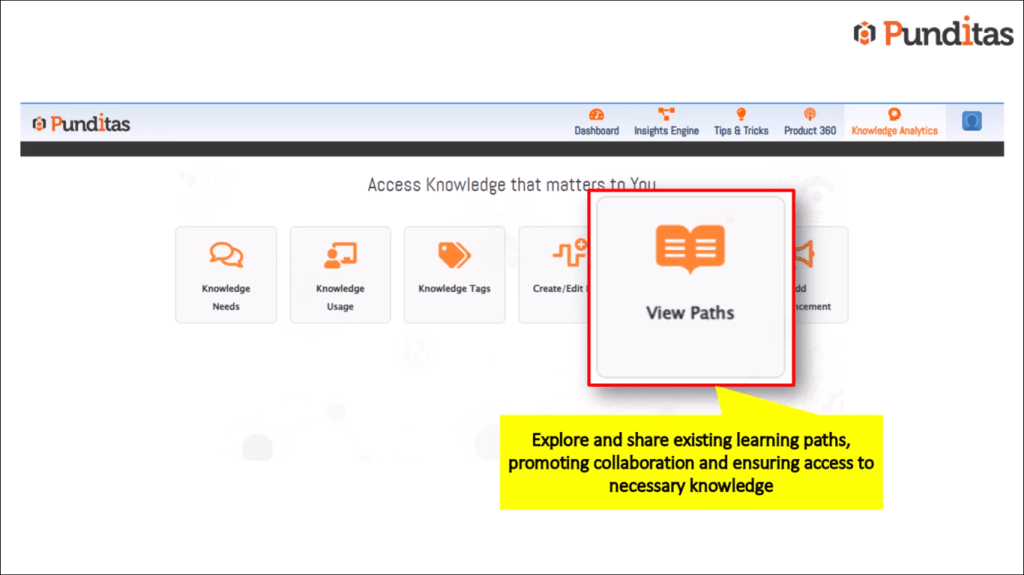
The “View Paths” feature promotes collaboration by allowing users to access and share existing learning paths. It encourages knowledge sharing, ensuring everyone in the organization can benefit from tailored training resources.
Enhance Team Collaboration and Communication: Announcements & Insights
Share Updates and Insights with Team Members
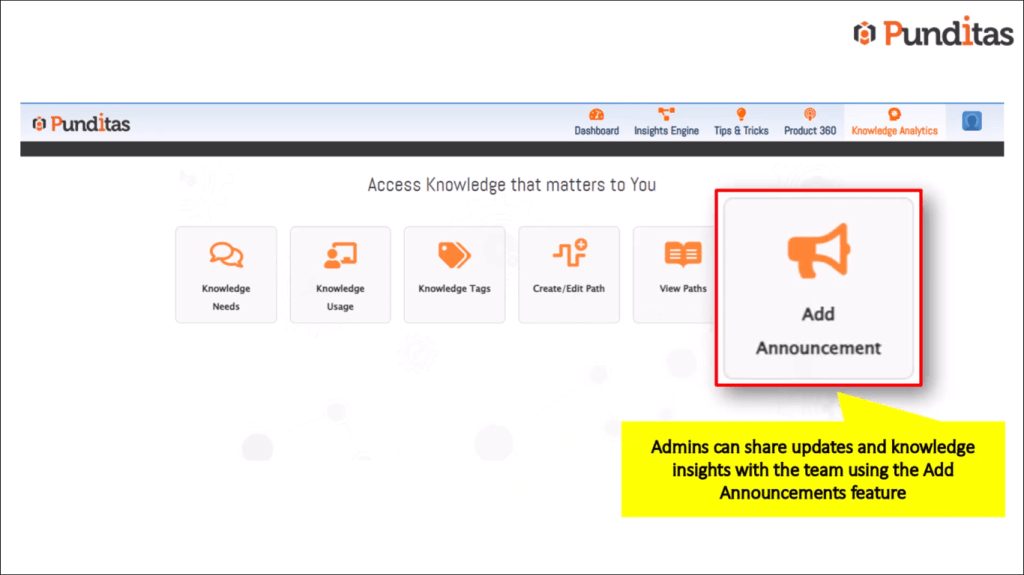
Admins can use announcements to keep team members informed about important updates, knowledge insights, and critical information. This helps ensure that everyone stays aligned and aware of relevant changes.
Foster a Culture of Collaboration
The module actively supports a collaborative learning environment. Research indicates that teams that share knowledge can see a performance boost of up to 30%. Encouraging team members to share what they learn can significantly enhance overall productivity.
Actionable Tip
Use this template for creating effective announcements within the module:
- Subject: [Update on Learning Resources]
- Message: “Dear Team, we have new resources available on [topic]. Please take a moment to review them. Your feedback is encouraged!”
Seamless Integration & Platform Compatibility: PTC Creo, Windchill, & More
Integrate with Leading Enterprise Software
Punditas AI’s module integrates seamlessly with popular enterprise software like PTC Creo Parametric, Windchill, ThingWorx, SolidWorks, and Onshape. This compatibility allows for unified workflows that improve efficiency.
Streamline Workflows
The direct integration boosts productivity by reducing the time spent searching for information. Teams can access learning resources within the tools they already use, making it easier to learn on the job.
Conclusion: Empowering Continuous Learning and Knowledge Sharing
Punditas AI’s Knowledge Analytics Module enhances knowledge accessibility and utilization across organizations. It fosters a culture of collaboration, which drives innovation and boosts team performance.
Start your journey toward a more personalized learning experience today. Visit the Punditas AI website or connect with us on social media to discover how you can transform your organization’s learning landscape.
What is Punditas AI Advisor?
Punditas AI Advisor provides real-time guidance as you work in the Creo environment. Information on “how to use” a feature in Creo or best practices for working with Creo are presented within context, removing the need to guess or search for such information. Punditas AI driven content helps you leverage Creo to create your designs faster and with confidence.
For more information about Punditas AI Advisor, visit our website at Punditas AI or contact us at contact@punditas.com
 Punditas
Leave a comment