
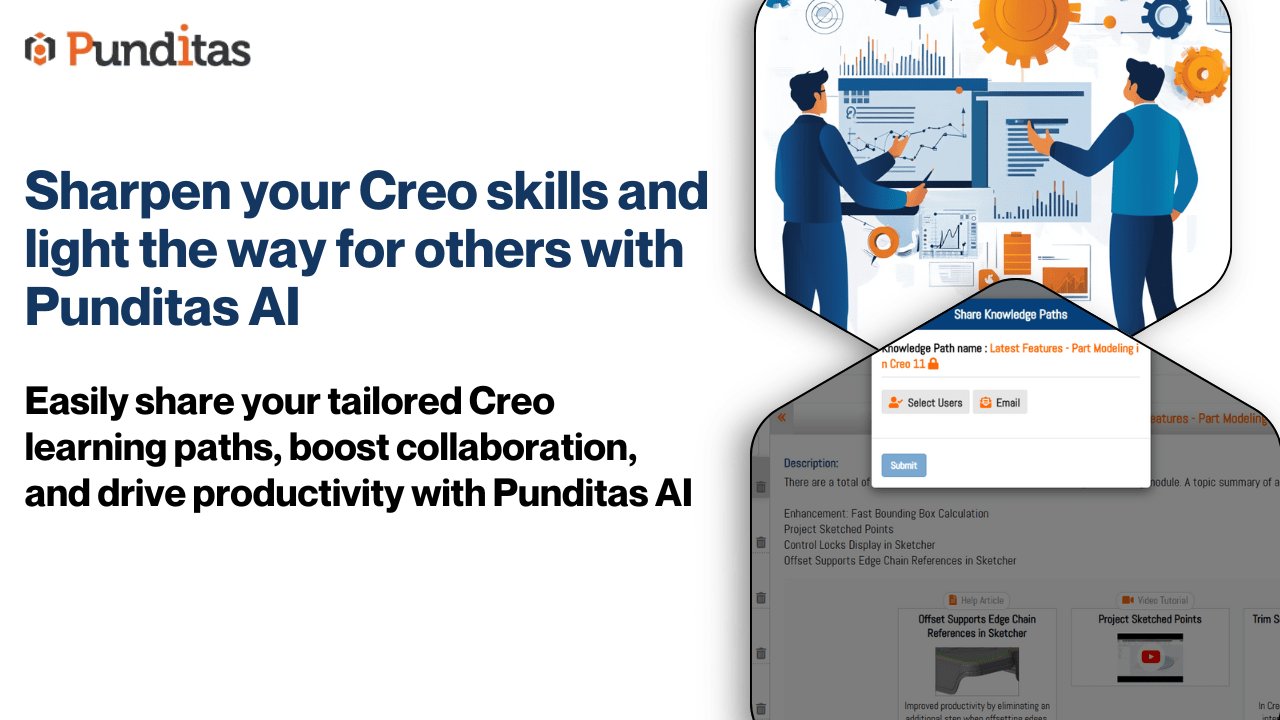
In a world where continuous learning is vital, having a tailored space to manage your professional development can make all the difference. The Personal Tab within the View Paths module by Punditas AI provides just that—an individualized hub designed to empower you to curate, organize, and refine your learning journey based on your unique needs and aspirations.
Whether you’re developing skills in platforms like PTC Creo Parametric, PTC Windchill PDMLink, Onshape, or ThingWorx, the Personal Tab ensures that your educational resources are aligned with your goals, offering privacy, customization, and flexibility.
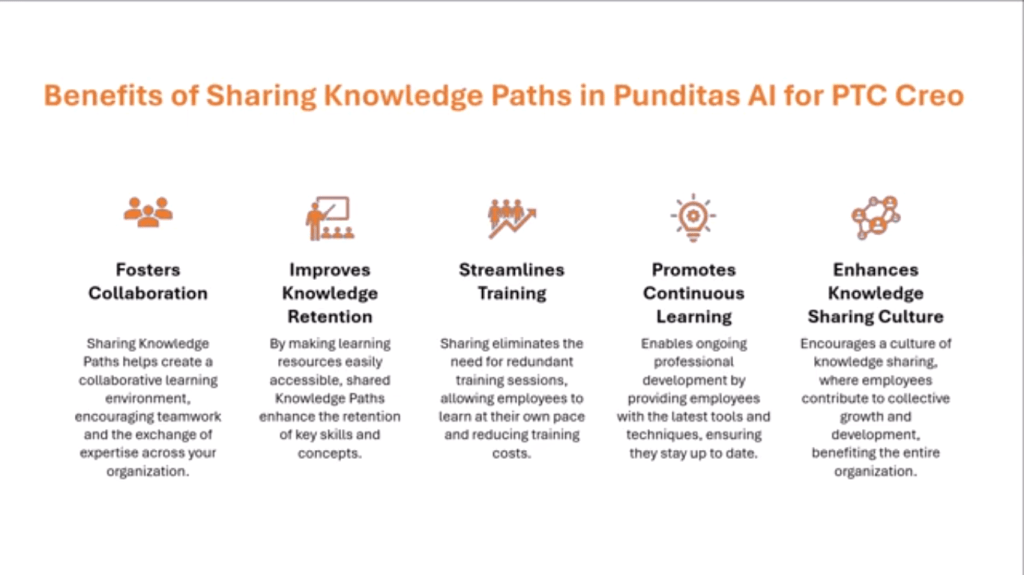
Benefits of sharing Knowledge paths in Punditas AI
- Fully Personalized Learning Experience
The Personal Tab allows you to create Knowledge Paths that cater exclusively to your learning objectives. Whether you’re looking to deepen your understanding of a specific tool or broaden your expertise across various platforms, you have full control over the content you include. - Privacy and Security
Your curated Knowledge Paths are private and visible only to you. This ensures a safe space where you can experiment, explore, and structure your learning without external influence or exposure. - Tailored Growth and Development
By aligning your Personal Tab with your career goals and interests, you can progress at your own pace, focusing on the areas that matter most to you. - Easily Editable and Organized
As your learning journey evolves, so can your Knowledge Paths. The Personal Tab allows for effortless editing, reordering, and updating, ensuring your resources remain relevant and valuable.
Sharing Knowledge Paths from the Personal Tab
While the Personal Tab is designed for individual use, Punditas AI makes it simple to share valuable learning paths with colleagues and peers when needed. Sharing your knowledge can benefit your organization by spreading expertise and fostering a collaborative learning culture.
Why Share Knowledge Paths?
- Enhance Team Collaboration: Help colleagues develop skills more efficiently by providing them with proven learning resources.
- Support Organizational Goals: Share curated content that aligns with company initiatives and training requirements.
- Foster a Culture of Continuous Learning: Promote knowledge exchange within your organization, encouraging mutual growth.

How to Share:
- Identify the Knowledge Path in your Personal Tab you wish to share.
- Use the built-in sharing feature to disseminate it to colleagues, friends, or the entire organization.
- Recipients can access the shared path via the Shared Tab, enabling seamless collaboration.

The Personal Tab in the View Paths module is more than just a personal learning space—it’s a powerful tool for targeted growth and thoughtful collaboration. While it safeguards your private learning journey, it also offers the flexibility to share valuable insights and resources when the time is right.
Harness the potential of your Personal Tab today. Create, customize, and share Knowledge Paths that elevate both your professional development and your team’s collective expertise.
What is Punditas AI Advisor?
Punditas AI Advisor provides real-time guidance as you work in the Creo environment. Information on “how to use” a feature in Creo or best practices for working with Creo are presented within context, removing the need to guess or search for such information. Punditas AI driven content helps you leverage Creo to create your designs faster and with confidence.
For more information about Punditas AI Advisor, visit our website at Punditas AI or contact us at contact@punditas.com
 Punditas
Leave a comment