
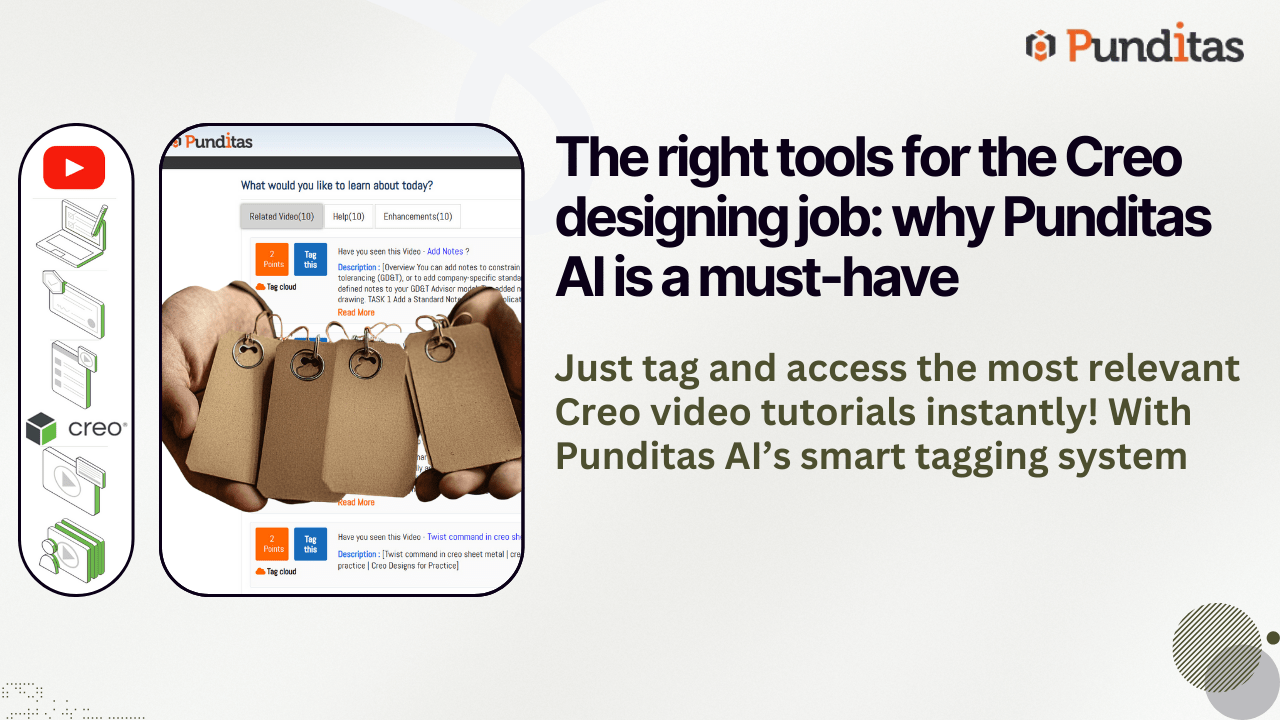
In today’s fast-paced, ever-evolving world of technology, staying updated and efficient while using complex products can be challenging. Whether you’re navigating powerful design tools like Creo Parametric or ThingWorx, or utilizing software like Solidworks, Onshape, and Windchill, the journey to mastering these tools can be overwhelming without the right resources at your fingertips. That’s where Punditas AI comes in — with a comprehensive Tips & Tricks module designed to revolutionize how users engage with product content and support.
Why Punditas AI is Essential for Creo Users
The modern user experience demands more than just static help guides or random video tutorials. It calls for curated, real-time resources that cater specifically to the products you’re using and the challenges you’re facing. Whether you are a novice trying to get up to speed or a seasoned user looking for advanced tips, Punditas AI steps in as your intelligent assistant, offering tailored content that adapts to your needs. The Current Environment tile, where Punditas AI resides, ensures that users have access to a fully integrated platform for learning, troubleshooting, and optimizing their product experience.
By employing sophisticated algorithms and a powerful curation system, Punditas AI presents the most up-to-date, relevant information in three intuitive tabs: Related Videos, Help, and Enhancements. Together, these elements form a holistic approach to product mastery and efficiency.
The Benefits of Using Punditas AI’s Tips & Tricks Module
1. Curated Video Content at Your Fingertips
One of the standout features of Punditas AI is its Related Videos tab. Here, users can access an exclusive library of the latest, handpicked video tutorials, demonstrations, and product overviews. This content is not just random; it’s specifically selected to align with the product you’re using, ensuring that each video is highly relevant and up-to-date.
Whether you’re learning a new software feature or looking for practical demonstrations, this curated video library saves you time by eliminating the need to sift through irrelevant content. Videos are categorized to cover different learning stages, from beginner to advanced, making it easy for users at any skill level to find valuable insights. This dedicated focus on visual content caters to diverse learning preferences, transforming the way users approach product training.

2. Comprehensive Help Resources
The Help tab in Punditas AI is another crucial aspect that enriches the user experience. Instead of relying on scattered search results or outdated documentation, Punditas AI offers a collection of help articles, FAQs, and product-specific guides, all conveniently curated for you. This feature ensures that troubleshooting and problem-solving are simplified, providing clear, actionable steps.
With this curated support, users can solve issues faster, whether they’re technical glitches or questions about new features. The tab also serves as an invaluable reference, allowing users to quickly find answers to common questions and stay informed about best practices.
3. Stay Updated with Enhancements
Keeping track of product updates can be a daunting task, especially when new features are released frequently. Punditas AI addresses this challenge with the Enhancements tab, which keeps users informed about the latest product improvements and feature additions. This tab provides concise, up-to-date information on what’s new and how these changes can improve your workflow.
For users who want to make the most of their tools, staying updated on enhancements is essential. The Enhancements tab makes sure you’re not left behind, offering insights into the latest features and updates that could optimize your experience.
4. Organize Your Resources with Tags
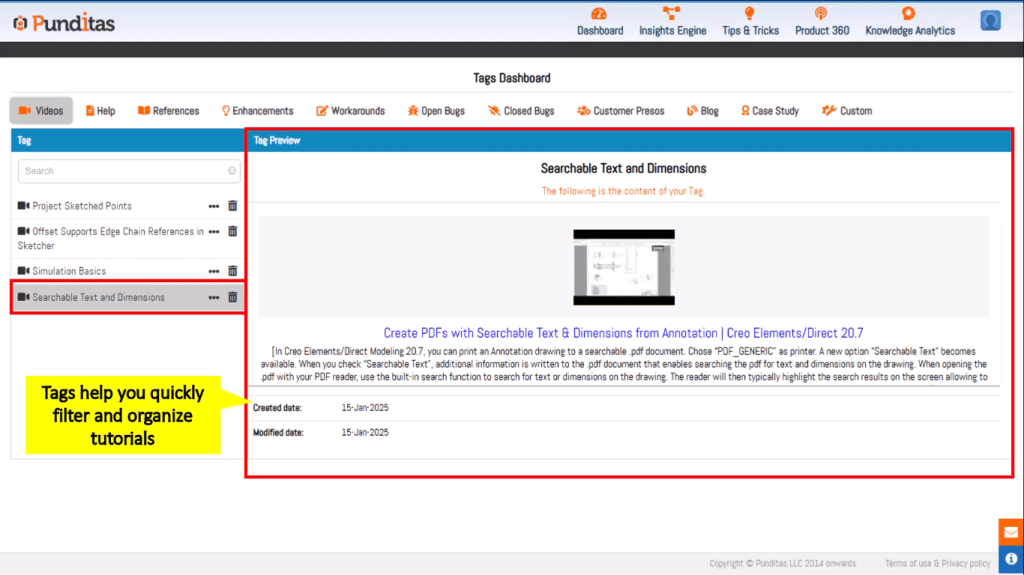
Efficiency is key when managing the vast amounts of information related to any product. Punditas AI’s tagging system empowers users to label essential data — from videos and articles to blogs, case studies, and even reference documents. By categorizing content with specific tags, users can easily access the resources they need, when they need them.
This feature streamlines knowledge management, allowing users to organize and retrieve vital information quickly. Whether you’re referencing a tutorial video, looking for a case study, or reviewing product documentation, the tagging system ensures you stay organized and efficient.
How Punditas AI Enhances Your Creo Experience
In a world where time is precious and knowledge is power, Punditas AI takes the guesswork out of learning and troubleshooting. The combination of handpicked video content, targeted help resources, and real-time product updates makes Punditas AI an indispensable tool for anyone using complex software or systems.
By simplifying how users access and engage with product resources, Punditas AI helps you:
- Stay on top of the latest product developments
- Find solutions quickly through organized content
- Learn at your own pace with curated video content
- Organize and tag essential resources for quick reference
In short, Punditas AI transforms how users interact with their products, allowing them to navigate challenges with ease, learn efficiently, and stay informed of new advancements.
Whether you’re a seasoned user or just starting with a new product, Punditas AI provides the tools you need to succeed. With a well-curated library of resources, real-time updates, and a streamlined way to organize your knowledge, it’s the perfect companion for anyone looking to optimize their product experience. Say goodbye to frustration and wasted time — with Punditas AI, mastery of your product is just a click away.
What is Punditas AI Advisor?
Punditas AI Advisor provides real-time guidance as you work in the Creo environment. Information on “how to use” a feature in Creo or best practices for working with Creo are presented within context, removing the need to guess or search for such information. Punditas AI driven content helps you leverage Creo to create your designs faster and with confidence.
For more information about Punditas AI Advisor, visit our website at Punditas AI or contact us at contact@punditas.com
 Punditas
Leave a comment