
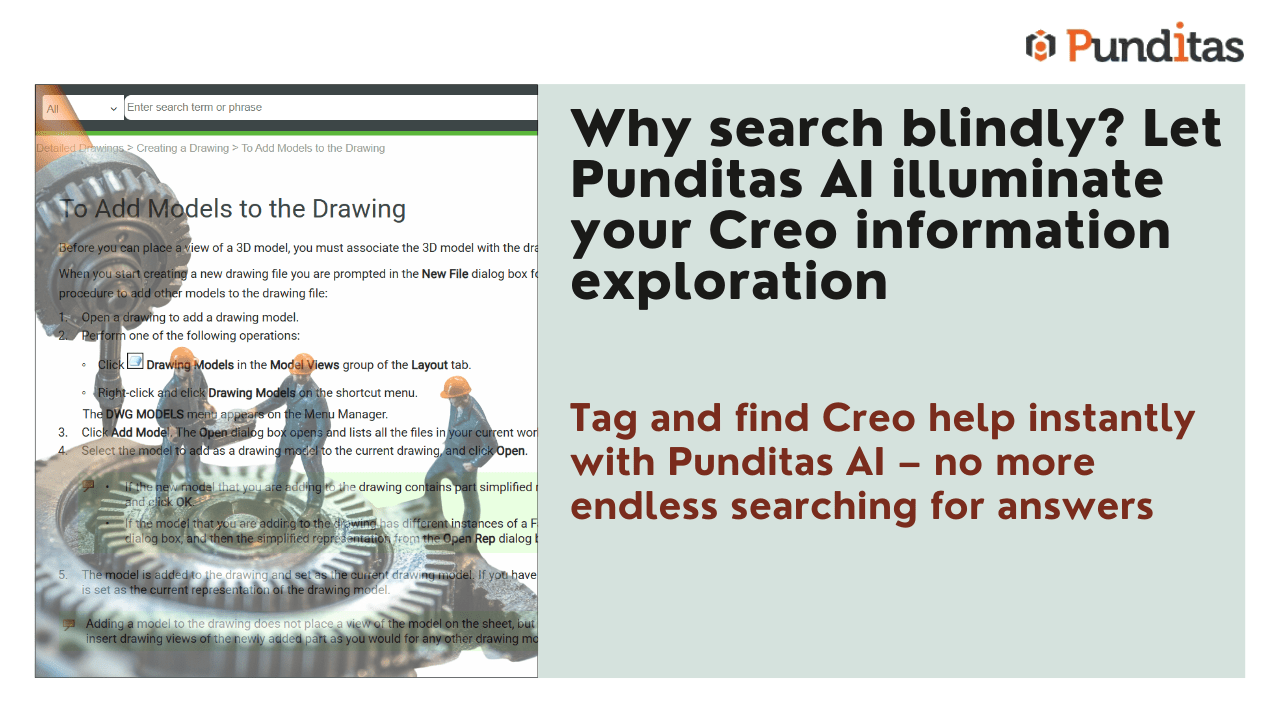
“An ounce of prevention is worth a pound of cure.” In today’s fast-paced work environment, every second counts. Whether you’re diving into Creo Parametric, exploring ThingWorx, or fine-tuning your workflow in Windchill, quick access to accurate information can mean the difference between progress and a productivity stall.
That’s where the Help Tab in Punditas AI’s Tips & Tricks module steps in. Far from being just another resource page, the Help Tab is a curated knowledge hub tailored to your selected product, offering immediate solutions and providing step-by-step guidance. It is designed to help you navigate challenges efficiently, making problem-solving quicker, simpler, and less stressful.
Benefits of the Help Tab
1. Faster Problem-Solving with Curated Content
“Time is money.” When you’re facing an issue, the last thing you need is to dig through endless forums or generic help centers. The Help Tab provides a carefully curated collection of articles, FAQs, and documentation specifically tailored to your selected product. Whether you’re a beginner or a seasoned user, you’ll find precisely what you need without the search fatigue.
Benefits:
- Access product-specific solutions instantly
- Eliminate time wasted on irrelevant searches
- Gain reliable information from a trusted source
2. Navigate Like a Pro with Tags

“Don’t get lost in the weeds.” To streamline your search, the Help Tab features a powerful Tags field. These tags act as navigational tools, making it easier to discover relevant articles based on topics or keywords.
System Tags (Blue): Predefined tags that ensure standardized navigation across articles.
User Tags (Green): Custom tags added by users to improve categorization and enhance searchability.
Benefits:
- Locate articles quickly with topic-based tags
- Personalize searches with custom tags
- Revisit categorized content with ease
3. Stay Updated with the Latest Knowledge
“Forewarned is forearmed.” Punditas AI keeps the Help Tab up to date with the latest documentation, guides, and troubleshooting techniques. Staying informed ensures that you are leveraging the newest features and avoiding outdated practices.
Benefits:
- Stay current with the latest product information
- Avoid mistakes by using updated solutions
- Enhance your expertise with refreshed content
Why Use the Help Tab in Punditas AI?
- Improved efficiency through quick access to tailored content
- Comprehensive resources including help articles, FAQs, and documentation
- Enhanced searchability with system and user-defined tags
- Clear, step-by-step guides to support independent problem-solving
- Continuous updates to keep you informed about product advancements
“Knowledge is power.” The Help Tab within the Punditas AI Tips & Tricks module is more than just a resource; it’s your tool for working smarter and faster. Whether you’re troubleshooting an issue or exploring new features, this resource ensures that accurate information is always within reach.
Stop spending valuable time searching for answers. Maximize your productivity with the Help Tab today.
What is Punditas AI Advisor?
Punditas AI Advisor provides real-time guidance as you work in the Creo environment. Information on “how to use” a feature in Creo or best practices for working with Creo are presented within context, removing the need to guess or search for such information. Punditas AI driven content helps you leverage Creo to create your designs faster and with confidence.
For more information about Punditas AI Advisor, visit our website at Punditas AI or contact us at contact@punditas.com
 Punditas
Leave a comment