
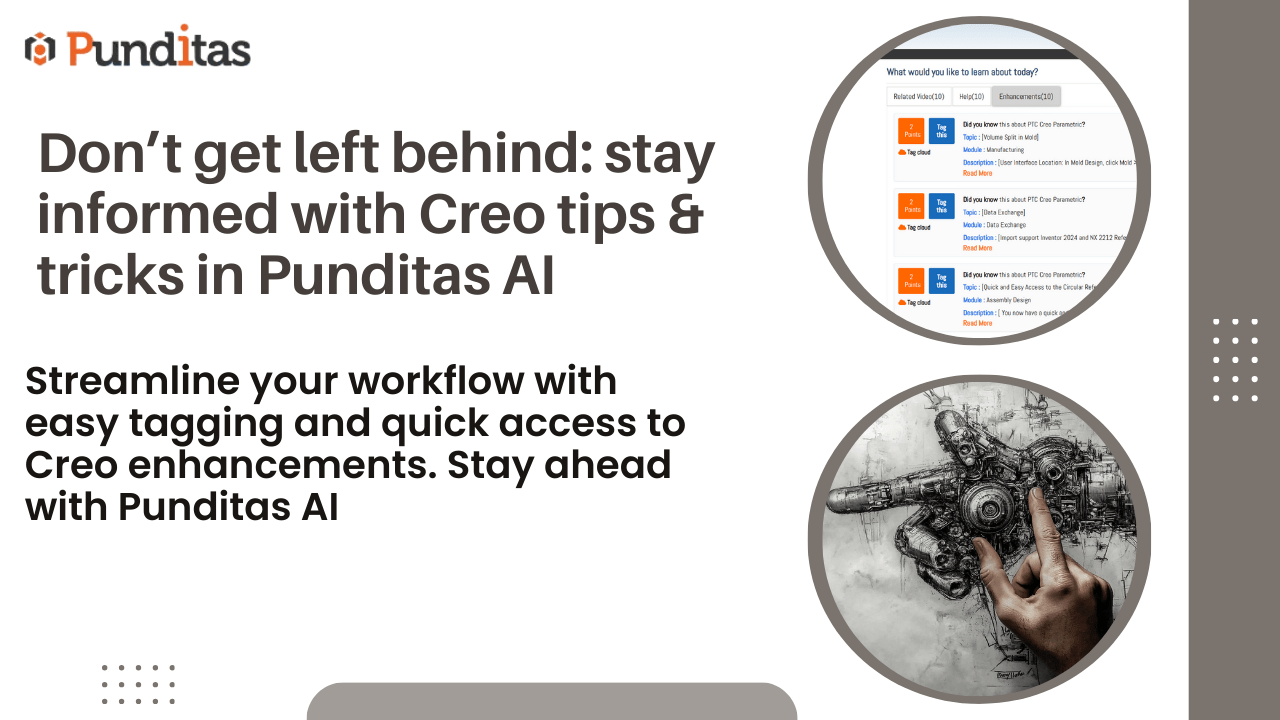
“Knowledge is like a garden; if it is not cultivated, it cannot be harvested.” In the fast-evolving world of design and engineering software, staying informed isn’t just an advantage—it’s a necessity. Platforms like Creo Parametric, ThingWorx, Solidworks, Onshape, and Windchill are constantly evolving. Missing out on new features or helpful resources can mean lagging behind in productivity and innovation.
This is where the Tips & Tricks module from Punditas AI comes into play. Designed to keep you updated and informed, this feature-rich module consolidates valuable insights, resources, and the latest enhancements related to your selected product—all within the Current Environment tile. With three intuitive tabs—Related Videos, Help, and Enhancements—users gain access to a wealth of knowledge at their fingertips.
Benefits of the Tips & Tricks Module
1. Learn Visually with the Related Videos Tab
“Seeing is believing.” Visual learners rejoice! The Related Videos tab curates the most up-to-date and relevant video content tailored to your selected product. From step-by-step tutorials to insightful demonstrations and comprehensive product overviews, this section saves you time by delivering valuable content in one easily accessible location.
Benefits:
- Access handpicked, high-quality video resources.
- Stay informed with trending and up-to-date content.
- Learn through demonstrations, making complex concepts easier to grasp.
- Reduce time spent searching for reliable resources.
2. Find Quick Solutions in the Help Tab
“A stitch in time saves nine.” When you encounter a challenge, the Help tab is your first stop for quick, effective solutions. With a collection of help articles, FAQs, and product documentation, it’s designed to make troubleshooting and problem-solving as seamless as possible.
Benefits:
- Quickly locate answers to common questions.
- Access detailed guides for complex issues.
- Minimize downtime with immediate solutions.
- Empower yourself with easily digestible documentation.
3. Stay Updated with the Enhancements Tab

“Forewarned is forearmed.” Technology waits for no one, and product features evolve rapidly. The Enhancements tab is your gateway to the latest updates, improvements, and newly added features. Regularly checking this section ensures you’re always ahead of the curve, maximizing the potential of your tools and increasing overall productivity.
Benefits:
- Stay informed about product updates and advancements.
- Quickly adapt to new features and enhancements.
- Improve efficiency with knowledge of cutting-edge functionalities.
- Gain a competitive edge by being an early adopter.
Harness the Power of Tags for Seamless Navigation
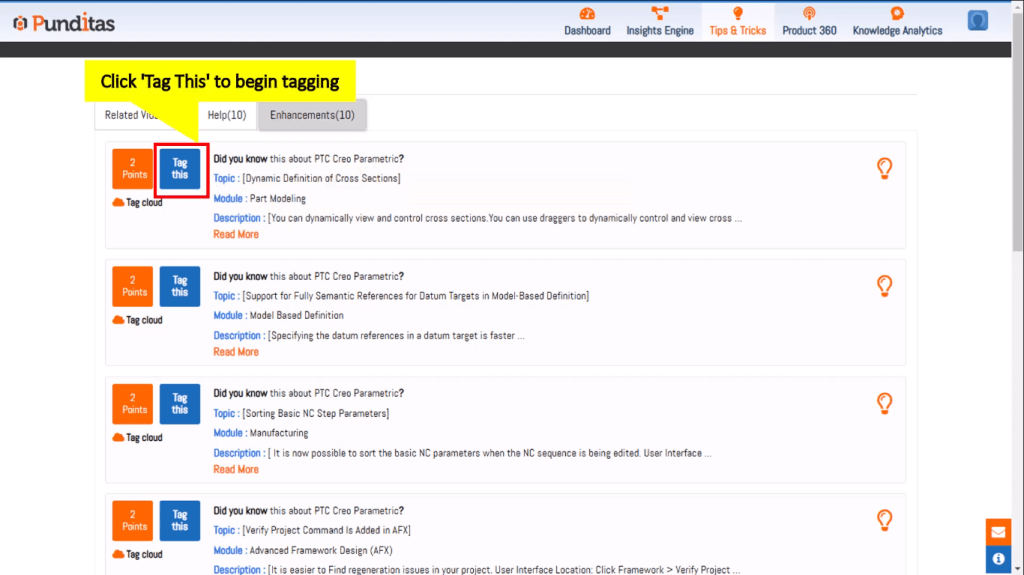
“Keep your head above water” The Enhancements tab features a robust Tags field, transforming how you navigate through articles. Tags—added by original creators and users—help categorize content for quick discovery.
- System Tags (Blue): Predefined by the platform, ensuring consistency.
- User Tags (Green): Customizable by users, offering personalized categorization.
Benefits of Using Tags:
- Effortlessly find articles relevant to your interests.
- Enhance searchability with customized tags.
- Organize content in ways that make sense to you.
- Save time with streamlined information retrieval.
Why Choose the Tips & Tricks Module?
- Centralized Knowledge Hub: Access all resources without jumping between platforms.
- Up-to-Date Information: Stay current with the latest product developments.
- Personalized Experience: Leverage customizable tags and tailored content.
- Improved Productivity: Solve problems faster, learn new features quicker, and work more efficiently.
- Community-Driven Insights: Benefit from both official sources and user-generated tags.
In the ever-evolving world of technology, staying informed isn’t just beneficial—it’s crucial. The Tips & Tricks module from Punditas AI empowers you to learn, solve, and adapt seamlessly with its comprehensive collection of videos, help articles, and enhancement updates. By making the most of this tool, you position yourself—and your organization—to remain agile, knowledgeable, and ahead of the curve.
Start cultivating your Creo knowledge garden today with Punditas AI’s Tips & Tricks module—and reap the rewards of staying informed.
What is Punditas AI Advisor?
Punditas AI Advisor provides real-time guidance as you work in the Creo environment. Information on “how to use” a feature in Creo or best practices for working with Creo are presented within context, removing the need to guess or search for such information. Punditas AI driven content helps you leverage Creo to create your designs faster and with confidence.
For more information about Punditas AI Advisor, visit our website at Punditas AI or contact us at contact@punditas.com
 Punditas
Leave a comment