
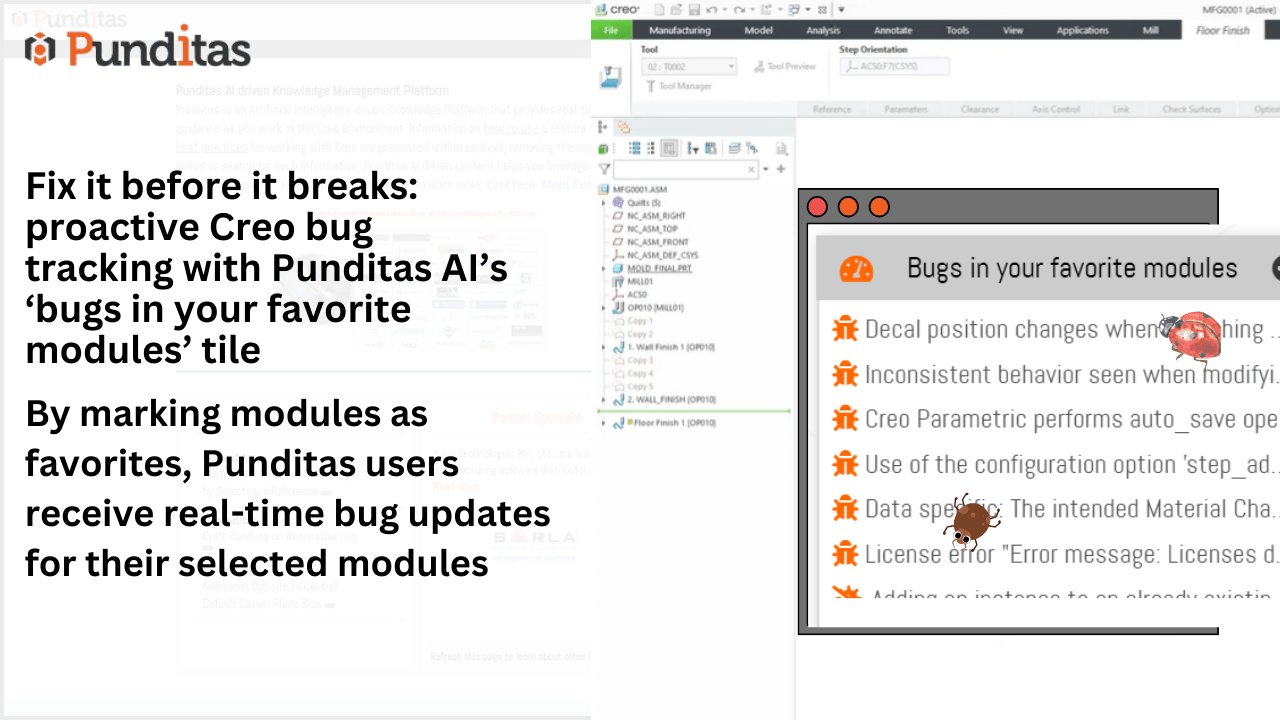
In a fast-moving digital environment, even the smallest bug can cause significant delays, workflow disruptions, and user frustration. Staying ahead of software issues is not just good practice—it’s mission critical. That’s why Punditas AI’s “Bugs in Your Favorite Modules” tile is a game-changer for professionals who want visibility, control, and peace of mind over their most-used modules.
Why bug tracking needs a smarter approach
Traditional bug tracking systems often bury users in irrelevant data or force them to dig deep to find the issues that matter most to them. As a result, critical bugs go unnoticed, resolution timelines get unclear, and teams are left reacting instead of planning ahead.
But what if you could automatically monitor only the modules you care about, get visual insights on bug status, and drill down into detailed issue timelines—all in one glance?
That’s exactly what Punditas AI delivers.
Discover the power of the “bugs in your favorite modules” tile
This intelligent tile does more than just list bugs—it transforms how you track, prioritize, and resolve software issues:
Personalized Bug Monitoring
Users can select their favorite modules, so the tile only shows bugs relevant to their workflows—cutting through the clutter and delivering laser-focused updates.
Visual Status Indicators
The system smartly distinguishes open and closed bugs using intuitive icons, making it easy to grasp issue status at a glance—no digging required.
Deep Dive Into Bug Details
Click into each bug to reveal:
- The date it was reported or last updated
- The release version it was introduced or resolved in
- Upcoming plans or mitigation strategies
This gives you a complete timeline and impact assessment at your fingertips.
Dynamic updates based on Current Environment
The bugs shown are synced with the product selected in the “Current Environment” tile, ensuring that the information is always relevant and timely.
Benefits of the Bug tracking tile
- Informed Decision-Making
Know exactly where your software stands. Plan your upgrades, workarounds, or escalations based on detailed bug histories. - Time-Saving Interface
No more sifting through unrelated bug reports. See what matters immediately, act faster, and keep workflows running smoothly. - Enhanced Productivity
With clear insights into which bugs are affecting your favorite modules, you can prioritize fixes, optimize usage, and minimize downtime. - Increased Software Confidence
Having visibility into bug status gives users greater confidence in the stability and readiness of their tools—leading to better user adoption and satisfaction.
Who benefits the most?
- Engineering and QA Teams: Stay ahead of issues before they affect production timelines.
- CAD/PLM/IoT Professionals: Monitor mission-critical modules and maintain system integrity.
- Product Owners and Managers: Make data-driven decisions about releases and patches.
- System Administrators: Proactively mitigate risk and enhance platform reliability.
“An ounce of prevention is worth a pound of cure.” With the “Bugs in Your Favorite Modules” tile, Punditas AI gives users the tools they need to prevent disruptions, maintain software health, and work smarter—not harder.
Let your dashboard be more than just a control panel—let it be your early warning system, issue tracker, and productivity booster, all in one.
What is Punditas AI Advisor?
Punditas AI Advisor provides real-time guidance as you work in the Creo environment. Information on “how to use” a feature in Creo or best practices for working with Creo are presented within context, removing the need to guess or search for such information. Punditas AI driven content helps you leverage Creo to create your designs faster and with confidence.
For more information about Punditas AI Advisor, visit our website at Punditas AI or contact us at contact@punditas.com
 Punditas
Leave a comment