
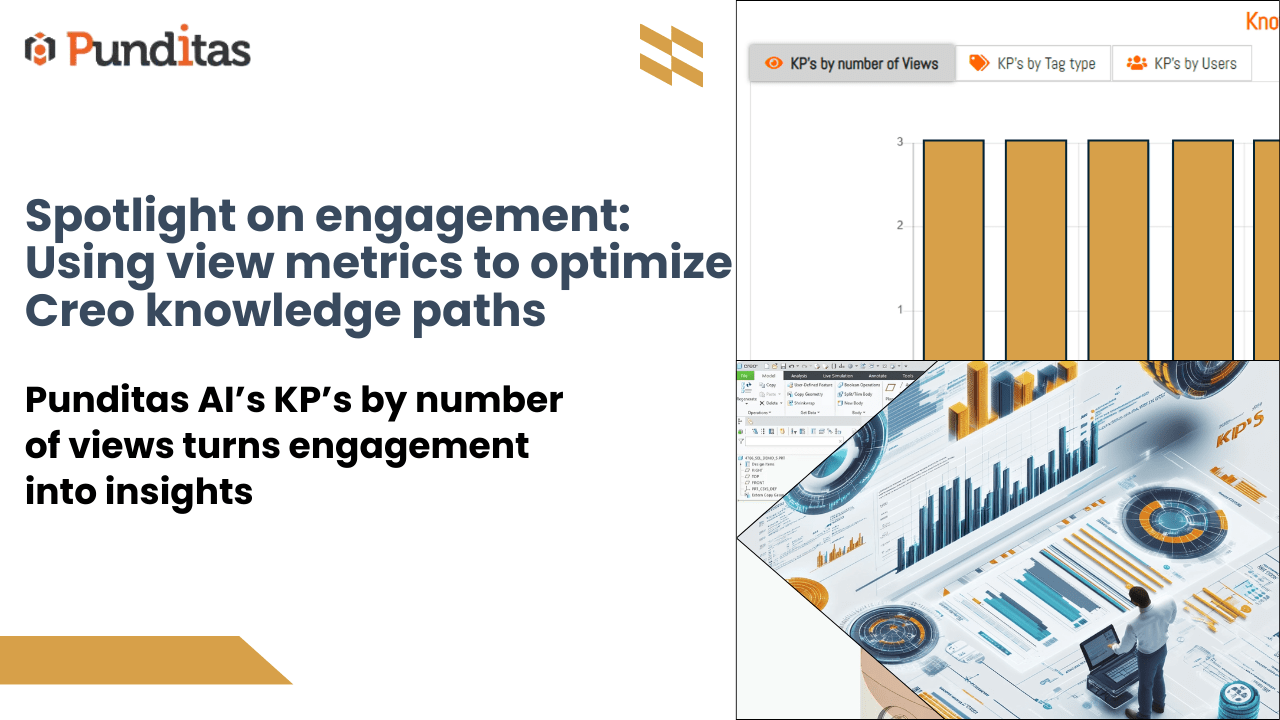
Knowing what your users engage with is half the battle won when it comes to effective knowledge sharing. Punditas AI’s KP’s by Number of Views makes this effortless by showing administrators exactly how many times each Creo Knowledge Path (KP) has been viewed across the organization.
It’s not just about numbers—it’s about understanding what’s working, where users are paying attention, and how to make knowledge sharing more strategic and results-driven.
Why view counts matter
Every Knowledge Path shared represents time, effort, and an opportunity to make a difference. But unless you know how your content is performing, you’re working in the dark.
KP’s by Number of Views gives you clarity. It highlights which resources are drawing interest and which may need rethinking. This visibility helps you continuously fine-tune your content strategy.
What you gain with KP’s by number of views
A clear snapshot of engagement
See how many times each KP has been accessed. High view counts show where users are finding value, while lower numbers highlight opportunities for improvement.
A clear snapshot of engagement
Use real data—not assumptions—to decide what content to boost, refresh, or retire. Let engagement trends shape your knowledge sharing roadmap.
Smarter resource allocation
Focus your time and content creation efforts on what truly matters to your audience. Deliver more of what they’re already looking for.
Greater organizational alignment
By identifying the Knowledge Paths that resonate most, you can align future content with user needs and company goals, all while driving stronger adoption.
Make every knowledge path count
Admins can use the KP’s by Number of Views feature to continuously optimize and evolve their approach. It’s not just about tracking—it’s about translating insights into action.
This tool empowers you to move from reactive to proactive knowledge sharing. Whether you’re running a training program, onboarding new employees, or distributing product documentation, you’ll know what sticks—and what doesn’t.
KP’s by Number of Views helps you deliver content that connects. With the power to measure engagement and track performance, administrators can shape more effective, relevant, and impactful knowledge experiences.
What is Punditas AI Advisor?
Punditas AI Advisor provides real-time guidance as you work in the Creo environment. Information on “how to use” a feature in Creo or best practices for working with Creo are presented within context, removing the need to guess or search for such information. Punditas AI driven content helps you leverage Creo to create your designs faster and with confidence.
For more information about Punditas AI Advisor, visit our website at Punditas AI or contact us at contact@punditas.com
 Punditas
Leave a comment