
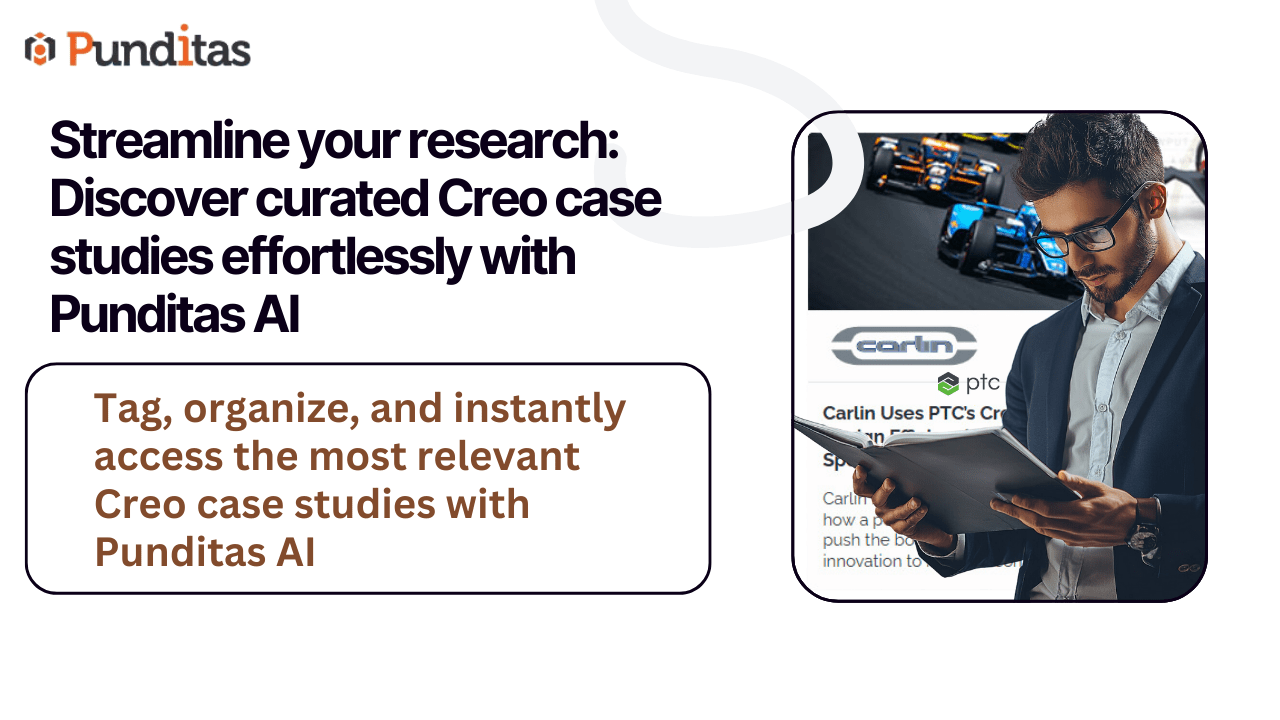
Case studies that find you—not the other way around
In the fast-paced world of CAD, PLM, IoT, and AR/VR, staying current isn’t optional—it’s essential. Yet, digging through countless websites, whitepapers, and vendor pages just to find the right case study can be time-consuming and frustrating. For professionals juggling tight deadlines and complex projects, that’s a productivity killer.
Enter Punditas AI—a revolutionary solution that automates the discovery and delivery of high-quality case studies from trusted platforms, bringing the insights you need directly to your fingertips. No more scattered searches. No more guesswork.
Why case studies matter more than ever
Case studies are more than just customer success stories. They’re real-world validations of how technologies work, scale, and solve problems. Whether you’re a design engineer exploring a new Creo feature, a product manager planning a PLM rollout, or an IoT architect evaluating implementation strategies, case studies offer:
- Proof of performance
- Inspiration for innovation
- Insight into best practices
- Lessons from real-world challenges
But what good are these insights if they’re buried across the web? That’s exactly what Punditas AI solves.
A smarter way to discover: case studies node in action
With Punditas AI’s References Perspective, users can now access a dedicated Case Studies node—a centralized space packed with expertly curated content. Here’s how to unlock its full potential:
Step-by-step guide to accessing case studies
- Choose References perspective
From the main dropdown menu, select References Perspective. - Search your topic
Type in a keyword, phrase, or topic of interest—such as “Generative Design,” “Windchill Deployment,” or “Industrial IoT”—and click Search. - Click on the ‘Case Studies’ node
This node houses all case studies related to your search, carefully pulled from reputable sources across the industry.
Explore with precision: Power of tags
What makes the Case Studies node even more powerful? Tags.
Each case study includes a Tags field, filled with both system-generated (blue) and user-added (green) tags:
- 🟦 System Tags: Predefined tags sourced directly from the original publishers—accurate, standardized, and instantly recognizable.
- 🟩 User Tags: Personalized tags created by Punditas AI users to help categorize and enhance the content’s relevance.
This dual-tagging system transforms case study exploration into a highly customizable and intuitive experience. Whether you’re searching by industry, technology, application, or solution type, tags ensure you get exactly what you need.
Key benefits: Why professionals rely on Punditas AI for case studies
Saves time
No more endless browsing—just search, click, and discover in seconds.
Centralized insights
Access a rich library of case studies from across platforms in one place.
Better decisions
Make strategic choices backed by proven outcomes from real-world scenarios.
Custom tagging
Tailor your research with user-defined tags, making future access even easier.
Cross-functional relevance
Engineers, managers, consultants, and executives can all find value—whether it’s for learning, pitching, planning, or executing.
Make every decision smarter with curated case studies
In a world where the pace of technology never slows down, professionals need more than just information—they need insights they can trust. With the Case Studies node in Punditas AI, those insights are no longer scattered or hard to find. They’re organized, personalized, and just a click away.
Start using Punditas AI to explore curated case studies, unlock knowledge, and make decisions that drive real impact—faster, smarter, and with confidence.
What is Punditas AI Advisor?
Punditas AI Advisor provides real-time guidance as you work in the Creo environment. Information on “how to use” a feature in Creo or best practices for working with Creo are presented within context, removing the need to guess or search for such information. Punditas AI driven content helps you leverage Creo to create your designs faster and with confidence.
For more information about Punditas AI Advisor, visit our website at Punditas AI or contact us at contact@punditas.com
 Punditas
Leave a comment