
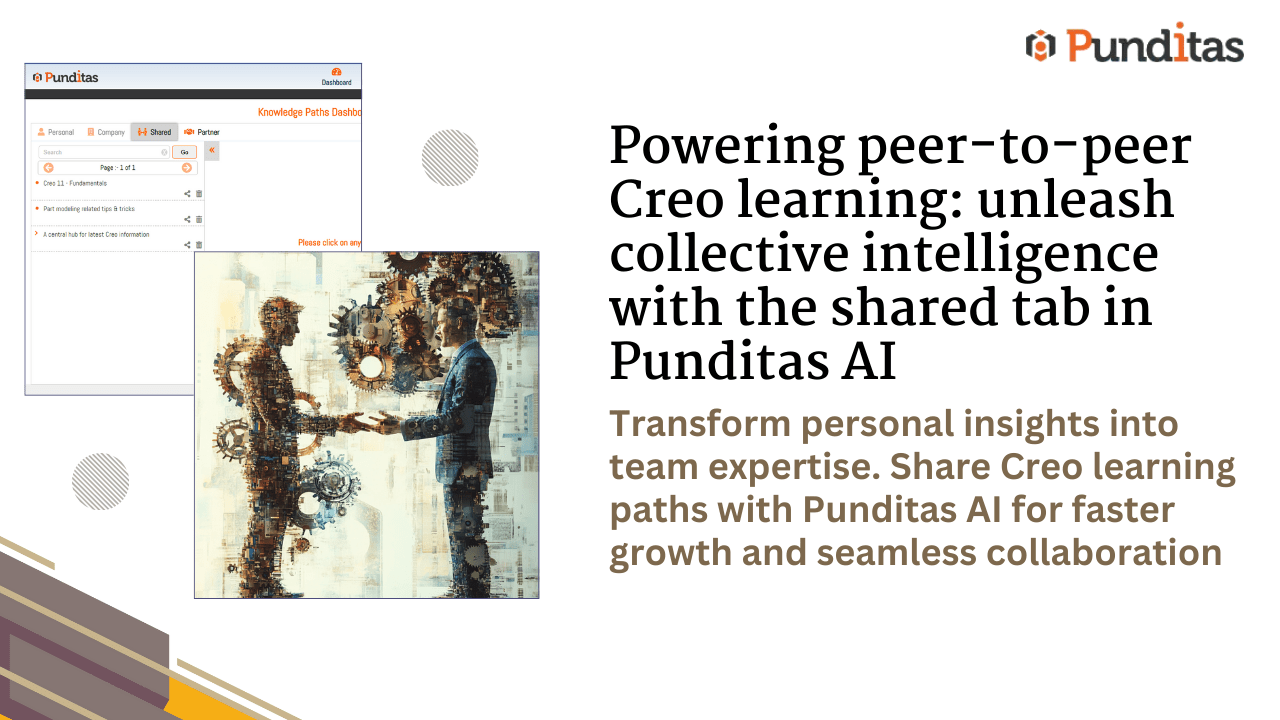
In organizations that truly thrive, learning isn’t a top-down mandate—it’s a peer-driven movement. The most valuable insights often come not from manuals or formal training, but from the lived experiences of colleagues who’ve “been there, solved that.”
Punditas AI’s Shared Tab is designed to supercharge this very idea—allowing users to access, contribute to, and benefit from a library of Knowledge Paths created and shared by others in the organization. This isn’t just about saving time. It’s about fostering a culture of collaboration, mentorship, and continuous learning—where knowledge is democratized and wisdom flows freely.
Why the shared tab matters
Too often, valuable knowledge gets siloed in emails, chats, or someone’s personal notes. Without a centralized way to share insights, organizations miss out on opportunities to upskill faster, solve problems smarter, and avoid redundant effort.
The Shared Tab acts as a digital knowledge exchange—capturing best practices, workflows, and learning journeys from across your organization and making them accessible to everyone. It’s where team members can find answers, discover new ideas, and benefit from their peers’ expertise.
Key features and how it works
Explore shared knowledge paths with ease
- Navigate to the View Paths section under Knowledge Analytics.
- Open the Shared tab—if nothing is shared yet, a message will prompt users to invite their peers to share.
- When populated, the tab showcases all available shared Knowledge Paths.
- Click any path to see its details on the right panel—title, description, tags, and related resources.
Tag-based navigation for deep dives
Each Knowledge Path includes clickable tags, categorized for context. Clicking a tag redirects users to in-depth information on that topic, opening doors to more relevant learning.
Smart search & distraction-free viewing
- Use the Search Box to instantly find specific paths.
- Toggle the panel view for a larger, immersive learning experience.
How to share a knowledge path in Punditas AI
Sharing your Knowledge Path is just as intuitive:
- Select a Knowledge Path from the Shared tab.
- Choose a sharing method:
- (A) Select Users: Use the dropdown to choose recipients by role (Enterprise, Admin, Trial, Free).
- (B) Email: Enter the recipient’s email. (Must be within your organization or a registered Punditas user.)
- Confirm and Submit. Once shared, the recipient will find it in their Shared tab.
Note: Free and trial users can only receive shared paths—they cannot initiate sharing.
Monitor engagement and feedback (admin-only)
Admins can go a step further by tracking engagement:
- See how shared paths are being accessed.
- Monitor updates, views, and feedback.
- Use insights to improve training strategies and drive adoption.
The benefits: Why you should care
Foster a learning culture
Encourage employees to contribute and consume knowledge organically.
Reduce redundancy
Avoid repetitive queries or recreating training materials—just share what already works.
Accelerate onboarding and upskilling
New joiners and cross-functional teams can ramp up faster by learning from proven paths.
Encourage recognition and contribution
Highlight internal experts and give them a platform to share their success stories.
Data-driven optimization (for admins)
Track engagement and refine your knowledge sharing strategy based on real usage.
Learning shouldn’t be a one-way street
The Shared Tab in Punditas AI transforms your organization into an interconnected network of knowledge contributors and seekers. It promotes transparency, accelerates learning, and empowers everyone—from new hires to seasoned pros—to teach, learn, and grow together.
If your organization believes in harnessing the power of collective intelligence, then the Shared Tab is more than just a feature—it’s a philosophy in action.
Share your path. Empower your peers. Grow together.
What is Punditas AI Advisor?
Punditas AI Advisor provides real-time guidance as you work in the Creo environment. Information on “how to use” a feature in Creo or best practices for working with Creo are presented within context, removing the need to guess or search for such information. Punditas AI driven content helps you leverage Creo to create your designs faster and with confidence.
For more information about Punditas AI Advisor, visit our website at Punditas AI or contact us at contact@punditas.com
 Punditas
Leave a comment