
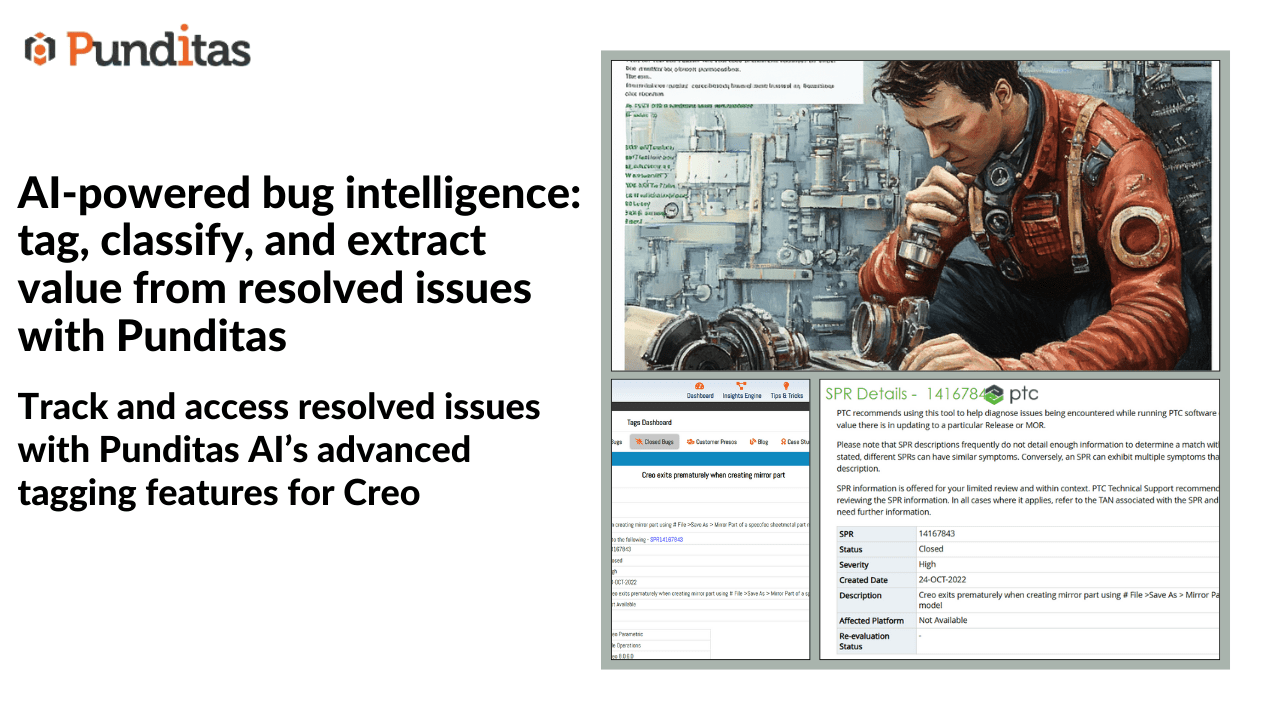
Say goodbye to repetitive bug hunts
Every engineering or support team faces this challenge: trying to remember whether a bug has already been resolved, hunting for a workaround that was posted months ago, or rediscovering solutions that were buried in endless release notes or forums.
What if all that critical information was instantly searchable, clearly tagged, and centralized in one place?
Punditas AI makes that possible—by aggregating closed bugs, resolved issues, and support tickets across trusted sources into a single searchable repository, and giving users the ability to tag, organize, and retrieve them effortlessly.
Why tagging closed bugs matters
In large organizations, particularly those using CAD, PLM, or engineering-heavy applications like Creo Parametric, valuable resolutions often get lost in emails, support threads, or siloed systems. This not only slows down problem-solving but also leads to duplication of effort.
By tagging closed bugs in Punditas AI, users and teams can:
- Track previously resolved issues with ease
- Build a personalized reference library of known bugs and fixes
- Eliminate redundant troubleshooting
- Save time and avoid confusion when similar issues arise again
Whether it’s an issue in Part Modeling, Data Exchange, Sheetmetal, Surfacing, or even Installation & Admin, Punditas AI ensures that what’s been fixed stays findable.
Explore closed bugs like a pro: how it works
Step-by-step: Access and tag closed bugs in Punditas AI
- Search for issues by topic
Enter your keyword or topic—like “drawing dimension bug” or “assembly regeneration error”—in the Punditas AI search bar. - Navigate to the ‘closed bugs’ node
This node aggregates closed bugs from across various modules within Creo and other supported platforms. - Expand the closed bug detail
Click to view more information about the bug, including its resolution, affected version, and module. - Add a custom tag
Click the “Tag This” button, enter your tag (e.g., “Creo10_BOM_Issue” or “DXF_Export_Fix”), and hit Enter or click Add Tag.
🟦 System Tags appear in blue
🟩 Your custom tags appear in green
❌ If no tag exists, “NA” is displayed
Bonus: Tagging comes with rewards
For every tag you create in the Punditas Insights Engine, you earn 10 reward points—encouraging users to contribute and organize knowledge while benefiting from it personally and organizationally.
Benefits at a glance
Smarter knowledge retrieval
Quickly revisit resolved bugs with your own custom labels—perfect for future troubleshooting.
Personalized issue tracking
No more relying on generic forums—tag bugs with the context that matters to you.
Organization-wide efficiency
Shared tagging creates a collaborative ecosystem of searchable, categorized issues.
Cross-module visibility
From Surfacing to Piping, from Installation to Layout—track bugs across all Creo modules with a unified tagging experience.
Reward-driven contribution
Gain points and recognition for helping organize the knowledge base for everyone.
Tagging limitations (because quality matters)
To maintain clarity and system integrity, here are a few limitations:
- Minimum 3 characters per tag
- Maximum 50 characters allowed
- Acceptable characters:
_ . % - ( ) @ * 0-9 a-z A-Z - Duplicate tags on the same bug are not allowed
Empower your engineering team with organized knowledge
Closed bugs shouldn’t be closed chapters—they should be key references for smarter, faster engineering decisions.
With Punditas AI’s Closed Bugs node and tagging functionality, you not only get instant access to resolved issues but also build a personalized knowledge network tailored to how you and your team work. It’s more than bug tracking—it’s knowledge optimization at its best.
What is Punditas AI Advisor?
Punditas AI Advisor provides real-time guidance as you work in the Creo environment. Information on “how to use” a feature in Creo or best practices for working with Creo are presented within context, removing the need to guess or search for such information. Punditas AI driven content helps you leverage Creo to create your designs faster and with confidence.
For more information about Punditas AI Advisor, visit our website at Punditas AI or contact us at contact@punditas.com
 Punditas
Leave a comment