
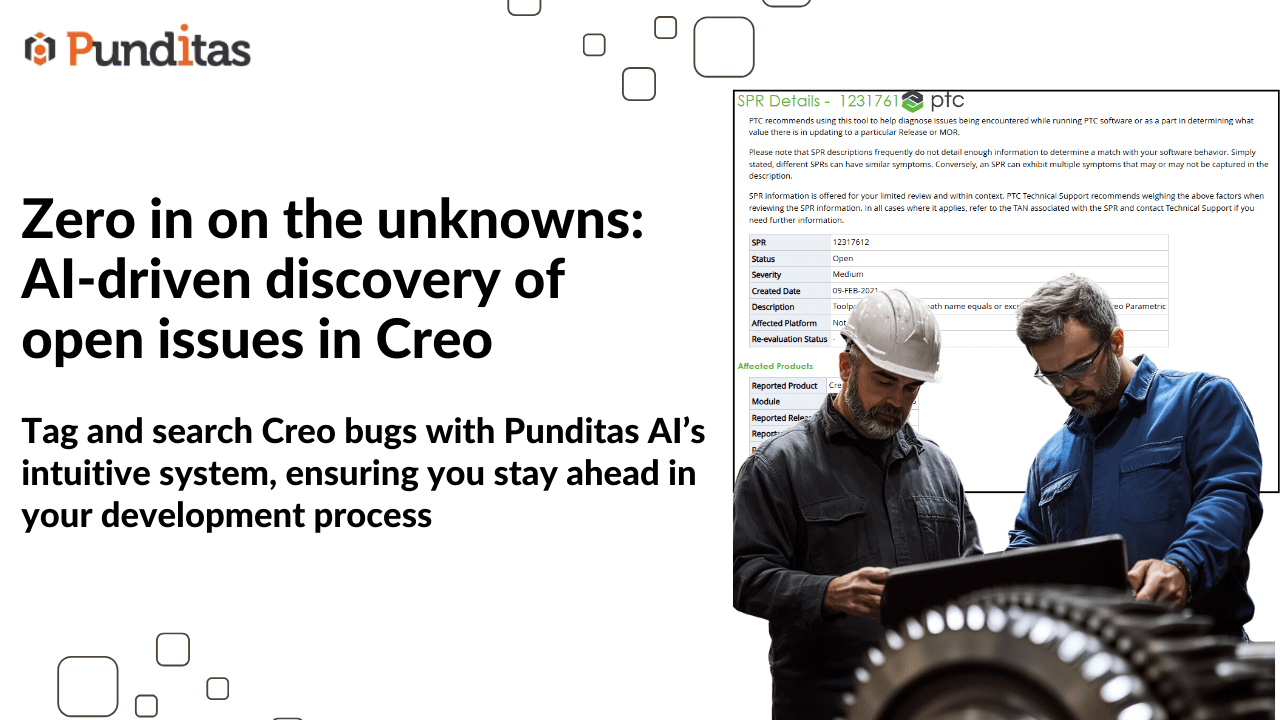
In today’s fast-paced, innovation-driven tech environment, unresolved issues and open bugs can silently derail productivity, delay timelines, and compromise user satisfaction. Engineers, designers, and product teams need precise and real-time access to these bugs — not scattered across forums, support portals, or internal systems, but unified and contextual.
Enter Punditas AI — a powerful, AI-driven assistant that centralizes critical data across platforms to surface high-impact insights, including Open Bugs that matter most to CAD, PLM, and engineering professionals, particularly those working with Creo Parametric and other enterprise applications.
Why track open bugs in real time?
Tracking open bugs is no longer a task left for the QA team alone. Whether you’re an engineer troubleshooting a design workflow or a support lead managing escalations, having instant visibility into unresolved issues helps you:
- Avoid reinventing the wheel by recognizing known issues.
- Make informed decisions by understanding system limitations.
- Proactively plan workarounds or updates to prevent delays.
- Strengthen collaboration between engineering, support, and product teams.
However, manual tracking is tedious and inconsistent. That’s where Punditas AI’s Open Bugs Node transforms the game.
AI-powered insight into open issues
The Open Bugs Node in Punditas AI automatically compiles unresolved issues from trusted, authoritative sources and categorizes them across multiple technical domains, such as:
- Part Modeling
- Assembly Design
- Installation & Admin
- Data Exchange
- Detailing & Drawings
- Surfacing, Rendering, Sheetmetal
- …and many more
This structured categorization empowers users to search by keyword, phrase, or topic, getting laser-focused results that are contextual and relevant.
Enhanced discoverability with smart tagging
Every open bug listed comes with a Tags Field — a metadata powerhouse. Here’s how it works:
- System Tags (blue): Pulled directly from the source (e.g., PTC systems) for standardized classification.
- User Tags (green): Custom tags added by individuals to fine-tune discoverability.
- NA (Not Available): Indicates bugs without available metadata — prompting users to contribute and enrich the ecosystem.
This dual-tagging mechanism ensures easy filtering, faster retrieval, and better knowledge structuring.
Label Everything: Your knowledge hub, your way
Beyond bugs, Punditas AI lets users tag everything — from videos, help articles, enhancements, workarounds, reference docs, case studies, and even customer presentations.
Imagine building your personalized, searchable tech library, curated by you, with AI-enhanced recommendations and tagging logic. That’s next-level knowledge management.
Key benefits at a glance
- Centralized Access to Unresolved Issues
- Smart Metadata Classification via Tags
- Save Time on Manual Bug Research
- Gain Technical Context Before Debugging
- Improve Support & Engineering Response Times
- Build a Scalable Knowledge Base for the Team
Future-ready engineering begins with smarter bug intelligence
Punditas AI isn’t just a search tool — it’s your always-on, AI-powered engineering assistant. By surfacing real-time open bug data and enabling metadata-driven searchability, Punditas helps Creo and enterprise users stay agile, informed, and efficient in a complex software ecosystem.
What is Punditas AI Advisor?
Punditas AI Advisor provides real-time guidance as you work in the Creo environment. Information on “how to use” a feature in Creo or best practices for working with Creo are presented within context, removing the need to guess or search for such information. Punditas AI driven content helps you leverage Creo to create your designs faster and with confidence.
For more information about Punditas AI Advisor, visit our website at Punditas AI or contact us at contact@punditas.com
 Punditas
Leave a comment