
From “What’s New” to “How to Use It”:
Why Punditas AI is the missing layer in every Creo user’s workflow
New CAD features are only as powerful as a user’s ability to use them.
And let’s be honest—between tight deadlines and complex assemblies, how often do Creo users get time to fully explore new capabilities like Offset Curve with Edge Chain References?
Creo introduced a small but significant update—you can now directly select edges or edge chains when creating an Offset, without needing to first convert them into curves. That’s a workflow improvement that saves time and clicks. But for many users, such features remain buried beneath long help files, release notes, or scattered forum threads.
This is where Punditas AI Advisor makes all the difference.
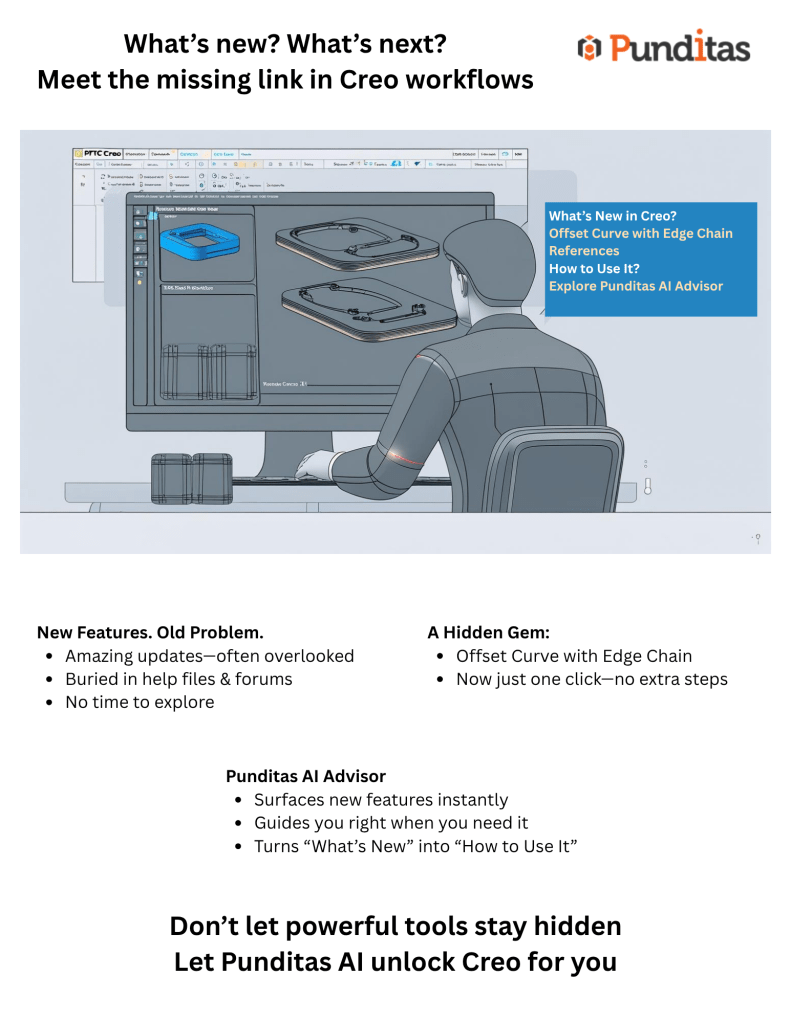
The Offset Curve feature—Smarter in Creo
Traditionally, to offset an edge chain, users needed to:
- Create a curve from edges or chains.
- Then use that curve in the Offset tool.
In Creo, you can skip that extra step. Simply select the edges or intent chains directly when creating the offset. This means:
- Fewer features in the model tree
- Faster iterations
- Better surface continuity
It’s a great enhancement—but only if you know about it and know how to use it correctly.
The problem: A knowledge gap in the middle of design work

Even experienced Creo users face one of these common issues:
- “I heard about the new Offset enhancement… but couldn’t find a clear example.”
- “Tried it once, got a weird result, and went back to the old method.”
- “Didn’t realize I could skip the curve creation step until someone pointed it out.”
Punditas AI bridges this exact gap—with real-time, inside-Creo guidance that delivers answers, not just articles.
Enter Punditas AI Advisor: your in-context Creo learning engine
When you start working with the Offset Curve command in Creo, Punditas AI kicks in with:
Exact help docs related to the Offset + Edge Chain workflow
Short video clips showing this enhancement in action
Workarounds and tips from power users
Known bugs or limitations for your Creo version
Forums and discussions addressing real-world challenges
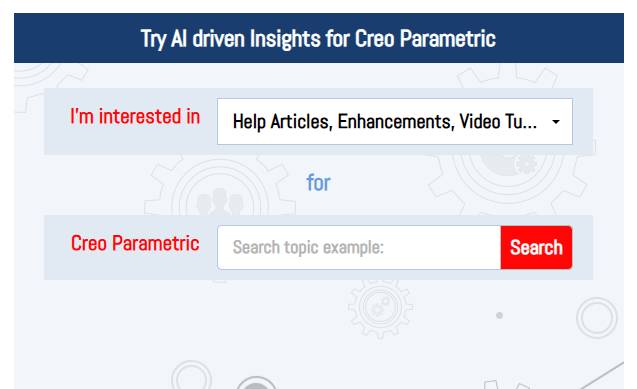
Instead of opening 10 browser tabs, you get precise, verified, curated answers—all inside the Creo interface.
Punditas Knowledge Graph: No more searching in the dark
Want to understand how Offset Curve enhancements connect to other modeling techniques?
The Punditas Knowledge Graph gives you a visual, interconnected map of:
- Related tools (like Projected Curves or Intent Chains)
- Use-case-specific help (Offset on Surfaces vs. Sketcher)
- Content types (videos, workarounds, bugs, blogs, etc.)
It’s like having a bird’s-eye view of every resource tied to the concept you’re learning.
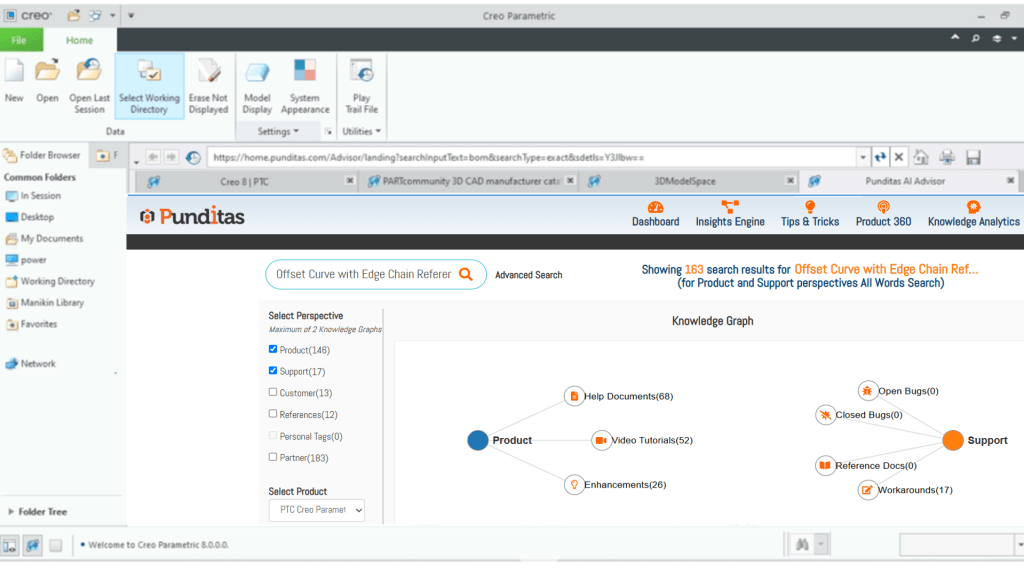
Explore Knowledge Graph for Offset Curve with Edge Chain
Punditas Knowledge Path: Structured learning when you need it
Not every feature is learned in a single click. For a more structured learning journey, Punditas Knowledge Path delivers a step-by-step learning framework:
- Concept introduction
- Help articles and release notes
- Hands-on tutorials
- Workarounds and advanced usage
- Issues to watch out for
It’s perfect for onboarding new team members or training junior designers on specific modeling workflows.
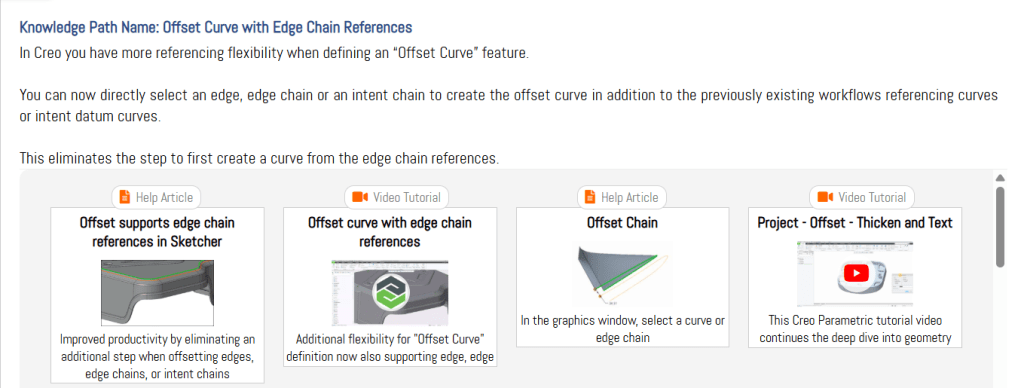
Access Knowledge Path for Offset Curve Enhancements
Powered by 600,000+ Creo Resources—and Getting Smarter Every Day
Behind Punditas AI is a continuously updated engine that pulls from:
- 40,000+ Creo video tutorials
- 500,000+ Creo online discussions
- 50,000+ expert workarounds
- 30,000+ bugs and fixes
- 1,000+ case studies
- 20,000+ official help docs, presentations, and blogs
Every resource is indexed, ranked, and delivered based on context—what you’re doing in Creo, what version you’re using, and even what others have struggled with.
Creo will continue evolving with new features and smarter tools. But to fully benefit, engineers need intelligent guidance that works with their design rhythm, not against it.
That’s what Punditas AI delivers:
- Real-time, in-context suggestions
- Structured knowledge for deeper learning
- Confidence in applying new tools without trial-and-error
Whether you’re offsetting curves, managing large assemblies, or troubleshooting geometry, Punditas AI makes you not just a Creo user—but a smarter, faster Creo designer.
Try It for Yourself
Ready to stop guessing and start creating with confidence?
Try Punditas AI for free and see how it transforms your Creo experience.
Sign up for a Free Trial
For questions: contact@punditas.com
 Punditas
Leave a comment