
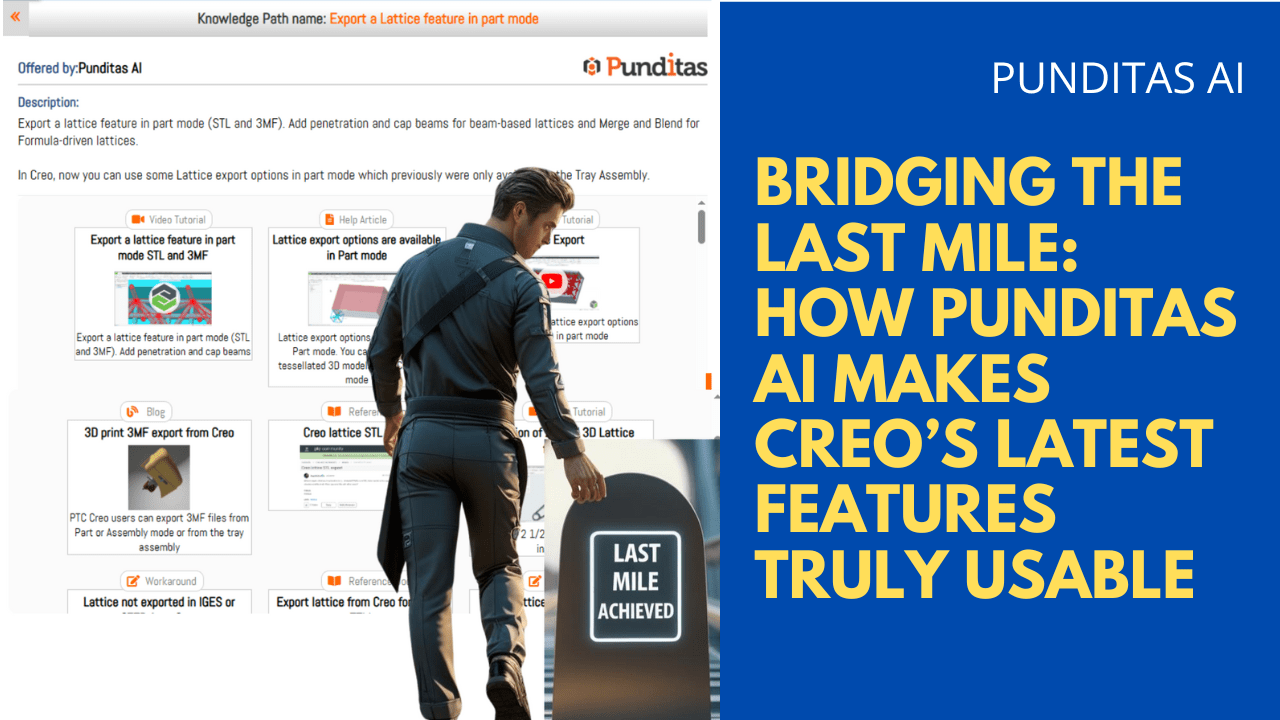
PTC Creo’s latest updates are loaded with features aimed at additive manufacturing—yet many users still miss out. Why? Because between feature releases and real-world application, there’s a knowledge gap that traditional training simply doesn’t fill.
Take the Lattice Export Options for instance: a powerful enhancement in Creo 11 that supports STL and 3MF exports for both formula-driven and beam-based lattices—now available directly in Part Mode, not just Tray Assembly. This unlocks advanced 3D printing workflows. But only for users who know how to use it right.
Enter Punditas AI Advisor: the real-time, AI-powered system that ensures Creo users don’t just know what’s new—but also how, when, and why to use it effectively.
The problem: Feature overload, knowledge underload
With every Creo release, engineers gain access to advanced geometry tools. But unless users are actively monitoring release notes and spending time learning new features, these enhancements often go unnoticed or are misunderstood.

For example:
- Do you know how to add penetration or cap beams to beam-based lattices?
- Or how to blend formula-driven lattices with the shell for smoother geometry transitions?
- Did you realize you can now export these directly in Part Mode, without needing a Tray Assembly?
Even experienced users may only discover these when something breaks—or when it’s too late in the design process to go back.
The solution: Punditas AI turns Creo into a learning companion
Punditas AI Advisor is more than a help system—it’s an embedded intelligence layer inside your design workflow.

The moment you work with lattice features or search for anything related to STL/3MF export, Punditas activates a live Knowledge Graph, surfacing the most relevant insights—videos, tutorials, workarounds, known issues, best practices, and more.
With Punditas AI, you can instantly:
- Understand what Lattice Export options are available in your Creo version
- View short, relevant tutorials for exporting beam- or formula-based lattices
- Get proactive tips on how to avoid merge issues during re-import
- Access community use-cases where others have solved similar challenges
- Learn when to apply cap beams vs. blend transitions
This isn’t passive reading—it’s active learning.
The power of visual learning with Punditas knowledge graph
The Knowledge Graph creates a visual map of all content related to your current task. So if you’re in Part Mode and working on Lattice Export, you’ll see:
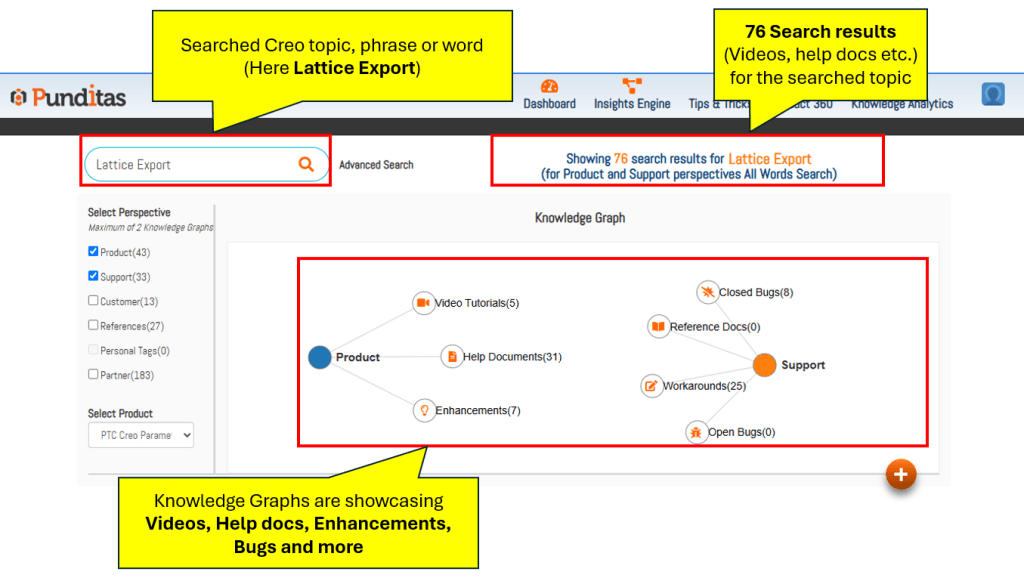
- Video clips on STL/3MF lattice export settings
- Help articles on geometry merging behavior
- Bug reports and known export issues
- Workarounds shared by seasoned Creo users
- Forum discussions about additive manufacturing optimization
The system intelligently filters and ranks results based on what you’re working on—not just general keywords.
Guided learning with Punditas knowledge path
Some users need step-by-step learning—especially when adopting features like lattice penetration settings or transition blends.
That’s where the Knowledge Path helps: it delivers AI-curated content in logical, progressive steps. For example:
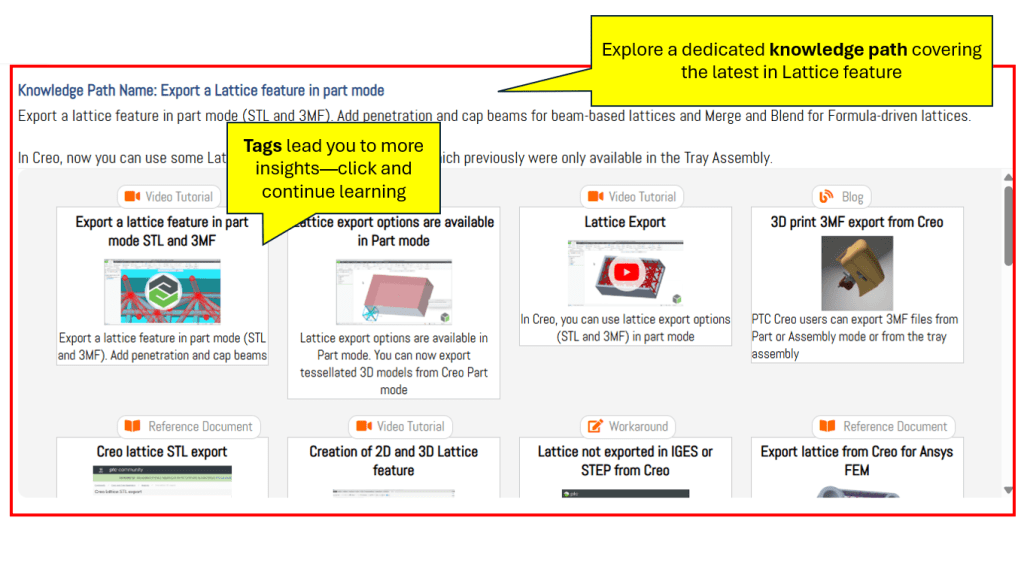
- What is Lattice Export in Creo?
- STL vs. 3MF—When to use what?
- Beam-based lattice settings: Penetration and cap spheres
- Formula-driven lattice transitions and merge options
- Preparing a tessellated part for Additive Manufacturing
Engineers no longer need to stitch together answers from scattered videos and forums. Punditas does the heavy lifting, so teams can stay focused on design.
Bottom line: Punditas AI = Design engineering confidence
Creo evolves fast. But what really empowers users is the ability to apply new tools correctly, confidently, and without interrupting their workflow.
Punditas AI delivers:
Real-time, contextual learning as you work
Over 600,000+ curated Creo insights at your fingertips
Actionable answers—not just documents
AI-ranked resources tailored to your task
From lattice exports to simulation setups, Punditas AI turns Creo into a dynamic learning environment—where engineers grow without pausing design.
Ready to experience it?
Explore how Punditas AI Advisor can transform your daily Creo workflow.
Try the Knowledge Graph on Lattice Export in Creo
For inquiries: contact@punditas.com
Visit: www.punditas.com
 Punditas
Leave a comment