
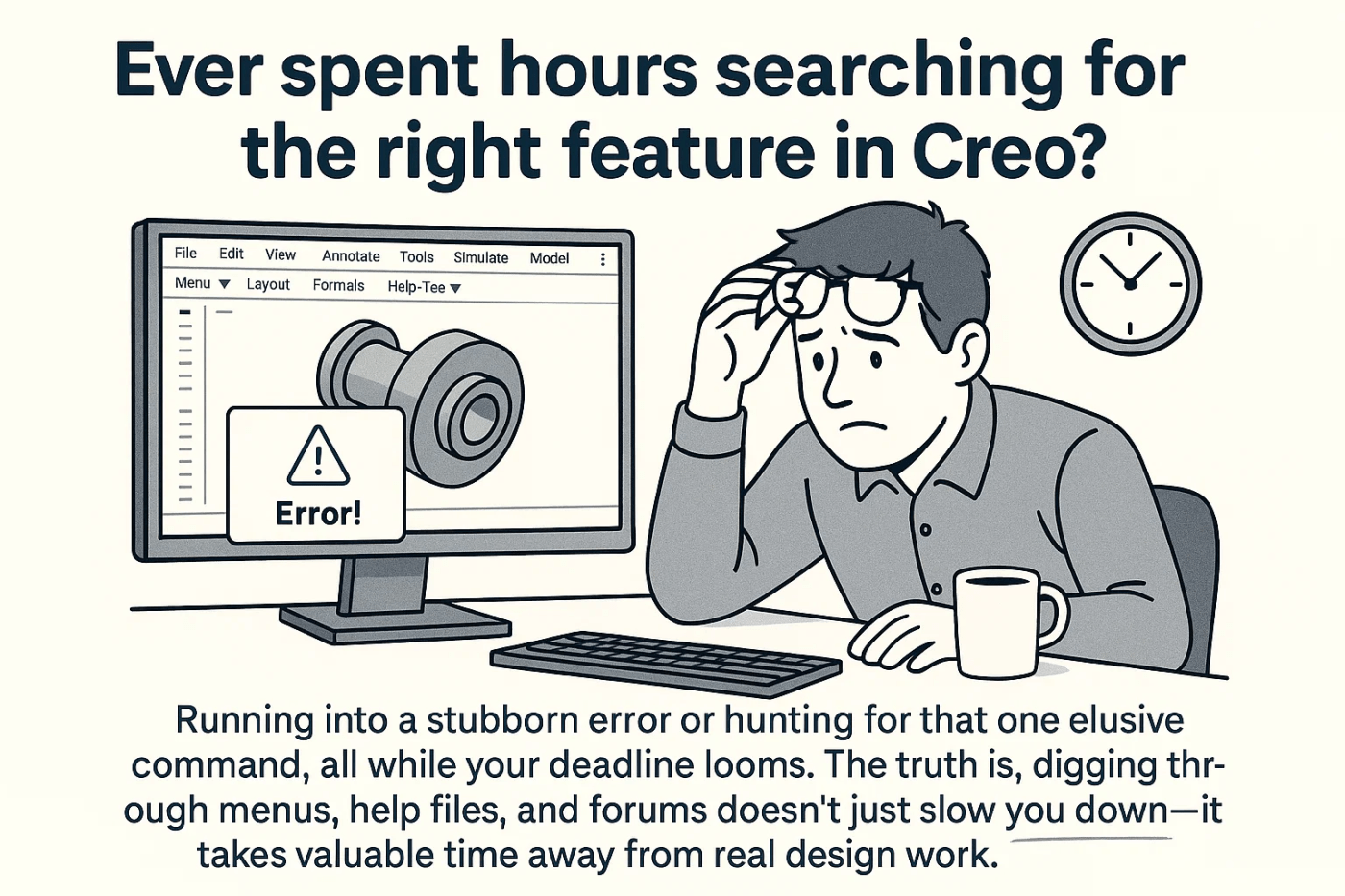
Ever spent hours searching for the right feature in Creo? If so, you’re definitely not alone. Running into a stubborn error or hunting for that one elusive command, all while your deadline looms. The truth is, digging through menus, help files, and forums doesn’t just slow you down—it takes valuable time away from real design work.
Why searching for help is a time drain
Creo is packed with powerful capabilities, but finding answers when you’re stuck isn’t always easy. Maybe you’re trying to troubleshoot an error or looking to use a new feature for the first time. The process often involves opening multiple tabs, reading lengthy documentation, or hoping someone on a forum has posted the solution. This not only interrupts your workflow but can also be a major source of stress and lost productivity.
Meet Punditas AI: Your Creo guidance companion
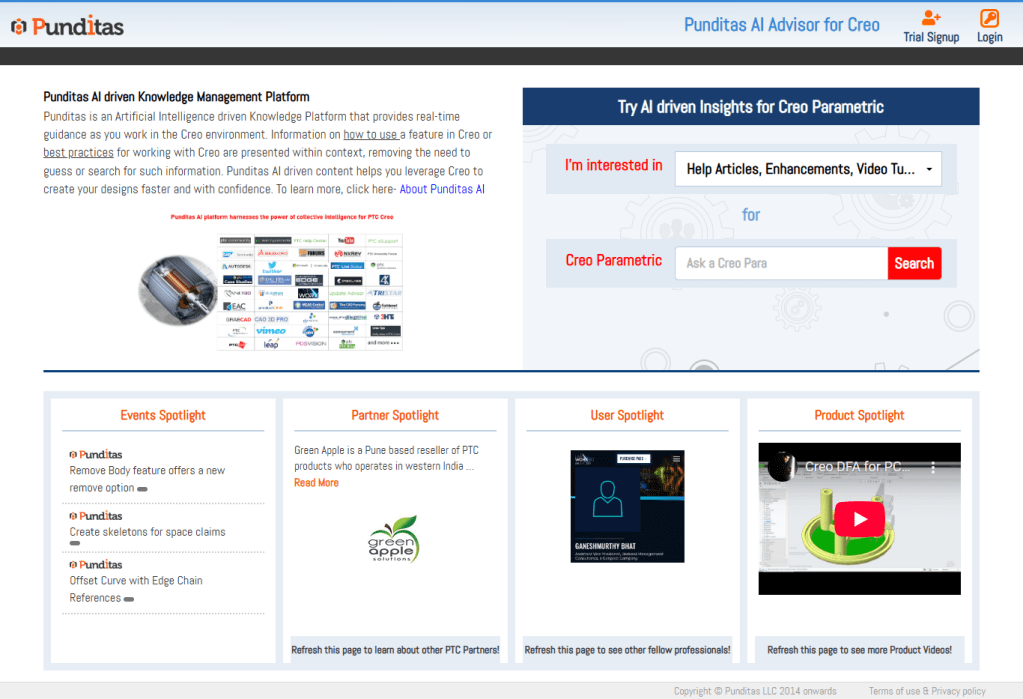
That’s where Punditas AI comes in. Designed as a guidance companion right inside Creo, Punditas AI makes it simple to get expert advice at the exact moment you need it. Whether you’re modeling a complex part or experimenting with a new module, Punditas AI delivers instant, contextual “just-in-time tips”—no more wasted hours hunting for help.
The benefits at a glance
- Saves Time While Modeling: Skip the endless searching and get answers instantly so you can focus on your design.
- Discover New Features Quickly: Punditas AI surfaces updates and little-known tools, helping you make the most of Creo’s capabilities.
- Real-Time, Contextual Guidance: Forget generic help files. Get smart, targeted tips tailored to exactly what you’re working on—in the moment.
Ready to transform the way you work in Creo?
👉 Want to try it out? Sign up here: Punditas AI
 Punditas
Leave a comment