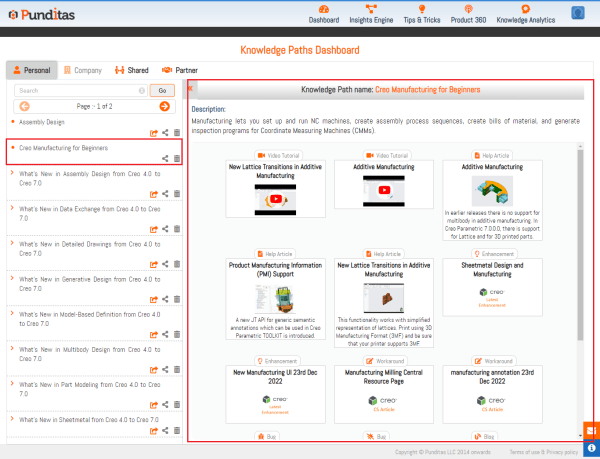
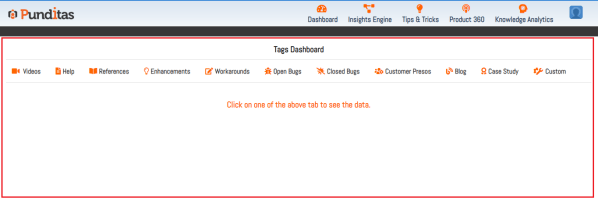
You can mark your important data with Punditas AI, save Creo information for later use, and save things like Videos, Help articles, Enhancements, Workarounds, Bugs, Reference documents, Blogs, Case Studies, Customer Presentations, etc. Following are the steps to Explore Knowledge Tag in Punditas AI Step 1:- Go to "Knowledge Analytics" , Click on Knowledge Tags... Continue Reading →
Learn new Creo Tips and Tricks every day with Punditas AI
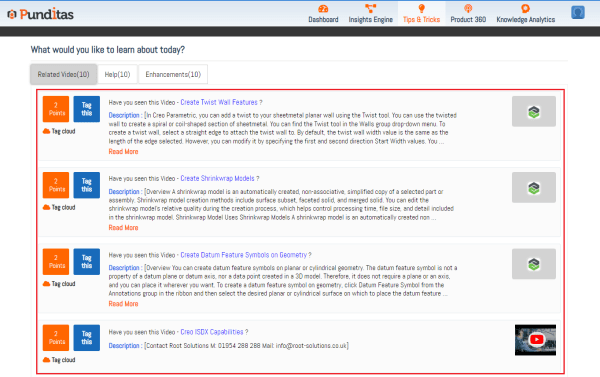
Tutorials and training materials for Creo have been gathered from a variety of sources, including PTC help & support, PTC Learning Connector, Vimeo, and YouTube in Punditas AI Advisor. Creo-related old and new "Tutorials", "Courses", "Help articles" as well as "Enhancements" are all contained under the Tips & Tricks module Following are the steps to... Continue Reading →
Explore the opinions of other businesses about Creo Parametric by looking through 60+ Case Studies with Punditas AI
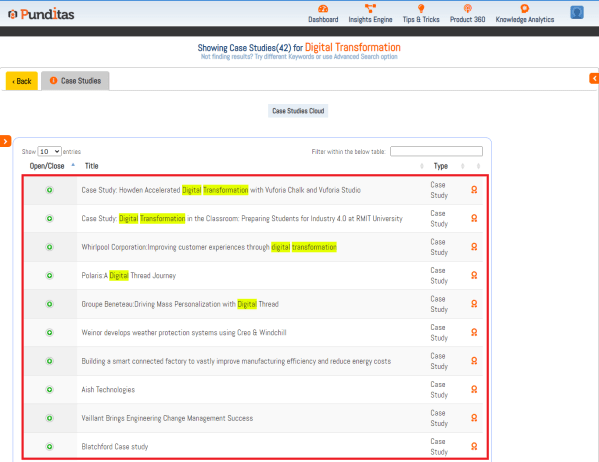
Punditas AI showcase all important Creo related Case Studies in Case Studies node based on given search topic Following are the steps to explore Case Studies in Punditas AI Step 1 :- Search for the Creo topic, select References perspective and click on Case Studies node as displayed below in the image Step 2 :-... Continue Reading →
Learn more about these 850+ Creo Parametric Blogs with Punditas AI to advance your knowledge of Creo Design
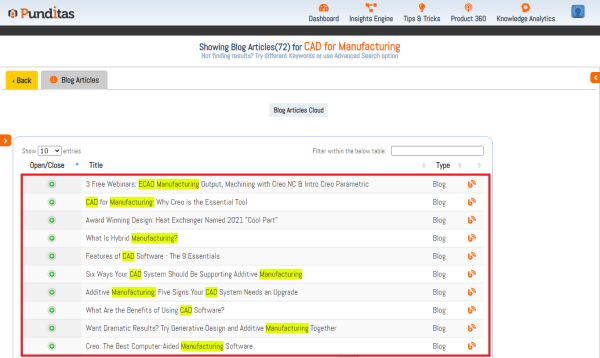
Punditas AI collects valuable Creo blogs from platforms like "PTC" , "PDSVISION" , "Rand 3D" , "EACPDS" , "NxRev" , "Concurrent Engineering" , "CAO 3D PRO" , "3HTi ", "4kside" , "TRISTAR" etc. and displays them in Blog Articles node based on the search input Following are the steps to explore Blog Articles in Punditas... Continue Reading →
Are you looking for Creo Presentations? Try searching in Punditas AI
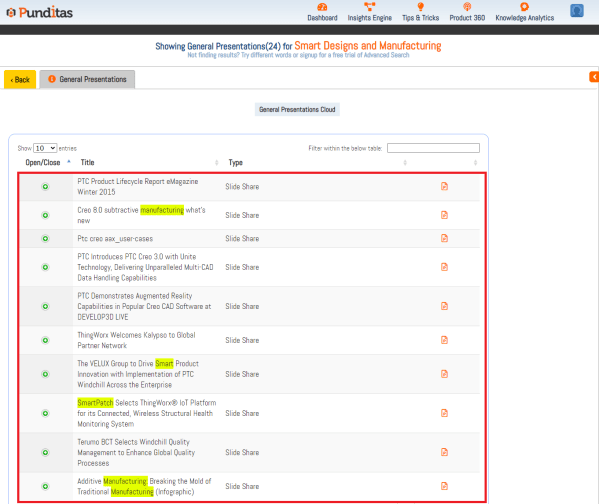
Punditas AI collects all important Presentations related to PTC Creo Parametric and presents them in the General Presentations node depending on the search topic. Following are the steps to explore General Presentations in Punditas AI Step 1 :- Search for the Creo topic, select Customer perspective and click on General Presentations node as displayed below... Continue Reading →
Want to explore PTC Customer Presentations? Search in Punditas AI
Punditas AI collects all the PTC Customer Presentations from PTC sources like "PTC User Org "as well as "PTC LiveWorx" and displays in Customer Presentations node based on the search topics Following are the steps to explore Presentations in Punditas AI Step 1 :- Search for the Creo topic, select Customer perspective and click on... Continue Reading →
Punditas AI allows you to discover what online forums are discussing about Creo
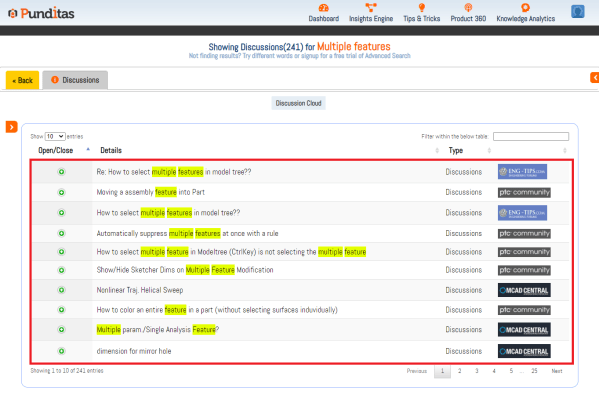
There are many forums available online where people discuss their problems, improvements, and opinions concerning Creo Parametric on a daily basis. Punditas AI collects all of these discussions into a node called Discussions, making it very simple to discover discussions based on any Creo related topic Punditas AI collects discussions from forums like "PTC Community"... Continue Reading →
Are you searching Creo Support articles? Try searching with Punditas AI and easily find out CS Articles
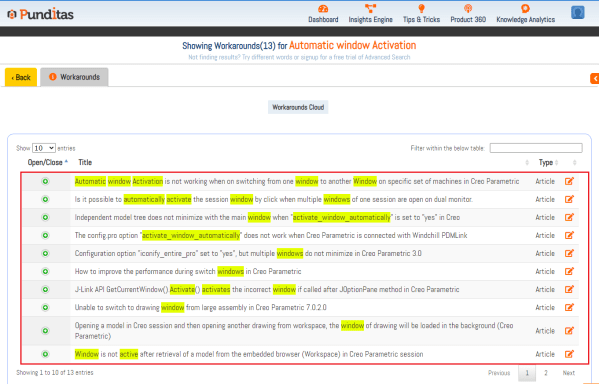
Punditas AI contains all the PTC Creo related CS articles in Workarounds node, Search for any creo topic and Punditas will provide most relevant search result from its database Following are the steps to explore Articles in Punditas AI Step 1 :- Search for the Creo topic, select Support perspective and click on Workarounds node... Continue Reading →
Not getting Creo documents like Config options, Hardware notes, Installation guide etc.? try Punditas AI
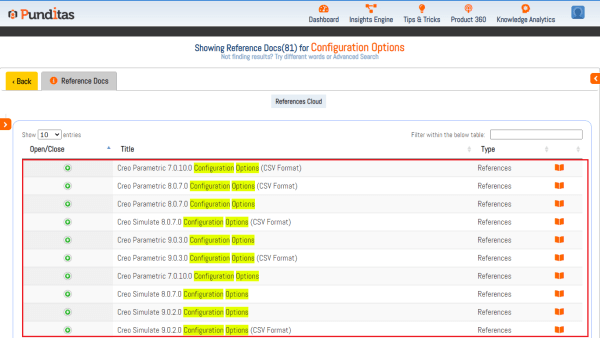
Punditas AI contains all the important documents like Configuration Options, Hardware notes, Installation or Administration guide, Creo platform information, Creo Parametric TOOLKIT guide, Creo Data management instructions, Release Notes etc. in Reference Docs node, Explore Punditas AI search engine and easily find out Documents. Following are the steps to find out required documents Step 1:-... Continue Reading →
Checkout Creo enhancements based on Releases with Punditas AI and save your time
Enhancements node in Punditas AI contains All the latest improvements, information about new features and capabilities related to Creo Parametric. In the Enhancements node, information is provided from the earliest version of Creo to the most recent version. Using Filter feature inside the node you can see enhancements based on the Creo Releases. Following are... Continue Reading →