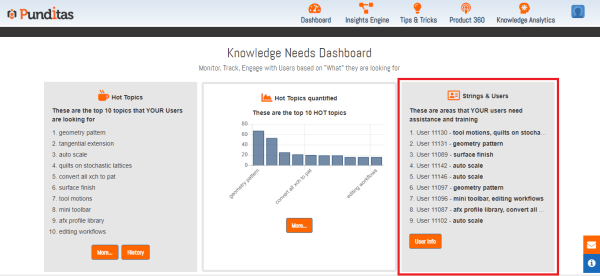
Punditas AI offers records of your design team, including information about who searched for what topics, and this will help your company learn which team members need training and assistance in which areas Following are the Steps to see Strings and Users Step 1 :- Click on Knowledge Analytics Step 2 :- Click on Knowledge... Continue Reading →
Keep eyes on your CAD team with Punditas AI: Find out Top 10 Hot Topics searched by team members
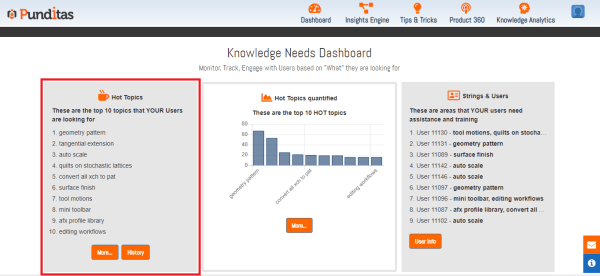
Punditas AI offers the ability to show the top 10 hot topics that your CAD team members have been searching for Following are the step to check Top 10 Hot Topics with Punditas AI Step 1 :- Click on Knowledge Analytics Step 2 :- Click on Knowledge Needs Step 3 :- Check the top 10... Continue Reading →
Explore Latest PTC Creo Parametric Stories with Punditas AI
Punditas AI offers a Dashboard with all the most recent stories regarding Creo. Dashboard features the most recent Creo Video tutorials or courses, trending discussions, bugs with your favorite modules, trending topics, ongoing events and webinars, among other things. Following are the tiles of Punditas AI Dashboard Have you seen this? tile displays multiple creo... Continue Reading →
Build Creo Knowledge Paths with Punditas AI and share your insightful knowledge with coworkers, interns, and newcomers
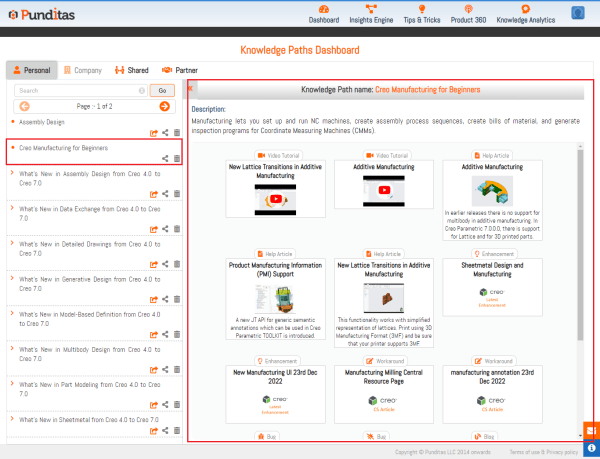
Punditas AI provides facility to create knowledge paths using tags from all the categories such as Video, Help, Enhancements tags etc. and share it with coworkers, interns, and newcomers Following are the steps to Create Knowledge Paths with Punditas AI Step 1:- Go to "Knowledge Analytics" , Click on Create/Edit Paths Step 2 :- Click... Continue Reading →
Punditas AI Knowledge Tags: a single place for all of your saved Creo data
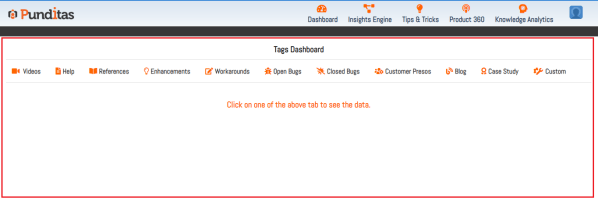
You can mark your important data with Punditas AI, save Creo information for later use, and save things like Videos, Help articles, Enhancements, Workarounds, Bugs, Reference documents, Blogs, Case Studies, Customer Presentations, etc. Following are the steps to Explore Knowledge Tag in Punditas AI Step 1:- Go to "Knowledge Analytics" , Click on Knowledge Tags... Continue Reading →
Punditas AI Advisor now supports Creo 8.0.8.0
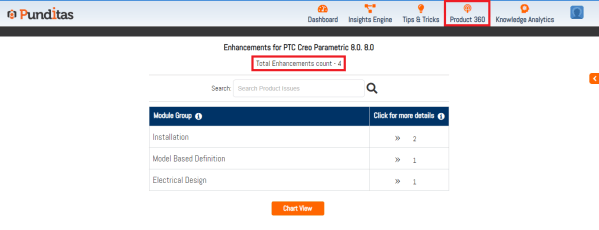
PTC released Creo 8.0.8.0 recently. Punditas AI Advisor now supports this latest version of Creo 8.0.8.0. Punditas AI allows users to learn more about “How”, What” and “Why” of these enhancements through Product 360 module. The picture below shows the Module groups and the corresponding enhancements added within each group. To try this out, please... Continue Reading →
Learn new Creo Tips and Tricks every day with Punditas AI
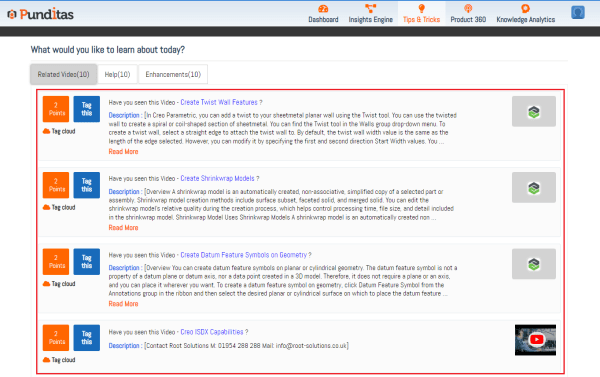
Tutorials and training materials for Creo have been gathered from a variety of sources, including PTC help & support, PTC Learning Connector, Vimeo, and YouTube in Punditas AI Advisor. Creo-related old and new "Tutorials", "Courses", "Help articles" as well as "Enhancements" are all contained under the Tips & Tricks module Following are the steps to... Continue Reading →
Explore the opinions of other businesses about Creo Parametric by looking through 60+ Case Studies with Punditas AI
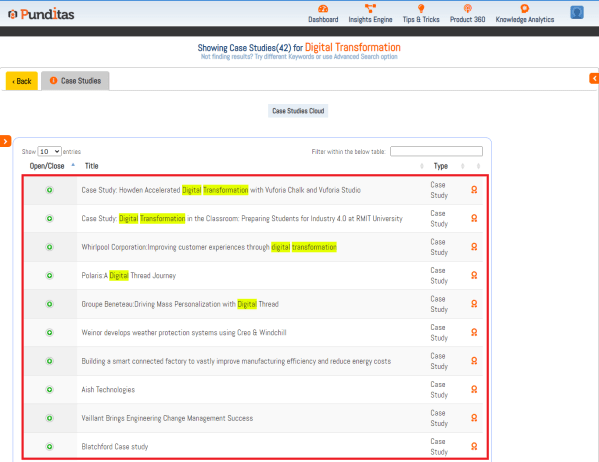
Punditas AI showcase all important Creo related Case Studies in Case Studies node based on given search topic Following are the steps to explore Case Studies in Punditas AI Step 1 :- Search for the Creo topic, select References perspective and click on Case Studies node as displayed below in the image Step 2 :-... Continue Reading →
Learn more about these 850+ Creo Parametric Blogs with Punditas AI to advance your knowledge of Creo Design
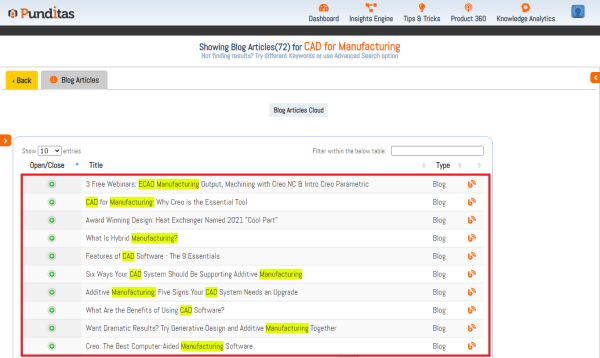
Punditas AI collects valuable Creo blogs from platforms like "PTC" , "PDSVISION" , "Rand 3D" , "EACPDS" , "NxRev" , "Concurrent Engineering" , "CAO 3D PRO" , "3HTi ", "4kside" , "TRISTAR" etc. and displays them in Blog Articles node based on the search input Following are the steps to explore Blog Articles in Punditas... Continue Reading →
Are you looking for Creo Presentations? Try searching in Punditas AI
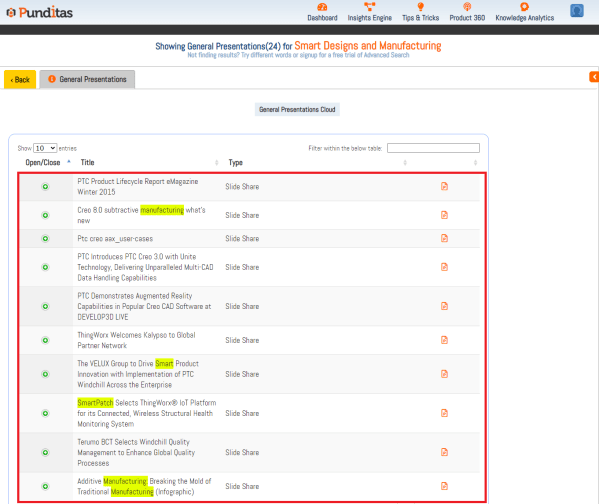
Punditas AI collects all important Presentations related to PTC Creo Parametric and presents them in the General Presentations node depending on the search topic. Following are the steps to explore General Presentations in Punditas AI Step 1 :- Search for the Creo topic, select Customer perspective and click on General Presentations node as displayed below... Continue Reading →