
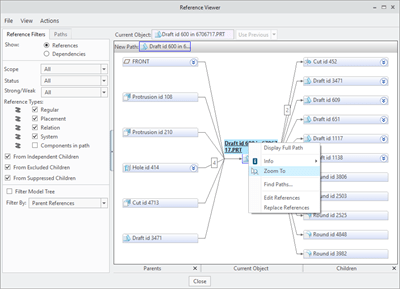
In Creo Parametric 6.0.0.0, you can zoom into the selected reference in the model, and to place it in the center of the graphics window. This makes it easier to identify and locate references when you are investigating.
For this just goto Tools –> Reference Viewer in Creo Parametric
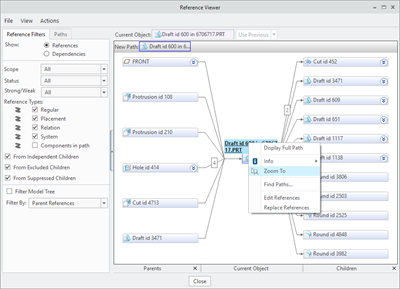
Punditas AI based Knowledge-Centric system automatically taps into 100’s of internal & external repositories to Discover, Curate & Deliver pertinent Tips, Tricks, Tutorials, Best Practices, etc. up to 12 dimensions of content for PTC Creo Parametric and other Enterprise Softwares. Here’s an example of searching for “Zoom To” in Punditas
For more information about Punditas AI, visit Punditas website here

Fr
 Punditas
Leave a comment