
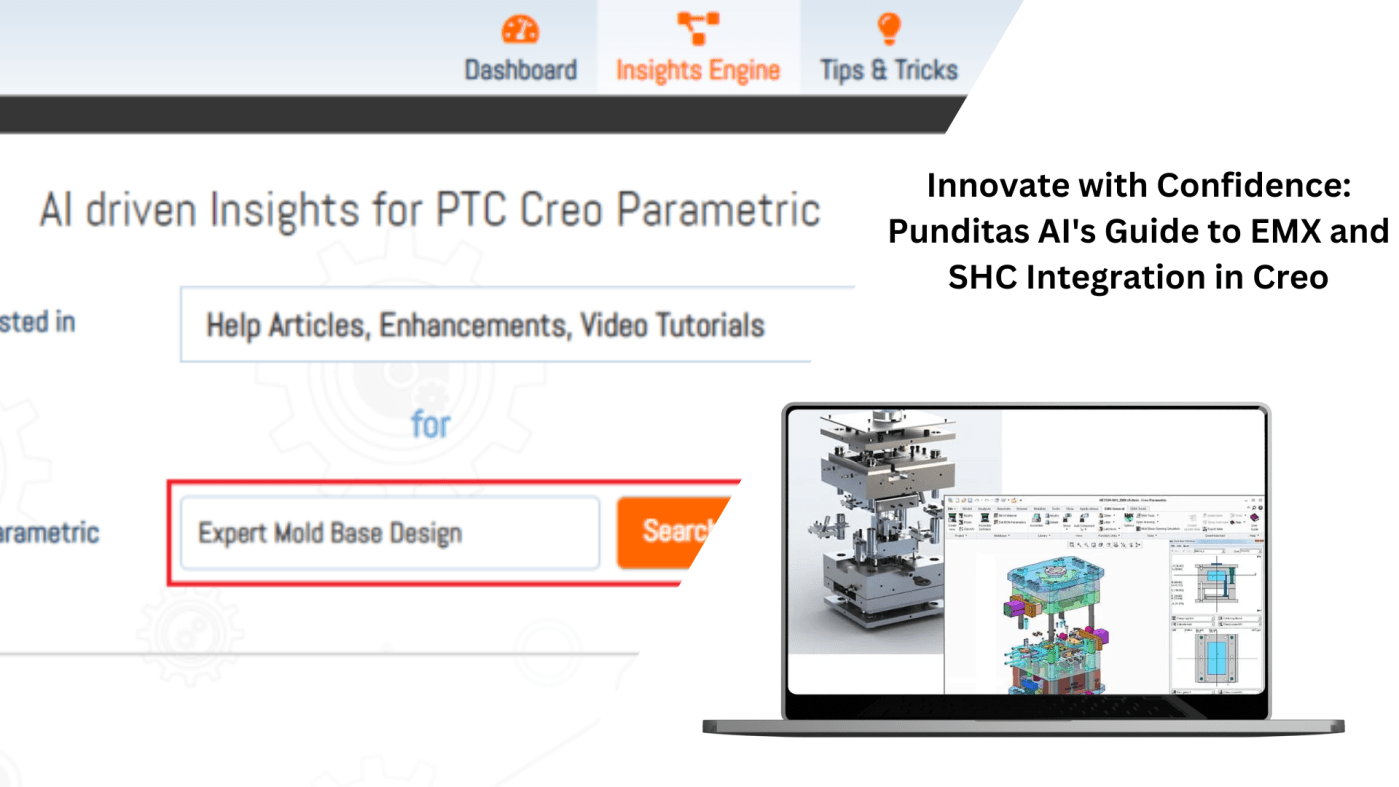
In the dynamic world of Computer-Aided Design (CAD), staying at the forefront of technology is crucial for design engineers. Punditas AI is your go-to source, providing a comprehensive repository of information, including video tutorials, help articles, enhancements, what’s new, open and closed bugs, workarounds, customer presentations, general presentations, discussions, blogs, and case studies.
Today, we delve into the exciting integration of the Expert Moldbase Extension (EMX) and Smart Hole Chart (SHC) extension with Creo, enriching the CAD experience for design engineers.
The EMX and SHC extensions have seamlessly integrated into the Creo environment. Now, design engineers can harness the full power of these extensions by acquiring the EMX and SHC licenses. The integration ensures that users can effortlessly explore the wealth of information and capabilities offered by these extensions, enhancing their efficiency and productivity.
Gone are the days of juggling multiple interfaces. With the EMX and SHC modules now part of the Creo workspace, design engineers can enjoy a cohesive and user-friendly work experience. This integration brings together all Creo features, creating a unified platform that simplifies the design process. What’s more, the modules come pre-installed with Creo, eliminating the need for a separate installation process and streamlining the onboarding experience for users.

Punditas AI extends its commitment to facilitating knowledge acquisition. The platform now boasts a diverse array of resources meticulously curated to cater to the specific needs of design engineers:
Video Tutorials: Visual learners can explore step-by-step video tutorials that complement the tutorial, providing a dynamic and immersive learning experience.
Help Articles: Dive into detailed help articles that offer insights, tips, and best practices, ensuring a robust understanding of Composite Design.
Enhancements or What’s New: Stay informed about the latest enhancements and updates in Creo 10.0, enabling design engineers to leverage the newest features.
Bug Reports: Access information on both open and closed bugs, offering valuable insights into potential challenges and their resolutions.
Workarounds: Discover effective workarounds to common issues, providing practical solutions for smoother workflows.
Customer, General Presentations and Discussions: Gain insights from customer and general presentations, offering real-world applications and perspectives.
Blogs: Engage with blogs covering a spectrum of topics related to Composite Design and Manufacturing, offering additional perspectives and insights.
Case Studies: Explore real-world case studies, delving into successful applications of Composite Design within various industries.
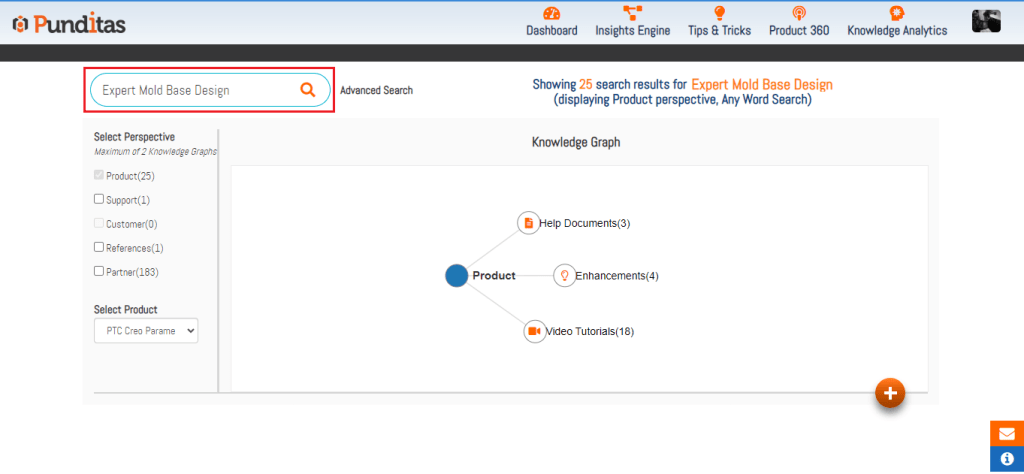
What is Punditas AI Advisor?
Punditas AI Advisor provides real-time guidance as you work in the Creo environment. Information on “how to use” a feature in Creo or best practices for working with Creo are presented within context, removing the need to guess or search for such information. Punditas AI driven content helps you leverage Creo to create your designs faster and with confidence.
For more information about Punditas AI Advisor, visit our website at Punditas AI or contact us at contact@punditas.com
 Punditas
Leave a comment