

Punditas AI leverages reputable sources to meticulously aggregate and structure Workarounds or CS Articles, ensuring a wealth of valuable insights for users. Within the Workarounds node, users can seamlessly explore search results tailored to their keywords, phrases, or topics of interest, emphasizing support and guidance. For instance, Punditas AI offers detailed instructions for implementing specific options, downloading software, access to a comprehensive knowledge hub spanning all Creo releases, or comprehensive summaries of issues along with descriptive solutions. This extensive functionality is not limited to Creo alone but extends to encompass other products as well.
Follow the below steps and get access the Workarounds node
Step 1:- Select Support Perspective from the Drop-down

Step 2:- Insert the word, phrase or topic and hit the Search button
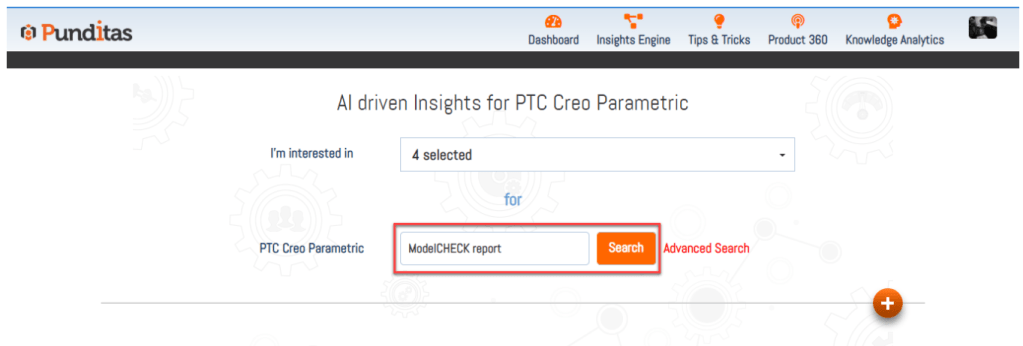
Step 3:- Click on Workarounds node

What is Punditas AI Advisor?
Punditas AI Advisor provides real-time guidance as you work in the Creo environment. Information on “how to use” a feature in Creo or best practices for working with Creo are presented within context, removing the need to guess or search for such information. Punditas AI driven content helps you leverage Creo to create your designs faster and with confidence.
For more information about Punditas AI Advisor, visit our website at Punditas AI or contact us at contact@punditas.com
 Punditas
Leave a comment