
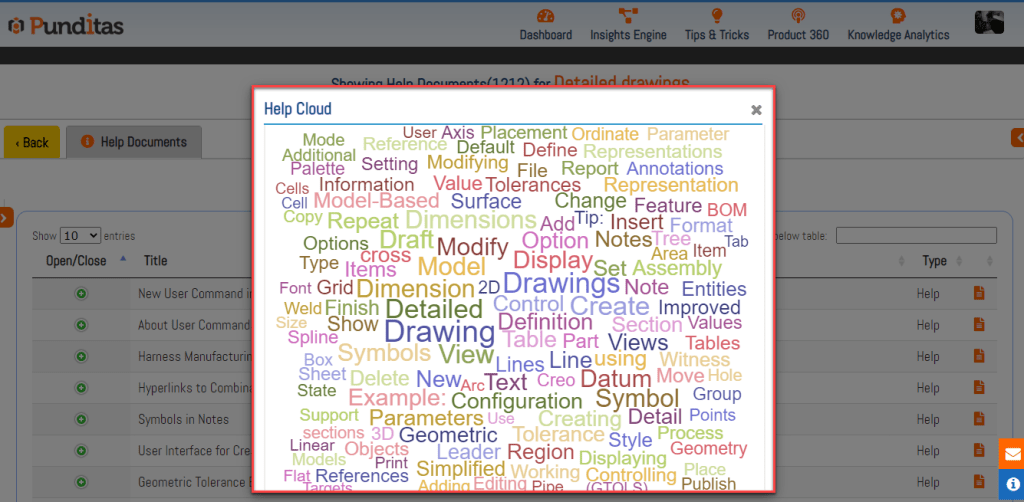
In the world of learning, efficiency is paramount. That’s where Punditas AI’s Help Cloud steps in. This innovative tool offers a visual representation of popular words, making it a breeze to find the most relevant information quickly. With constant updates, users can stay ahead of the curve, accessing the latest trends and developments effortlessly.
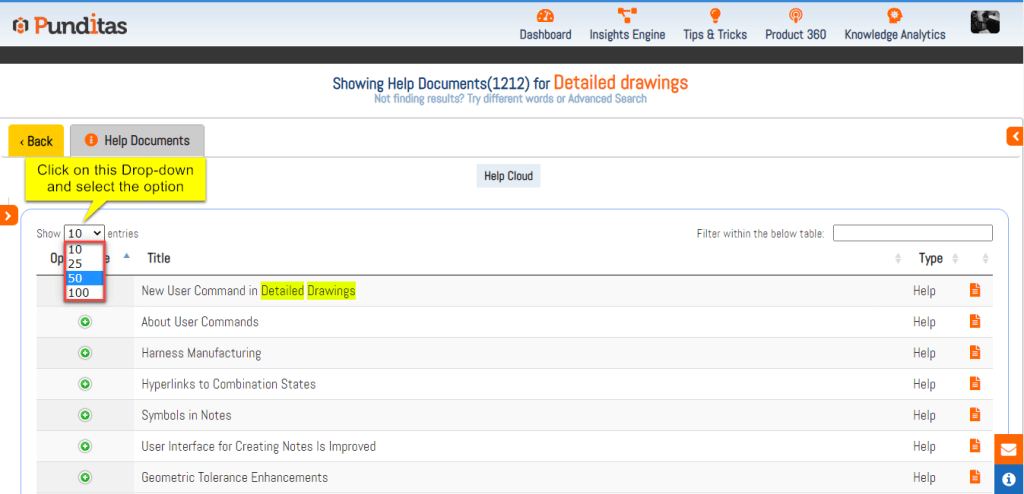
Customization is key to a tailored learning experience. Punditas AI offers four options for entry selection, allowing users to display 10, 25, 50, or 100 Help articles per page. This flexibility empowers users to navigate through the extensive library of help documents with ease.
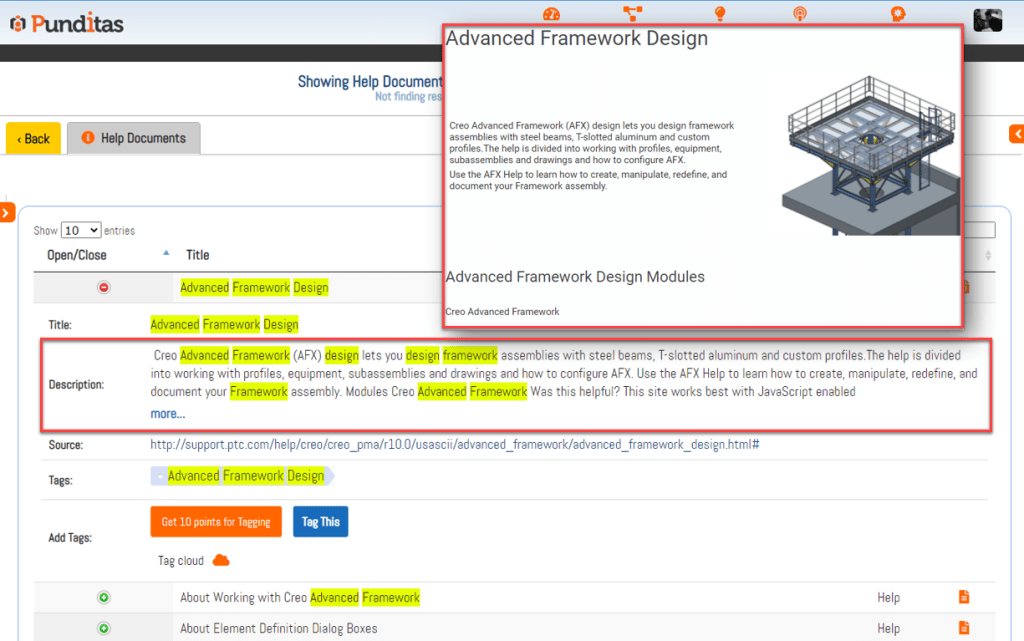
Authenticity is at the core of Punditas AI’s approach. By preserving the original titles and descriptions of Help documents from source sites, users can easily identify and locate the content they need. This commitment ensures a seamless user experience rooted in familiarity.
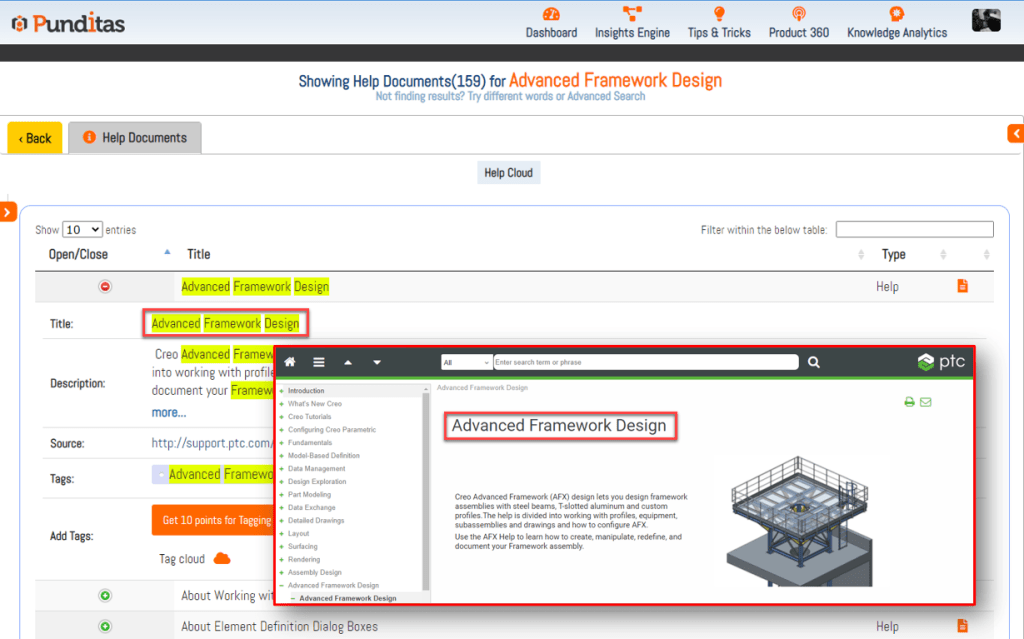
Before delving into a Help article, it’s crucial to assess its value. Punditas AI understands this and provides the exact same description as published by the author on the source site. By maintaining originality, users can evaluate whether a Help article aligns with their search topic or phrase, enhancing their overall learning experience.
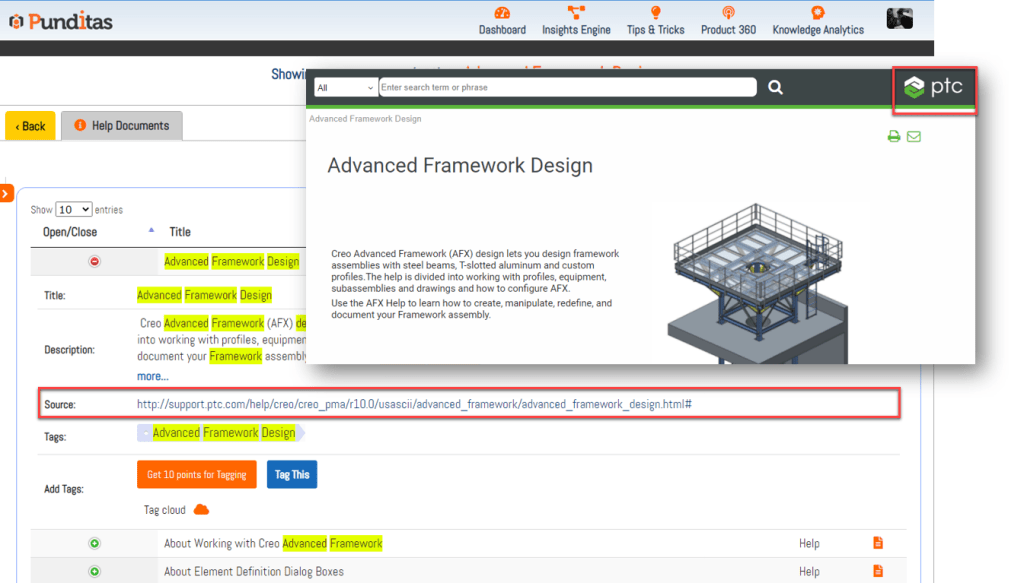
Transparency is key to effective learning. Each Help Document in Punditas AI’s node includes a Source field with a hyperlink to the corresponding article on the source site. This functionality allows users to explore additional details and engage directly with the original content, fostering a thorough learning experience.
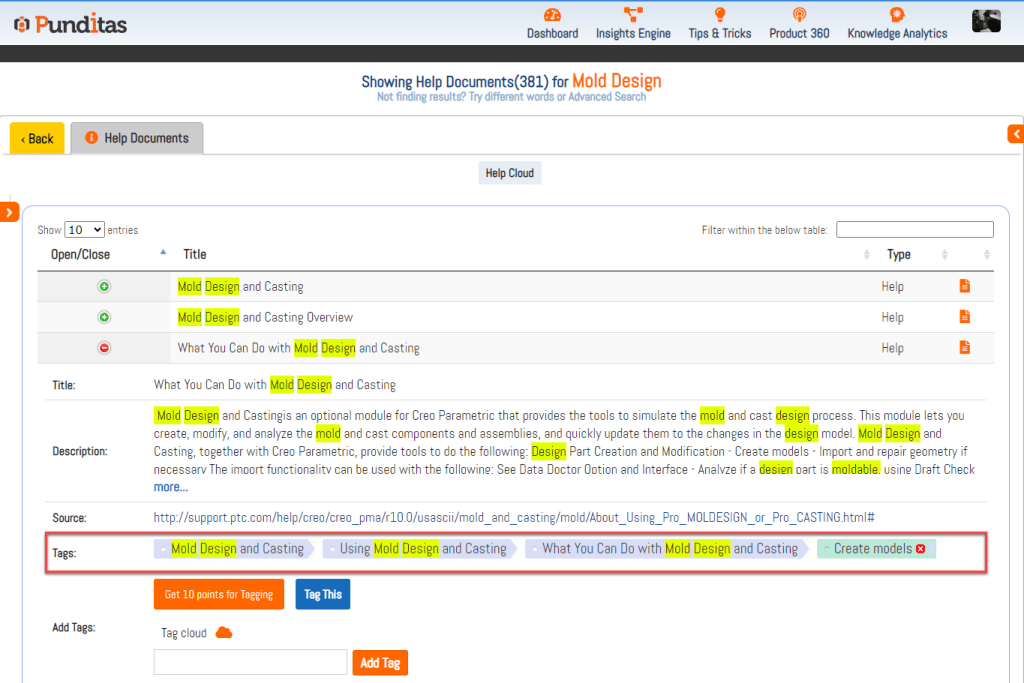
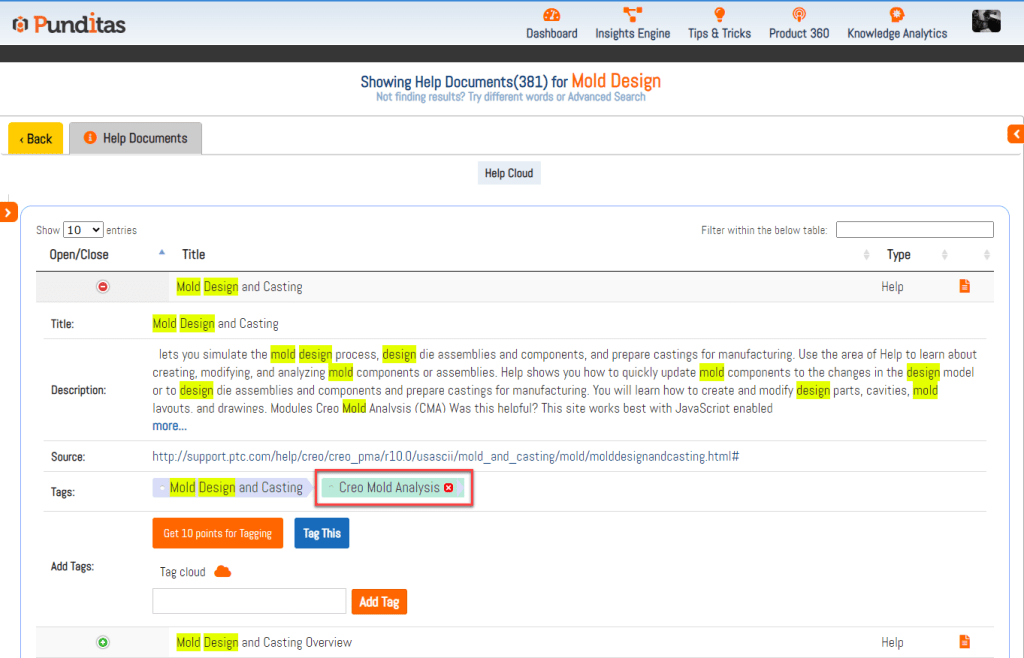
Tags play a pivotal role in organizing and enhancing searchability. Punditas AI’s Help Documents node features a Tags field showcasing tags added by original creators. Additionally, users can add their own tags, facilitating easier navigation and discovery of Help articles based on relevant topics.
Efficiency is maximized through labeling and tagging. Punditas AI empowers users to categorize and organize essential data for future reference, streamlining their workflow and knowledge management.
To further optimize efficiency, Punditas AI introduces the Filter within the below table feature within the Help Documents node. This functionality enables users to refine their search and access more accurate and relevant information, saving valuable time.

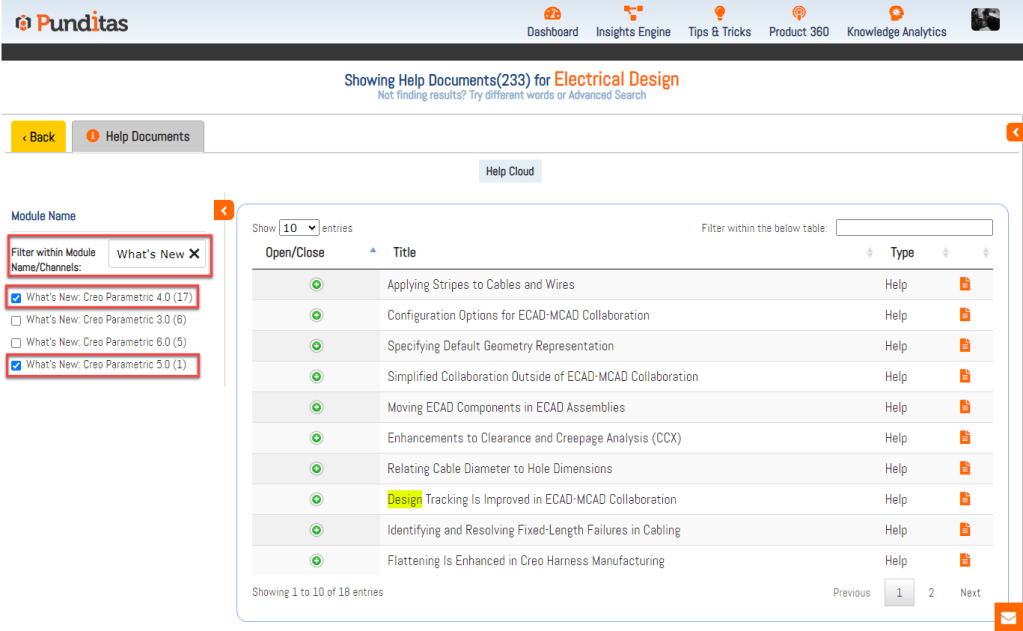
Navigating through a vast array of Help Documents can be daunting. Punditas AI simplifies this process with the Filter by Module option, allowing users to search for articles from specific modules or their favorite modules from a curated list. This feature eliminates the need for manual searching, ensuring quick access to Help Documents from preferred sources.
What is Punditas AI Advisor?
Punditas AI Advisor provides real-time guidance as you work in the Creo environment. Information on “how to use” a feature in Creo or best practices for working with Creo are presented within context, removing the need to guess or search for such information. Punditas AI driven content helps you leverage Creo to create your designs faster and with confidence.
For more information about Punditas AI Advisor, visit our website at Punditas AI or contact us at contact@punditas.com
 Punditas
Leave a comment