
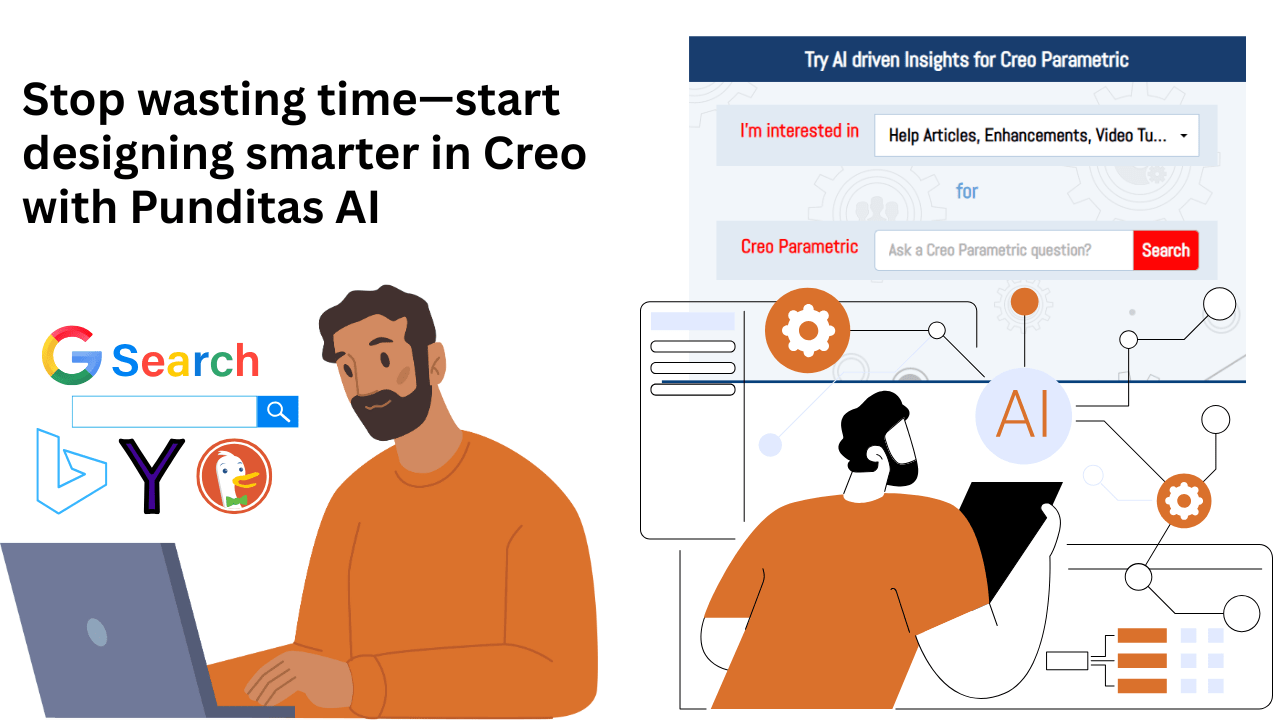
Design Engineers, Let’s Talk About Time…
If you’re a Creo user, you already know the story. You’re in the middle of building a complex model, and suddenly—you’re stuck. You need to figure out how a specific feature works, troubleshoot a component, or find best practices for a function you barely use. So, what do you do?

You stop everything…
You open Google, forums, YouTube, or the PTC support portal…
And you spend 15 to 30 minutes, sometimes even an hour, just trying to find a relevant answer.
And even then, most of what you find is outdated, too generic, or doesn’t fit your exact version or use case. Sound familiar?
Now imagine if that 30-minute search took just 30 seconds, and the result was not just “an answer,” but the right answer for your specific need.

Welcome to Punditas AI—your intelligent companion inside the Creo ecosystem.

What is Punditas AI?
Punditas AI is a smart assistant built specifically for Creo users. It integrates directly into your design environment to help you find relevant information instantly—whether it’s a video tutorial, an enhancement guide, a workaround, or a case study.
At the heart of Punditas AI lies a powerful feature called the Insights Engine.
The Problem: Traditional Search is Broken for Engineers
Most search engines and internal help tools are built with generic users in mind. They don’t understand:
- The specific product you’re using (Creo 6 vs Creo 11? Big difference).
- The real context behind your question (are you troubleshooting or learning a new feature?).
- The urgency of your task (you’re designing under a deadline, not writing a research paper).

This is where Punditas AI sets itself apart.
The Solution: AI That Knows What You’re Really Looking For
The Insights Engine in Punditas AI uses advanced machine learning and AI algorithms to do something incredible—it understands context.
Let’s say you’re working on a complex family table in Creo. You type “family table” in the Insights Engine.
Instead of giving you a generic list of links or unrelated forum posts, it will deliver:
✅ Video tutorials explaining how to create and manage family tables
✅ Help articles specific to your version of Creo
✅ Closed bugs or known issues related to family tables
✅ Real customer presentations showing how others use this feature
✅ Enhancements or new features in Creo 11 tied to family tables
This is information precision, not information overload.

It Gets Smarter Over Time
Even better, the more you use it, the more relevant the results become. The Insights Engine learns from:
- Your search patterns
- The topics you frequently explore
- The type of content you usually click on
Think of it as your personalized knowledge assistant that evolves with your workflow.
Massive Time-Saving for Every Creo User
Here’s what this looks like in practice:
| Before Punditas AI | After Punditas AI |
|---|---|
| 30 min search on forums & Google | 30 sec AI-driven search inside Creo |
| Skimming 10 articles | 1 targeted, curated result |
| Confusion over version relevance | Clear, version-specific insights |
| Lost time, lost focus | Smooth workflow, more design time |
Start Designing Smarter, Today
The reality is simple: the less time you spend searching, the more time you spend designing.
Whether you’re a new Creo user or a seasoned design engineer, Punditas AI helps you stay in flow, get unstuck faster, and make better decisions—right when you need to.
💡 Try it now — Sign up for free and experience how Punditas AI can cut your search time and boost your productivity.
👉 Click here to create your free Punditas AI account
Coming Up Next in the Series…
In our next blog, we’ll explore how Punditas AI’s Smart Search delivers not just results—but answers tailored to your intent.
Stay tuned.
Stay productive.
Stay ahead—with Punditas AI.
 Punditas
Leave a comment