
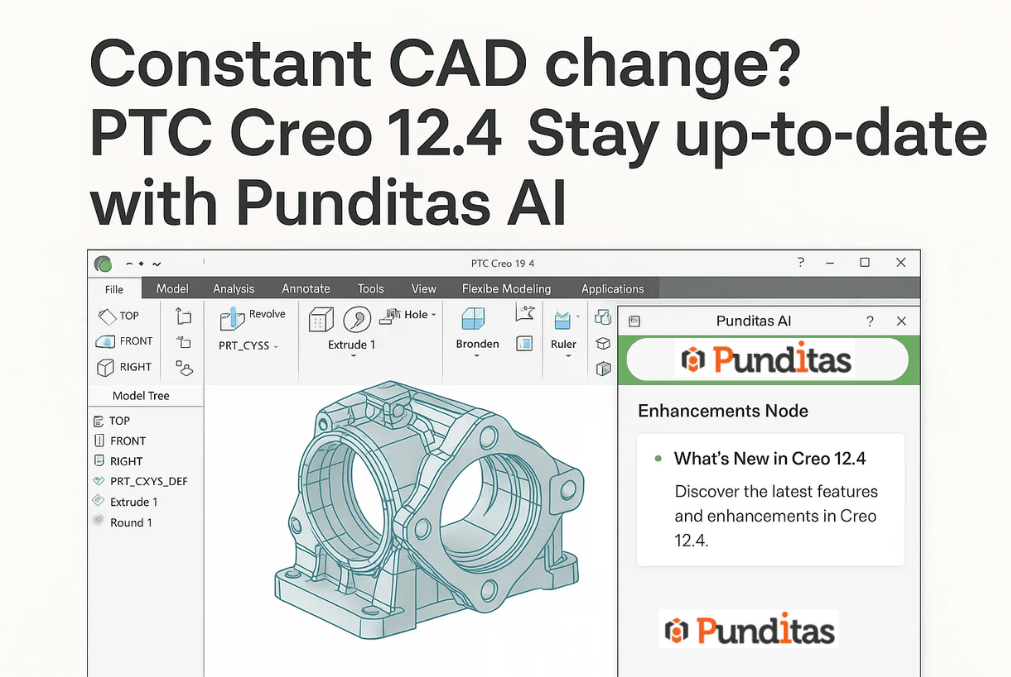
In the fast-paced world of product design, change is constant. PTC Creo, one of the most popular CAD tools, has grown significantly since its early days. Now at version 12.4, it offers thousands of new features and improvements that help designers work smarter and faster. But with so many updates coming so quickly, it can be a real challenge for users to keep up—understanding what’s new and how to apply those changes to their everyday work isn’t always easy.
Every new release brings promising enhancements—whether it’s improved modeling, better performance, or new modules—but finding the right information at the moment it’s needed can feel overwhelming. Traditional ways like digging through lengthy release notes or browsing forums just don’t cut it anymore.
That’s where Punditas AI makes a difference with its powerful Insights Engine and the Enhancements Node.
Why enhancements matter in Creo
Each new version of Creo builds on the last with improvements that range from small tweaks to game-changing features. Missing out on these can mean lost chances to boost productivity, improve accuracy, or innovate in design.
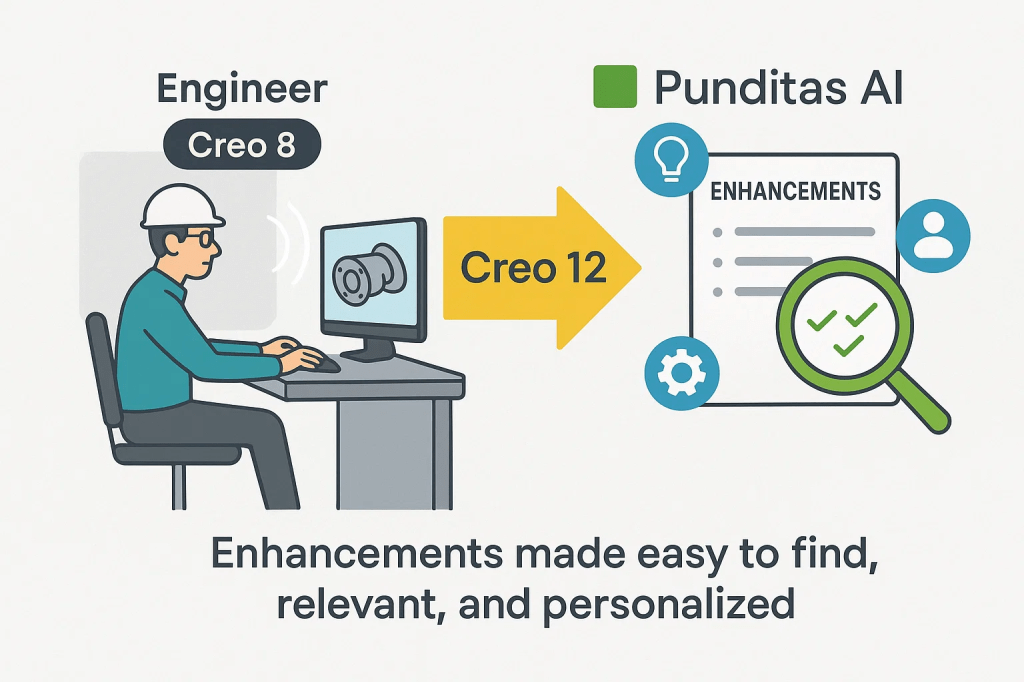
Take an engineer working on Creo 8—they might not realize the critical upgrades introduced by version 12 unless they invest hours reading through release documents. And even then, figuring out how those enhancements relate to their specific projects can be tough.
Punditas AI addresses this by making enhancements easy to find, relevant, and personalized.
The Enhancements node: Your central hub
Inside Punditas AI’s Insights Engine, the Enhancements Node acts as a centralized place for Creo users to explore both new and older features, neatly organized by version, module, or release.
Rather than scrolling endlessly through PDFs, users simply enter a keyword, phrase, or topic. Instantly, the AI pulls up the most relevant enhancements with clear, concise summaries.
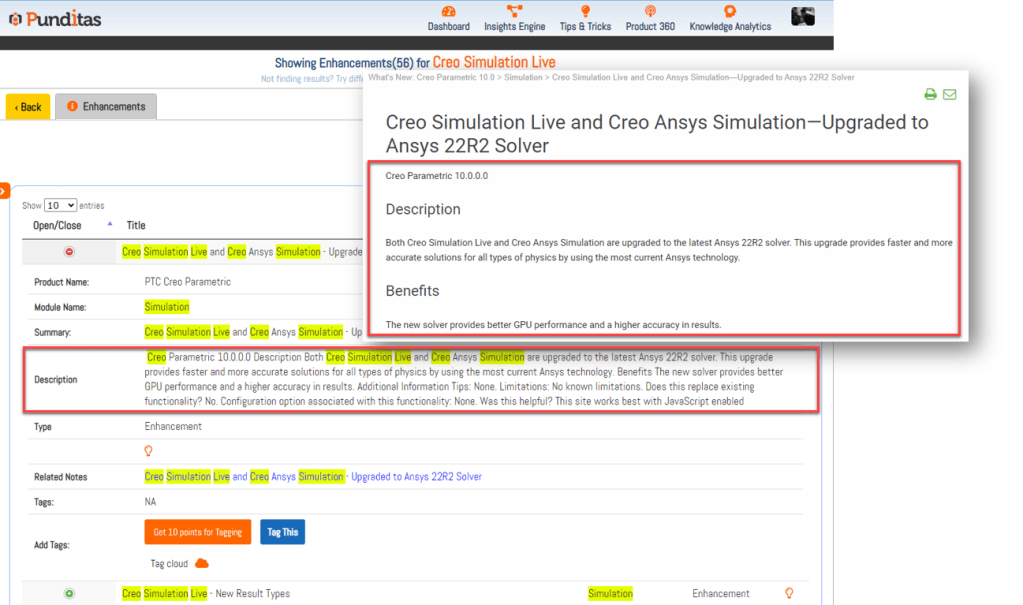
For each enhancement, you’ll find:
- A summary highlighting key points from official release notes.
- The module name so you know which part of Creo it relates to (like Parametric or Simulation).
- The original description straight from the source to ensure accuracy.
- Related links that take you back to the full documentation for deeper details.
This setup helps engineers do more than just know what’s new—they understand how it affects their work.
Smarter searching with filters and visual tools
Efficiency is key when searching for information. To help with this, Punditas AI offers handy features inside the Enhancements Node:
- Enhancement Cloud: A visual map of popular keywords lets users quickly see trending topics or important areas.
- Table Filters: Quickly narrow down large lists of enhancements based on search terms.
- Release Filter: Perfect for those juggling multiple Creo versions, this tool lets engineers focus only on features specific to their release, cutting through confusion.
Together, these tools save time and let users spend more of it designing.
Beyond Creo: Supporting multiple products
While Creo remains central for many teams, Punditas AI covers more. It also tracks enhancements for PTC Windchill PDMLink, Creo View, Solidworks, CATIA, NX, and others.
For teams working with multiple CAD platforms, this consolidation is a big help—no more juggling different systems to stay current across software.
Why Punditas AI stands out
In today’s design environment, staying updated isn’t optional; it’s essential. With thousands of features added across versions, engineers can’t afford to miss enhancements that could improve their work.
Punditas AI’s Enhancements Node equips users with the right information exactly when they need it. From intuitive filtering by release to insightful visualizations, it transforms a once time-consuming task into a quick, smart experience.
For Creo users, this means leaving uncertainty behind and gaining clarity, confidence, and control—so they can make the most of everything the latest Creo versions have to offer.
What is Punditas AI Advisor?
Punditas AI Advisor provides real-time guidance as you work in the Creo environment. Information on “how to use” a feature in Creo or best practices for working with Creo are presented within context, removing the need to guess or search for such information. Punditas AI driven content helps you leverage Creo to create your designs faster and with confidence.
For more information about Punditas AI Advisor, visit our website at Punditas AI or contact us at contact@punditas.com


Leave a comment