You no longer have to request an eval license for test driving Creo Simulation Live. Starting with Creo 6.0.1.0, you can click install a 20–day license of CSL and within minutes you can start testing the software to learn about what it has to offer. Note: License is automatically added to your machine. If there... Continue Reading →
Creo Parametric Tip#2: Improved visibility of objects in the graphics window
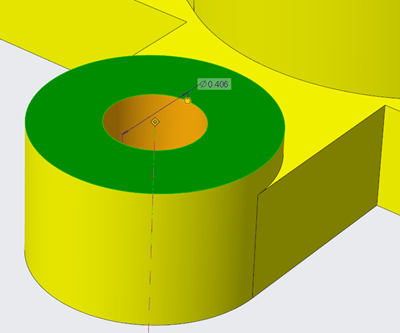
There are new configuration options for displaying or controlling the appearance of dimensions in Creo Parametric 6.0.0.0 release Use the below configuration options to control the appearance of background for dimensions 1. dim_background 2. dim_background_color 3. dim_background_trans A semi-transparent dimension background is set by default. This makes it easier to see and decipher dimension information... Continue Reading →
Creo Parametric Tip#1: Did you know that you can easily zoom into the selected reference in the model
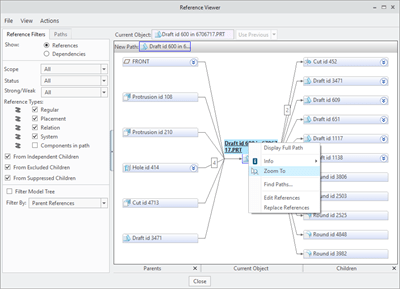
In Creo Parametric 6.0.0.0, you can zoom into the selected reference in the model, and to place it in the center of the graphics window. This makes it easier to identify and locate references when you are investigating. For this just goto Tools --> Reference Viewer in Creo Parametric Punditas AI based Knowledge-Centric system automatically... Continue Reading →