Previously, the datum planes with large sizes cluttered the graphical model presentation in Creo, and you had to manually adjust their sizes. Now you can control the default datum size in one of the following ways – The default size is automatically calculated to fit the model outline (as it was previously).The default size is... Continue Reading →
What is cosmetic Branch Tape Feature in PTC Creo?
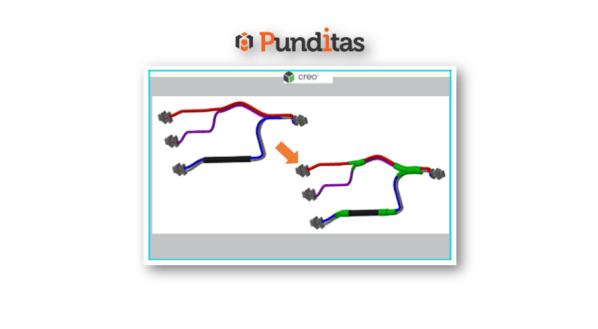
The new Branch Tape cosmetic feature represents an electrical tape wrapped around wires and junctions, and binds them together using advanced placement capabilities. A branch tape can be wrapped around wires, cables, bundles, and stiff shrinks. You can specify an overlap factor parameter that defines a width % for each wrap of a tape. You... Continue Reading →
What is Stiff Shrink Feature in PTC Creo?
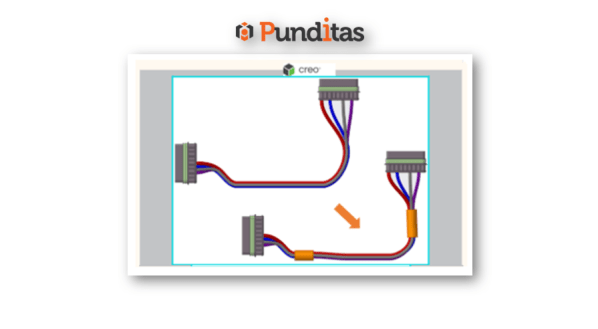
A new Stiff Shrink feature has been added to Cabling with Creo 8.0. The Stiff Shrink sheath feature allows you to route multiple cables and wires through it. Unlike the Bundle feature, the Stiff Shrink feature does not bend and remains straight along its axis. You can first create a Stiff Shrink feature by using... Continue Reading →
How to Spotlight profile within PTC Creo using Punditas AI?
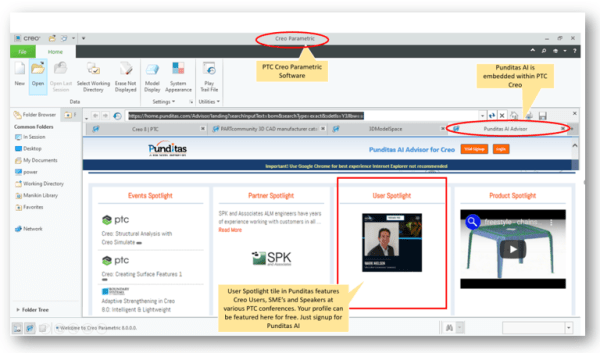
Users profiles are featured on the Punditas landing page within Creo Parametric as shown below. A new User profile is loaded each time the landing page is reloaded or refreshed How to feature your profile within Punditas AI as shown below? To showcase your profile in Punditas AI, follow the below steps Featured profile in... Continue Reading →
Did you know about the new Dimensioning Scheme group for groove/butt welds in PTC Creo?
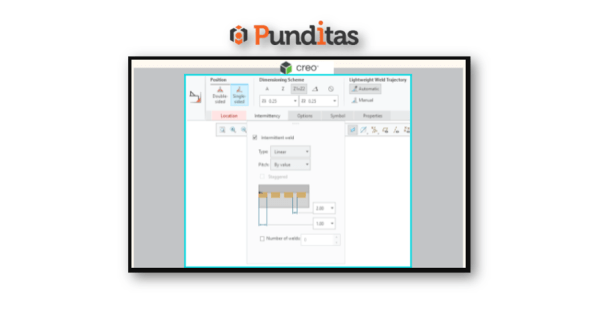
The Fillet Weld dashboard has been updated with Creo 8.0. A new Dimensioning Scheme group has been created for groove/butt welds. The dashboard contains the following groups: PositionTypeEdge PreparationWeld Size SchemeLightweight Weld Trajectory User Interface: Click Applications > Welding Punditas AI Advisor for Creo Punditas AI Advisor provides real-time guidance as you work in the Creo environment. Information on “how to use”... Continue Reading →
Punditas AI Advisor now supports Creo 7.0.5.0
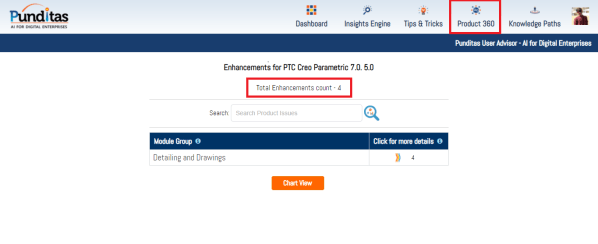
PTC released Creo 7.0.5.0 recently. Punditas AI Advisor now supports this latest version of Creo 7.0.5.0. Punditas AI allows users to learn more about “How”, What” and “Why” of these enhancements through Product 360 module. The picture below shows the Module groups and the corresponding enhancements added within each group. To try this out, please... Continue Reading →
Punditas AI Advisor now supports Creo 8.0.1.0
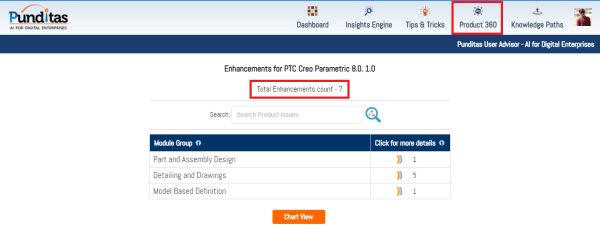
PTC released Creo 8.0.1.0 recently. Punditas AI Advisor now supports this latest version of Creo 8.0.1.0. Punditas AI allows users to learn more about “How”, What” and “Why” of these enhancements through Product 360 module. The picture below shows the Module groups and the corresponding enhancements added within each group. To try this out, please... Continue Reading →
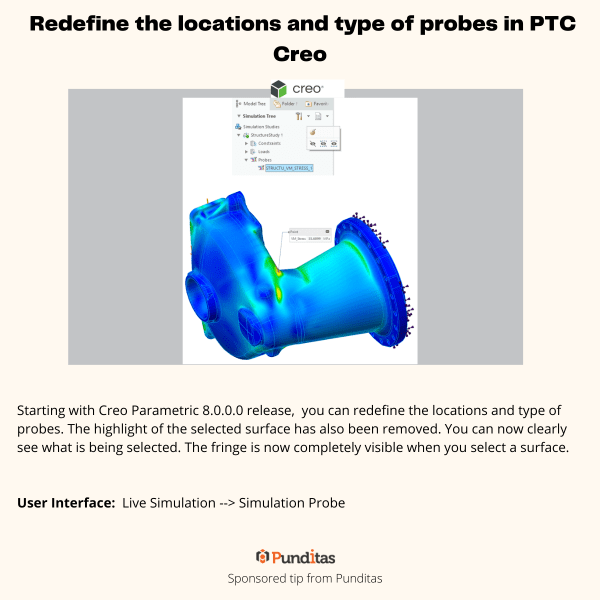
Redefine the locations and type of probes in PTC Creo
Starting with Creo Parametric 8.0.0.0 release, you can redefine the locations and type of probes. The highlight of the selected surface has also been removed. You can now clearly see what is being selected. The fringe is now completely visible when you select a surface. User Interface: Live Simulation --> Simulation Probe For more information about Punditas... Continue Reading →
Selective Removal of Dangling Beams in PTC Creo
This Improvement allows one to control which surfaces should be used to remove the dangling beams. Eliminating the old on/off approach, this enhancement provides a more flexible way to remove dangling beams and a better control over the lattice creation. User Interface: Lattice --> Cell Fill --> Dangling beams --> Keep/Remove/Remove by surfaces For more... Continue Reading →
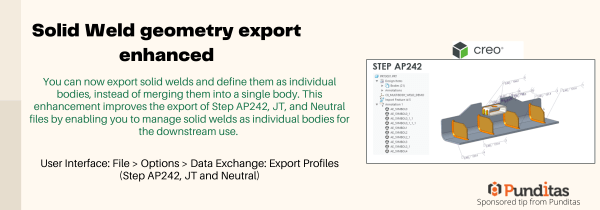
Solid Weld geometry export enhanced
You can now export solid welds and define them as individual bodies, instead of merging them into a single body. This enhancement improves the export of Step AP242, JT, and Neutral files by enabling you to manage solid welds as individual bodies for the downstream use. User Interface: File > Options > Data Exchange: Export... Continue Reading →