

Engineering projects move quickly, and every role—from design engineers to project managers—needs access to different sets of information. Too often, valuable insights get buried in lengthy reports, scattered files, or endless email threads. The result? Teams spend unnecessary time searching for knowledge instead of applying it.
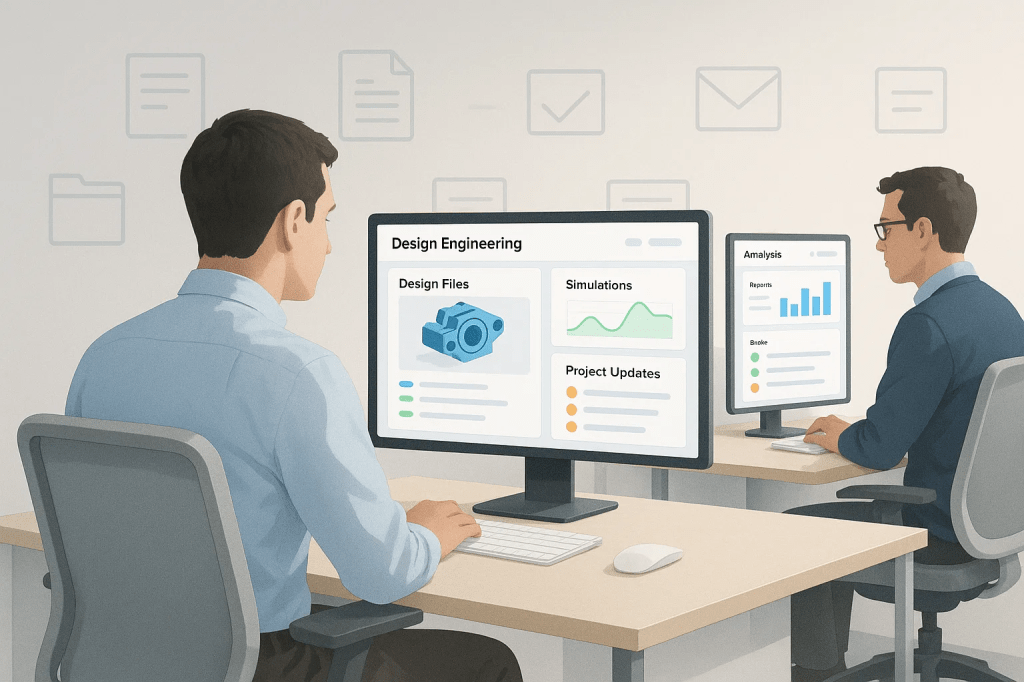
That’s where Personalized Dashboards in Punditas AI make the difference.
A central hub for relevant knowledge
The Dashboard acts as a single point of access for engineers to view only the insights that matter to them. Instead of wading through irrelevant documents or updates, each engineer sees a curated view aligned with their projects, expertise, and responsibilities.
- Design engineers may see CAD tips, simulation insights, and the latest Creo updates.
- Project managers may view resource usage, deadlines, and team learning progress.
- New hires may get onboarding content and tailored learning paths.
This role-based customization means time isn’t wasted, and productivity improves.
Filter out the noise
Every engineering team produces huge volumes of data. But more data doesn’t always mean more clarity—it often creates information overload.
Punditas AI Dashboards solve this by filtering out the noise and surfacing what’s most relevant. Engineers no longer need to jump between platforms or dig through endless folders to find what they need. The Dashboard delivers it right to them, in real time.
Easy access across platforms
Whether working in PTC Creo, Windchill, ThingWorx, SolidWorks, or Onshape, engineers can access their personalized dashboard directly within the tools they already use. No context switching, no wasted clicks—just the right information in the right place.
This seamless integration ensures that knowledge delivery becomes part of the workflow, not an extra task.
More than just data
The Personalized Dashboard in Punditas AI goes beyond insights—it also becomes a daily touchpoint for engineers working with Creo. Through the Punditas AI Dashboard, users can quickly access:
- Company updates such as Creo downtime alerts or project announcements.
- Trending content including videos and tutorials.
- Community discussions gathered from dozens of sources.
- Partner and company information from the PTC partner network.
- User Spotlight showcasing how others are using Creo.
- Upcoming and ongoing PTC Creo events from around the world.
By bringing all of this into one place, the Dashboard eliminates the need to search across multiple tools, websites, or emails. Everything an engineer needs is right there—organized, timely, and relevant.
Key takeaway
In engineering, time is too valuable to waste searching for knowledge. Personalized Dashboards in Punditas AI transform scattered data into focused insights, tailored to each role and workflow. From CAD tips to project announcements, from trending tutorials to global events, everything is delivered in one unified view.
For organizations using Creo and other PTC tools, the Dashboard isn’t just about efficiency—it’s about giving every engineer exactly what they need to succeed.
What is Punditas AI Advisor?
Punditas AI Advisor provides real-time guidance as you work in the Creo environment. Information on “how to use” a feature in Creo or best practices for working with Creo are presented within context, removing the need to guess or search for such information. Punditas AI driven content helps you leverage Creo to create your designs faster and with confidence.
For more information about Punditas AI Advisor, visit our website at Punditas AI or contact us at contact@punditas.com


Leave a Reply