Did you know that display of dimensions is improved in Creo 6.0?

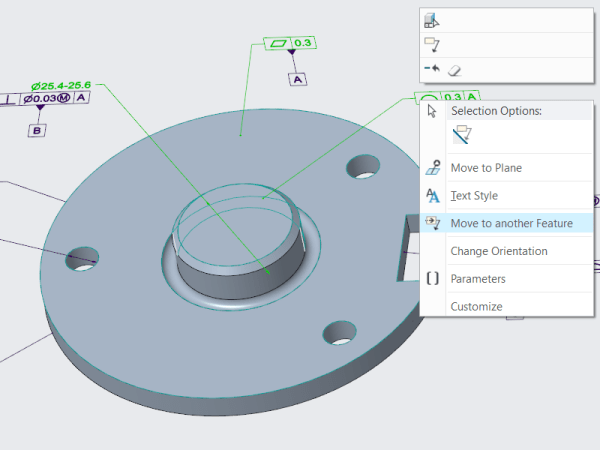
Starting with Creo Parametric 6.0.0.0, there are new configuration options for displaying dimensions. This improves the visibility of objects that are frequently used in the graphics window. To control the appearance of the background for dimensions use the following new configuration options dim_background  —Shows the background under dimensions when new dimensions appear. Values are always,... Continue Reading →

Punditas AI Advisor now supports Creo 6.0.3.0

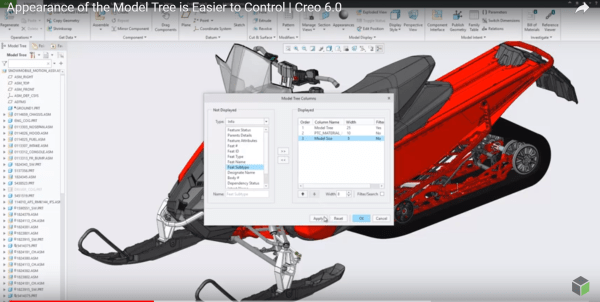
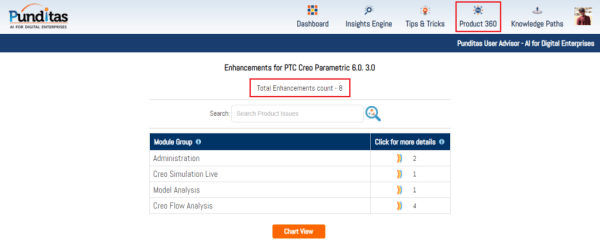
PTC released Creo 6.0.3.0 recently. Punditas AI Advisor now supports this latest version of Creo 6.0.3.0. Punditas AI allows users to learn more about “How”, What” and “Why” of these enhancements through Product 360 module. The picture below shows the Module groups and the corresponding enhancements added within each group. To try this out, please... Continue Reading →

Punditas AI Advisor now supports Creo 4.0 M110

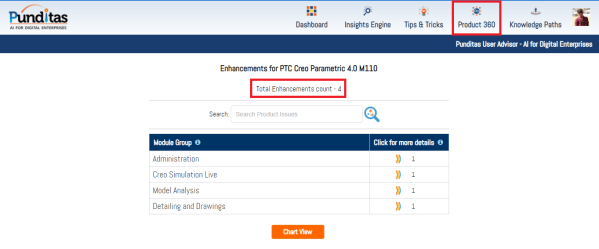
Punditas AI Advisor supports Creo 4.0 M110. Punditas AI allows users to learn more about “How”, What” and “Why” of these enhancements through Product 360 module. The picture below shows the Module groups and the corresponding enhancements added within each group. To try this out, please signup for a FREE trial at Punditas AI Modules and... Continue Reading →

How to edit existing Creo Pattern Tables?

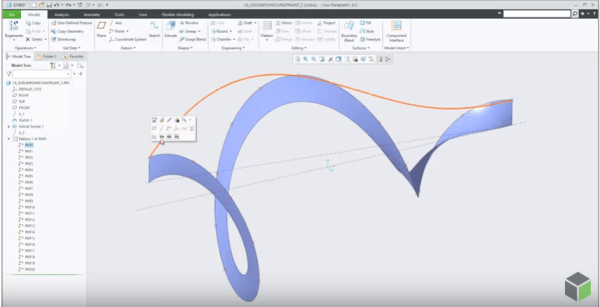
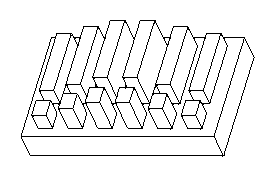
Mark Ganzer from Toro in his presentation talks about editing existing pattern tables. See the picture below Pattern tables allow you to create complicated or irregular patterns of features or groups by letting you specify unique dimensions for each instance in the pattern through an editable table. Multiple tables can be established for a pattern,... Continue Reading →

About Creo Drawing formats & Standards

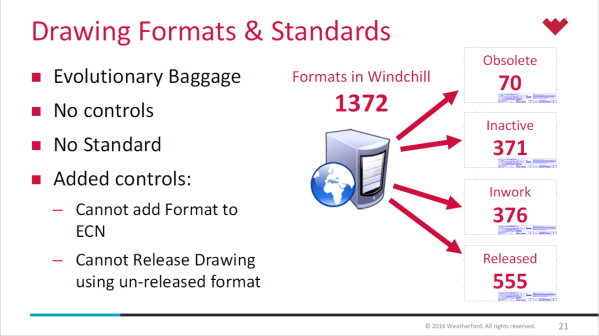
Lewis Lawrence and William Friend from Weatherford, covered  Drawing Formats & Standards in one of their webinar. Here are some snippets from their presentation- Creo uses startup scripts to copy standards in place  Creo Standard Configurations in place by product line Every install of Creo uses a defined set of configuration files, specific to location... Continue Reading →

Creo Parametric Tip #4: Arrowheads for Dimensions

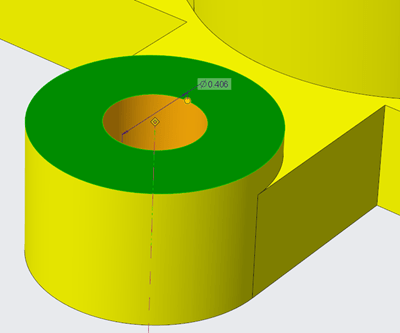
Did you know that all arrow leader dimensions are created as closed and filled arrowheads with Creo Parametric 6.0.0.0 release? Also, Radial dimensions that are attached to surfaces, are  automatically a filled dot arrowhead style. This applies to dimension arrowheads in Detailed Drawings and Model-Based Definition Punditas, a PTC partner offers AI driven content for... Continue Reading →

Website Powered by WordPress.com.

Up ↑