You can promote your Creo Training, Webinars and other events directly to Creo Users through Punditas AI platform. Punditas AI is now embedded within PTC Creo Environment. To learn how to promote your Creo Events contact@punditas.com Check out the Trial or Demo versions of Punditas AI Demo version of Punditas AI Signup for a Free Trial of... Continue Reading →
Punditas AI is your Single Source of Creo Knowledge
Creo Knowledge is distributed. Punditas AI discovers, analyzes and curates content across 100's of sources to provide you with a single source of Creo knowledge Check out the Trial or Demo versions of Punditas AI Demo version of Punditas AI Signup for a Free Trial of Punditas AI For more information about Punditas AI Advisor, visit our... Continue Reading →
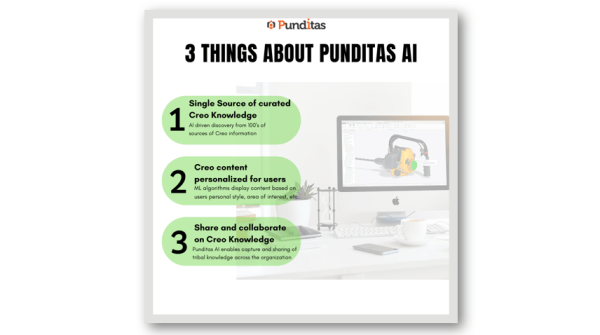
3 Things About Punditas AI
1. Single Source Of Curated Creo Knowledge AI driven discovery from 100's of sources of Creo Information. 2. Creo Content Personalized for Users ML Algorithms display content based on Users personal style, area of Interests, etc. 3. Share and Collaborate on Creo Knowledge Punditas AI enables capture and sharing of tribal knowledge across the organization.... Continue Reading →
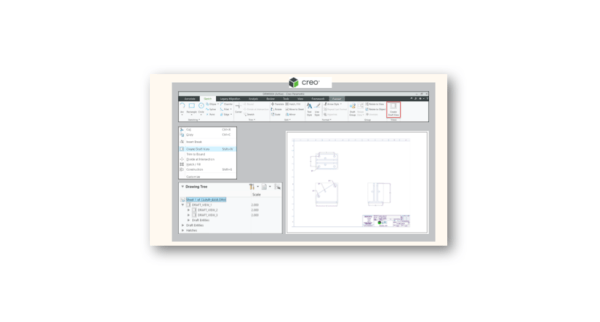
Did you know about the new Create Draft View in PTC Creo 8?
The new Create Draft View option allows you to select several entities (either created or imported) and convert them all into a new 2D draft view that could also be scaled. This is useful when you import legacy drawings that have no model behind it, or if you have a collection of draft entities which... Continue Reading →
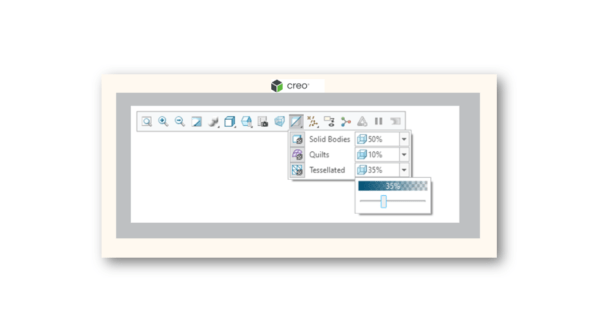
Have you tried the new transparency control for quilts and bodies in PTC Creo 8?
Previously, transparency could only be set by persistently changing the assigned appearance. Now you can set the transparency percentage levels for solid bodies, quilts, and tessellated geometry without applying appearances. This enhancement also provides buttons to toggle the transparency of the objects. For quilts and tessellated geometry, the toggle applies to all the geometry of... Continue Reading →
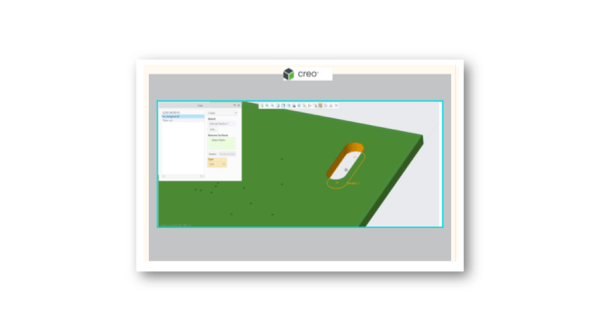
Do you know that you can Create, Edit, import and collaborate on ECAD cuts and slots in PTC Creo?
Starting with In Creo Parametric 8, you can create, edit, import, and collaborate on ECAD cuts and slots. A slot is a specific type of ECAD cut with an attribute to identify it as a slot. Slots are imported as a separate cut feature along with attributes that identify them as ECAD Slots. You can import and... Continue Reading →
How to create straight drilled hole in combination with the tapped, tapered hole section in PTC Creo?
The Hole feature option added for NPT, NPTF, and ISO-7 standard holes in Creo allows you to create a straight drilled hole in combination with the tapped, tapered hole section. Hole charts (.hol files) are updated to drive thread depth and straight drill diameter. The depth options for this straight drilled hole section include: Blind, To Next, Through All, Through... Continue Reading →
What is ISO fillet weld feature in PTC Creo?
A new Z1xZ2 dimensioning scheme has been added to the Fillet Weld feature. This enhancement enables a compliance with the ISO standard. It is easier to apply intermittent and staggered welds and improves the usability of ISO fillet welds. It allows you to define each leg length by its value, contains labels with clearer definitions. The Shape tab in... Continue Reading →
Did you know about the new Intermittent tab for Weld Preferences in PTC Creo?
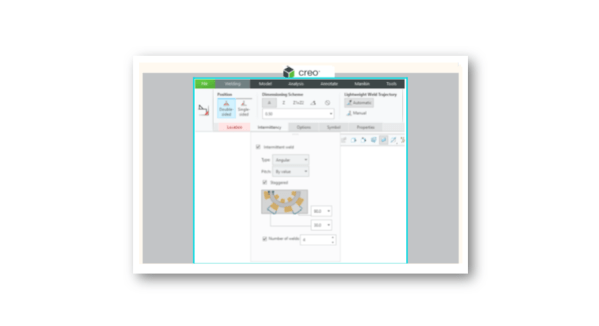
Starting with Creo 8, you can create welds with intermittent spaces between the welds in Creo. A new Intermittency panel has been added for intermittent fillet and groove/butt welds. From here you can define pitch, number of welds, and weld spacing. A new Intermittent tab has been added to the Weld Preferences dialog box. The report of the other side numbers... Continue Reading →
Did you know about the newly added recursive references in PTC Creo?
The new Recursive References option in Creo 8, allows users to recursively list potentially impacted references in the Replace References dialog box. Note, this option is only available when you replace quilt references. When this option is selected, the system identifies the direct child features for reference handling, and also identifies the entities created by... Continue Reading →