What are the improved thread handling options for thread length and intersection control in PTC Creo?

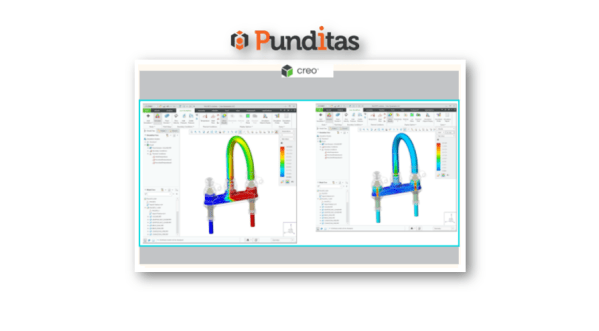
Starting with Creo 8.0, the Hole feature provides enriched thread handling options for thread length and intersection control. You use the following thread depth control options for additional flexibility : Through ThreadBlindTo Reference Note : The Through Thread option is typically enabled and available for the following geometry dependent drill depth options : Drill up to next surfaceDrill... Continue Reading →

Did you know about the new Dimensioning Scheme group for groove/butt welds in PTC Creo?

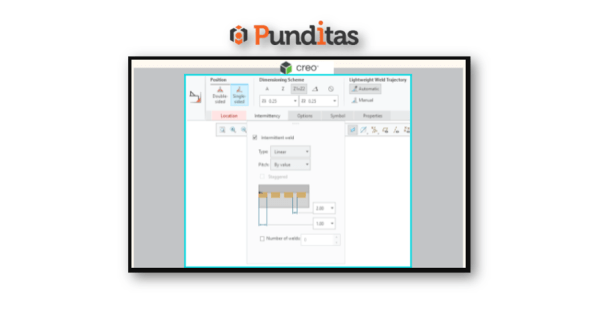
The Fillet Weld dashboard has been updated with Creo 8.0. A new Dimensioning Scheme group has been created for groove/butt welds. The dashboard contains the following groups: PositionTypeEdge PreparationWeld Size SchemeLightweight Weld Trajectory User Interface: Click Applications > Welding Punditas AI Advisor for Creo Punditas AI Advisor provides real-time guidance as you work in the Creo environment. Information on “how to use”... Continue Reading →

Punditas AI Advisor now supports Creo 7.0.5.0

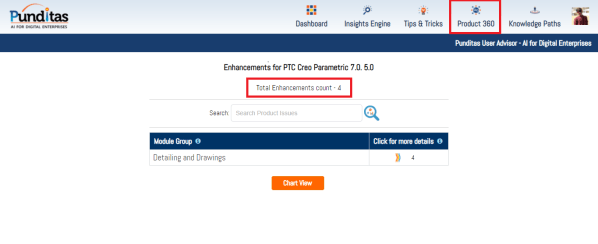
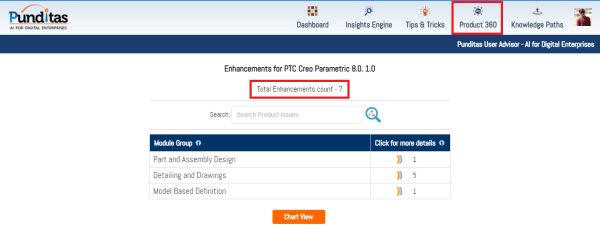
PTC released Creo 7.0.5.0 recently. Punditas AI Advisor now supports this latest version of Creo 7.0.5.0. Punditas AI allows users to learn more about “How”, What” and “Why” of these enhancements through Product 360 module. The picture below shows the Module groups and the corresponding enhancements added within each group. To try this out, please... Continue Reading →

Punditas AI Advisor now supports Creo 8.0.1.0

PTC released Creo 8.0.1.0 recently. Punditas AI Advisor now supports this latest version of Creo 8.0.1.0. Punditas AI allows users to learn more about “How”, What” and “Why” of these enhancements through Product 360 module. The picture below shows the Module groups and the corresponding enhancements added within each group. To try this out, please... Continue Reading →

Redefine the locations and type of probes in PTC Creo

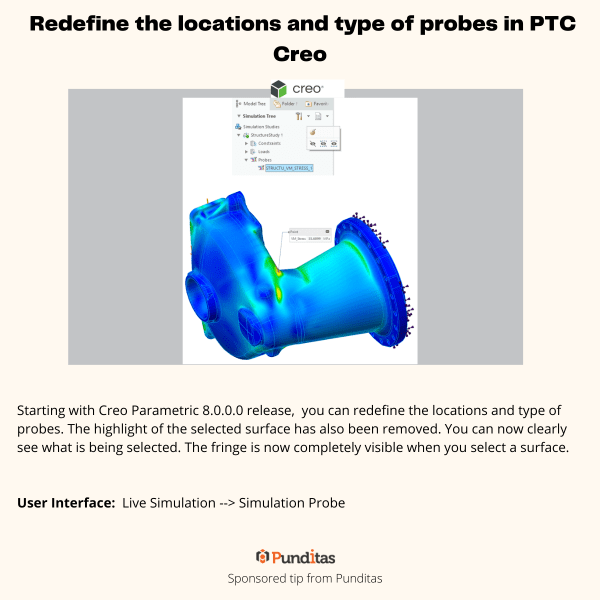
Starting with Creo Parametric 8.0.0.0 release, you can redefine the locations and type of probes. The highlight of the selected surface has also been removed. You can now clearly see what is being selected. The fringe is now completely visible when you select a surface. User Interface: Live Simulation --> Simulation Probe For more information about Punditas... Continue Reading →

Selective Removal of Dangling Beams in PTC Creo

This Improvement allows one to control which surfaces should be used to remove the dangling beams. Eliminating the old on/off approach, this enhancement provides a more flexible way to remove dangling beams and a better control over the lattice creation. User Interface: Lattice --> Cell Fill --> Dangling beams --> Keep/Remove/Remove by surfaces For more... Continue Reading →

Website Powered by WordPress.com.

Up ↑