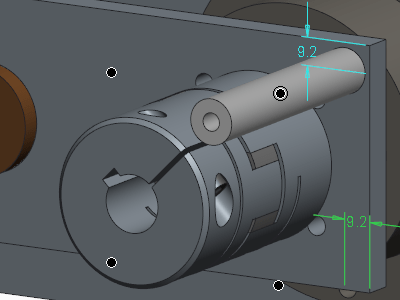
PTC has improved the workflow for creating radial dimensions. The Typical creation of radial dimension provides upto 4 flip states that represents different witness line and arrow configurations. Starting with Creo 5.0, the definition of flip states is improved to provide better default states, depending on the position of the pointer. This provides visual feedback... Continue Reading →
Did you know that you can assign different appearances to the same component in Creo?
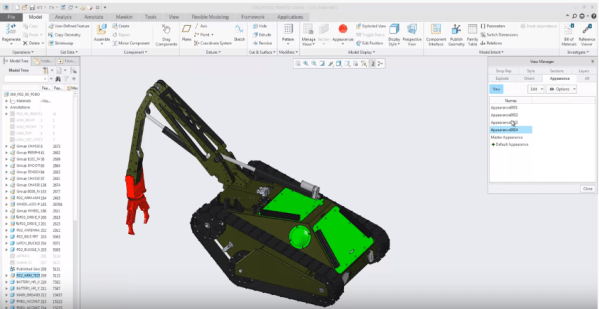
We can now capture multiple appearance combinations for the same part and assembly and easily switch between appearance variants. Use Appearance state instead of Combined state. To do this goto View Manager to set the appearance state of your component. You can also use appearance states inside combined states and switch between... Continue Reading →
Did you know that mirroring of features in Creo is improved?
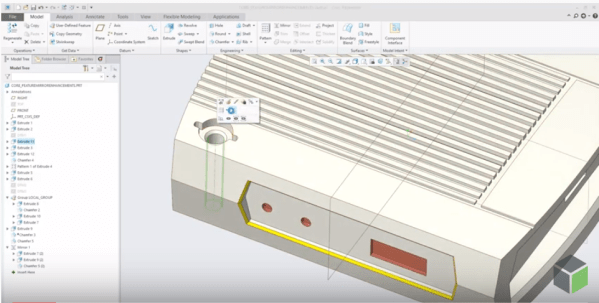
Starting with Creo Parametric 5.0 release, the workflow for mirroring of features is enhanced. Mirror workflow provides an intuitive preview and increased flexibility during redefinition. Also, Mirror tool is faster in definition and re-definition of mirror feature. Preview in the graphics windows is available during creation or redefinition of feature for quick visual feedback on... Continue Reading →
Did you know that you can create a midplane between selected references in Creo?
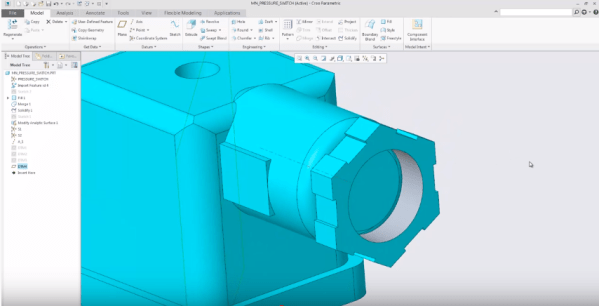
Datum Plane tool in Creo provides an option to create a mid-plane between selected references. The enhancement has made it easier to understand how constraints can be changed. Also its faster to define datum planes especially in conjunction with operations such as Mirror. Depending on the geometric situation, the midplane can be created parallel to... Continue Reading →
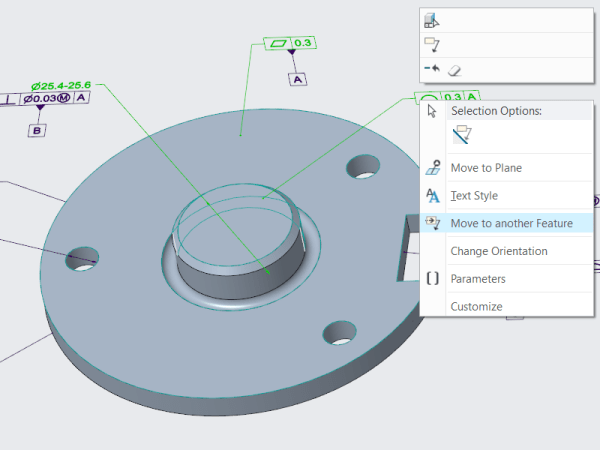
Did you know that you can you reorganize the structure of Annotation Elements in Creo?
As a designer, you will want to reorganize the structure of the Annotation Elements (AE) by easily moving an AE from its owner Annotation Feature (AF) to a different AF In earlier releases of Creo Parametric, you must edit the Annotation Features to manage the owners of the various annotation elements in your design. Starting... Continue Reading →
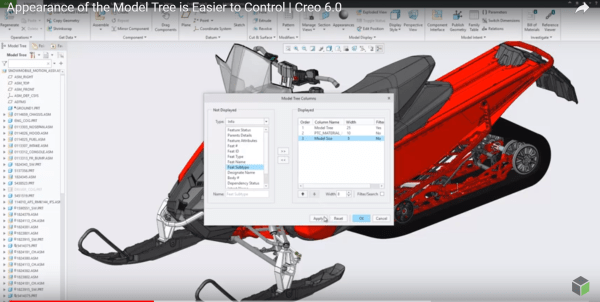
Did you know that you can now control the appearance of Model Tree in Creo?
I think this is a neat enhancement in Creo. With Creo 6.0 release, the Model Tree appearance can be controlled and configured by users Setting Up the Model Tree You can define the width of the model tree - add columns and keep the Model Tree column at the default width or the width you... Continue Reading →
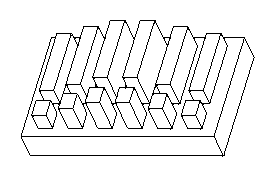
How to edit existing Creo Pattern Tables?
Mark Ganzer from Toro in his presentation talks about editing existing pattern tables. See the picture below Pattern tables allow you to create complicated or irregular patterns of features or groups by letting you specify unique dimensions for each instance in the pattern through an editable table. Multiple tables can be established for a pattern,... Continue Reading →
Creo Patterning
Mark Ganzer@Toro has done an excellent job covering Patterning in Creo - Basics, Performance & Tips in one his presentations. Here are some excerpts from his slide deck. Check out the Tips (below) in particular ... Continue Reading →
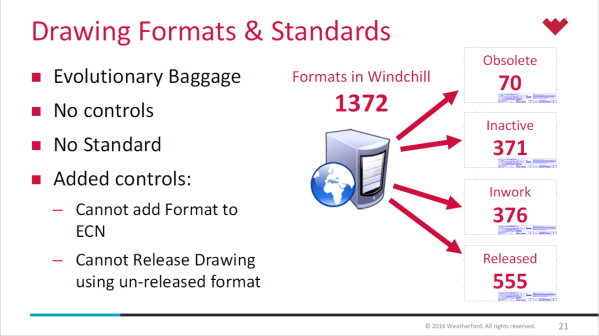
About Creo Drawing formats & Standards
Lewis Lawrence and William Friend from Weatherford, covered Drawing Formats & Standards in one of their webinar. Here are some snippets from their presentation- Creo uses startup scripts to copy standards in place Creo Standard Configurations in place by product line Every install of Creo uses a defined set of configuration files, specific to location... Continue Reading →
Not steakholders but stakeholders for your Model Based journey
No, I'm not talking about Steakholders but Stakeholders for realizing Model Based Definition & Model Based Enterprise. Let me begin by defining MBD and MBE. Model Based Definition (MBD) is about creating rich “Technical Data Packages (TDP)” which includes 3D model and associated data elements that fully define the product in a manner that can... Continue Reading →